

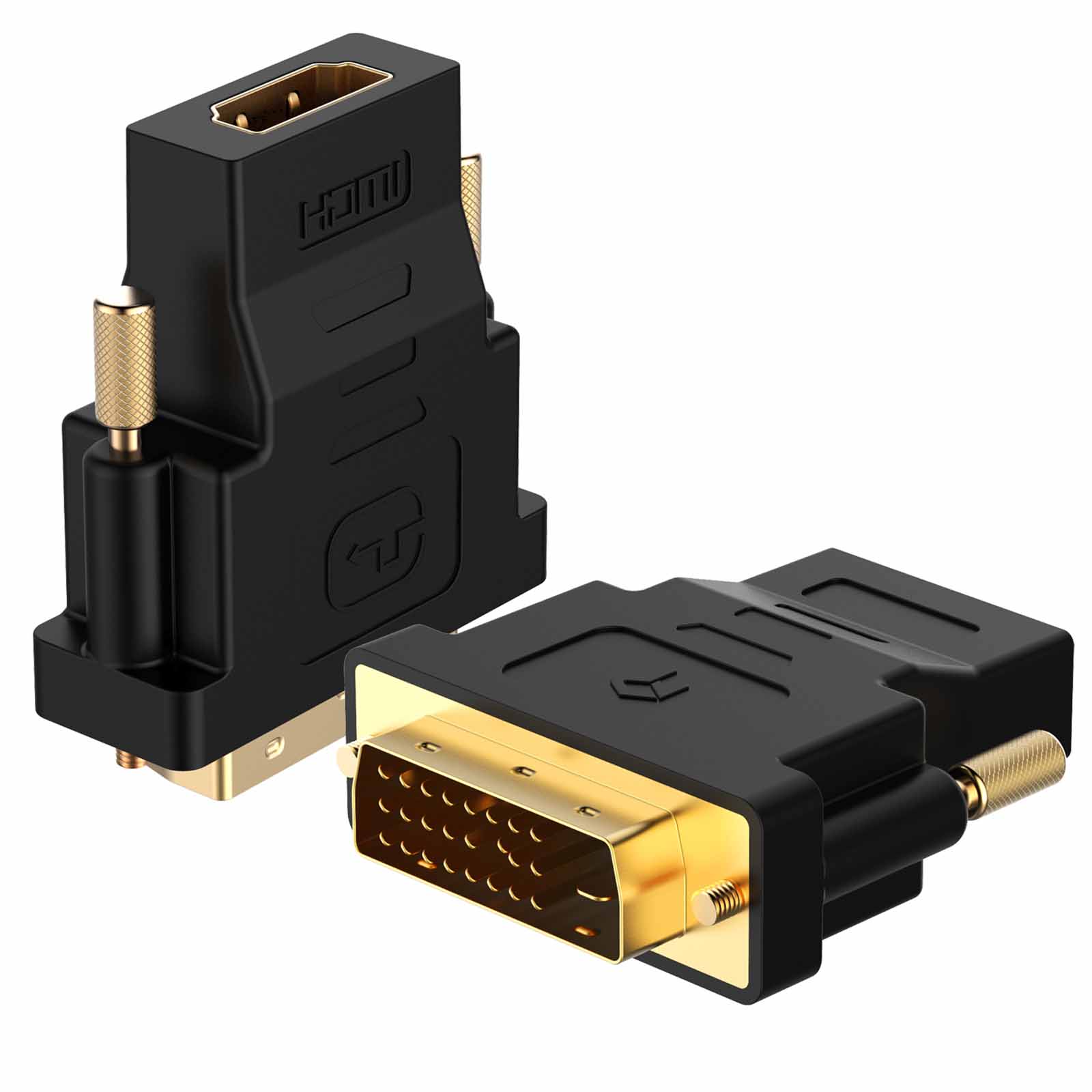
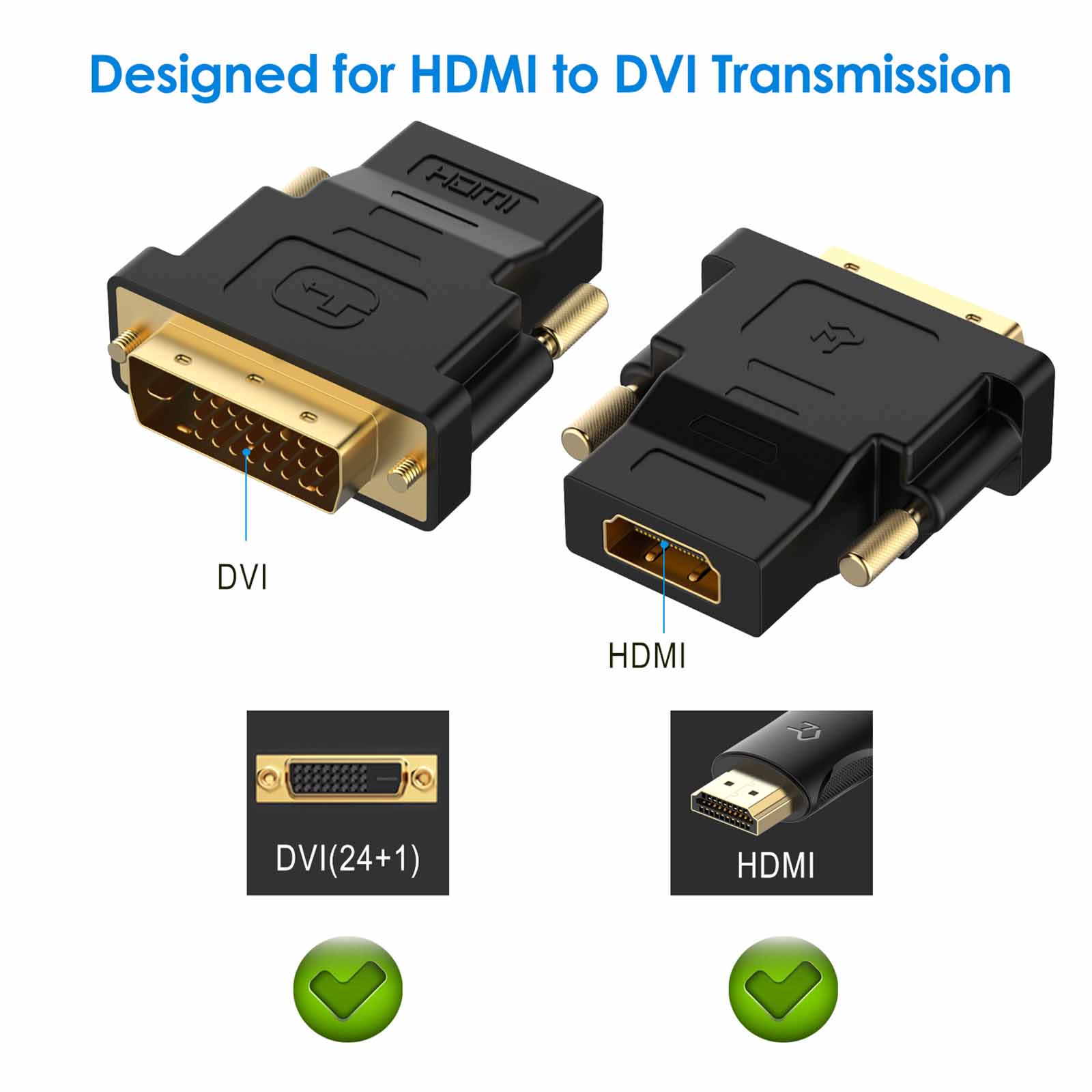
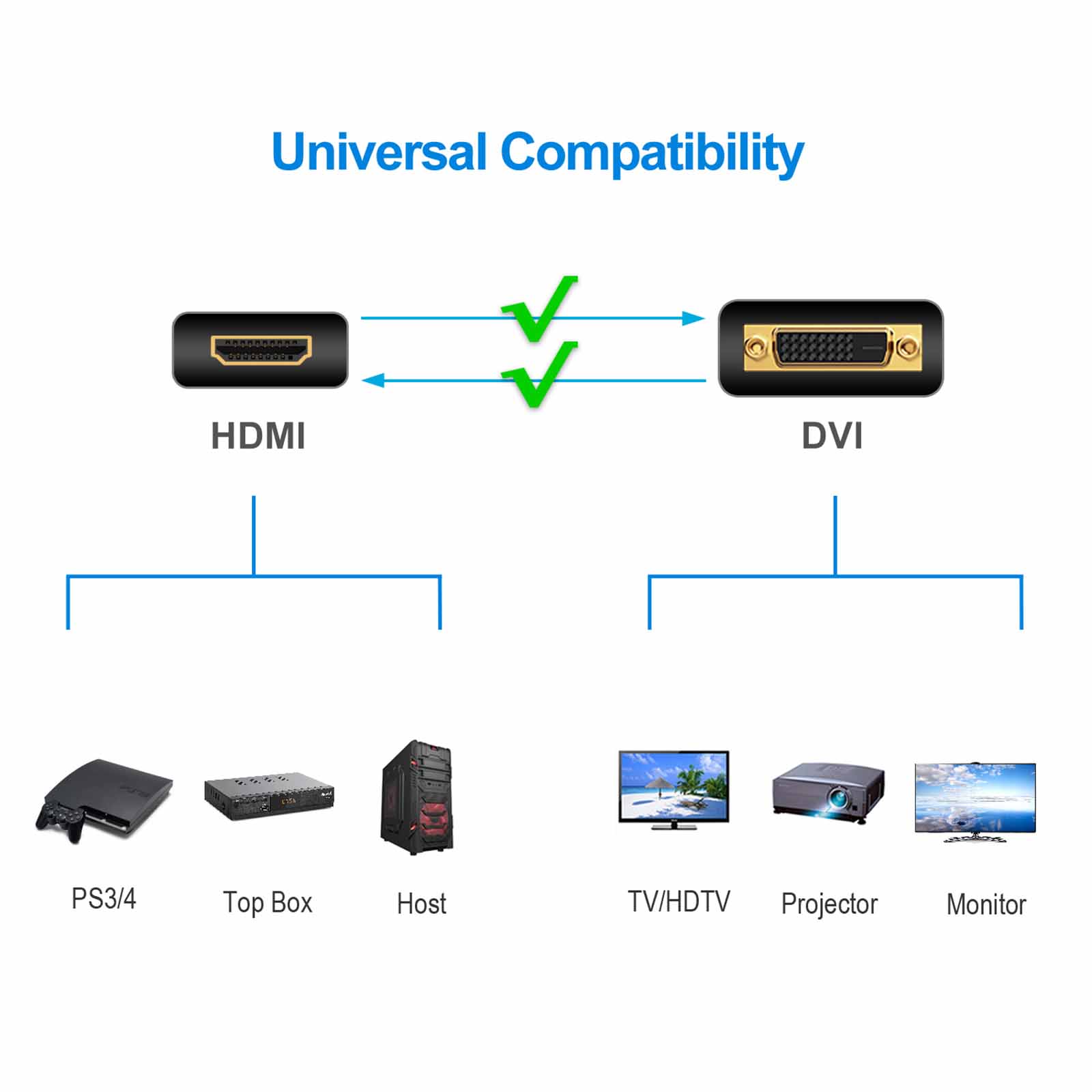
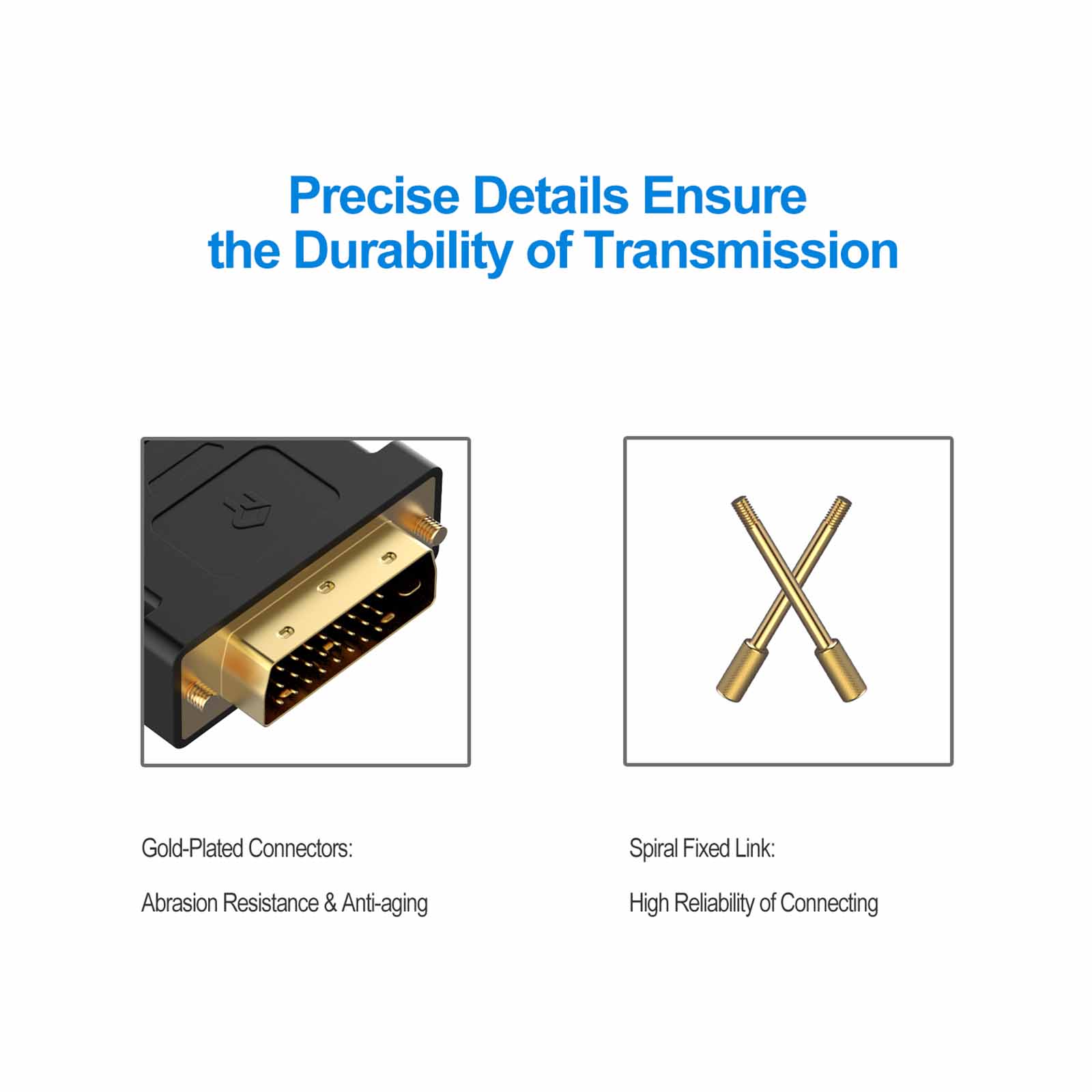
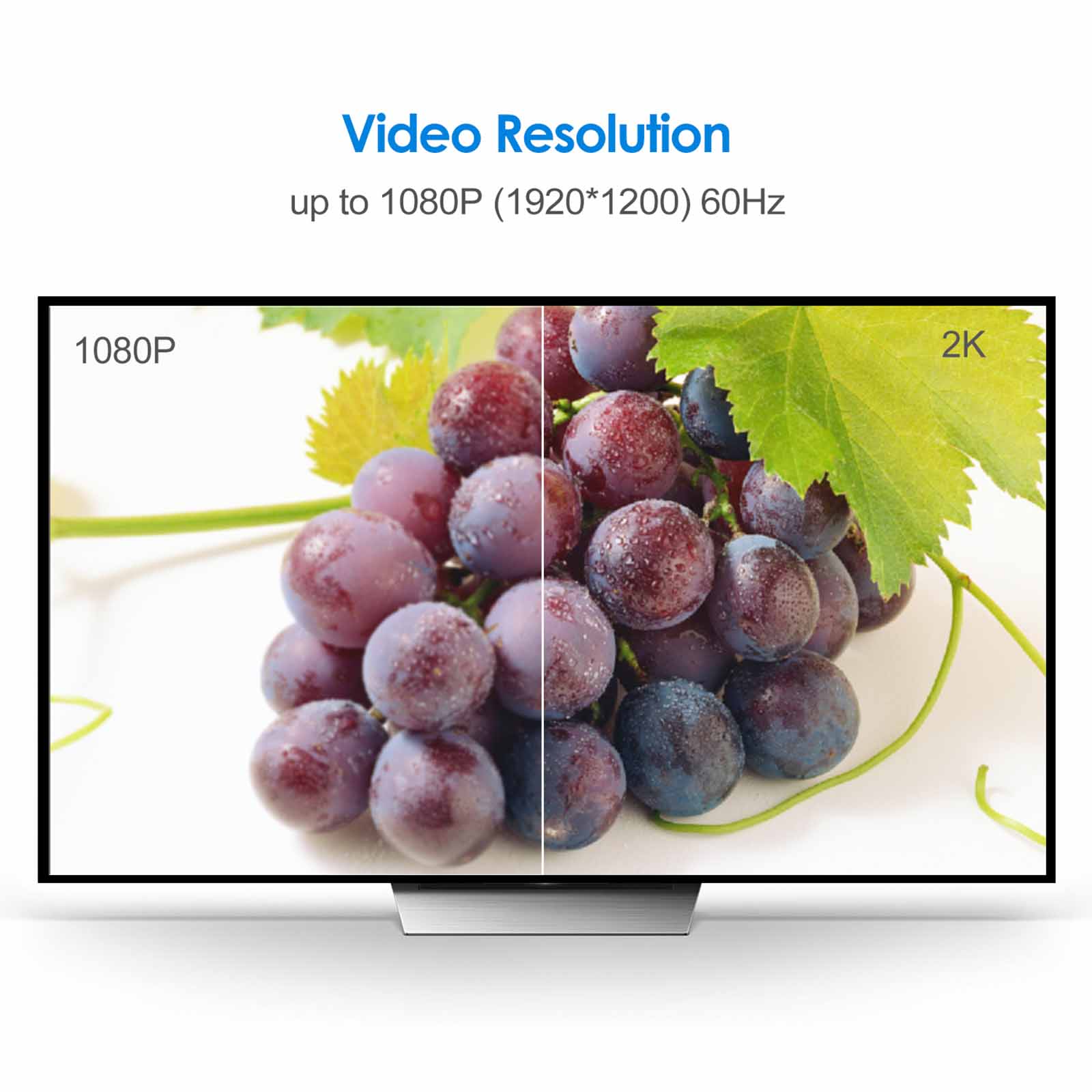
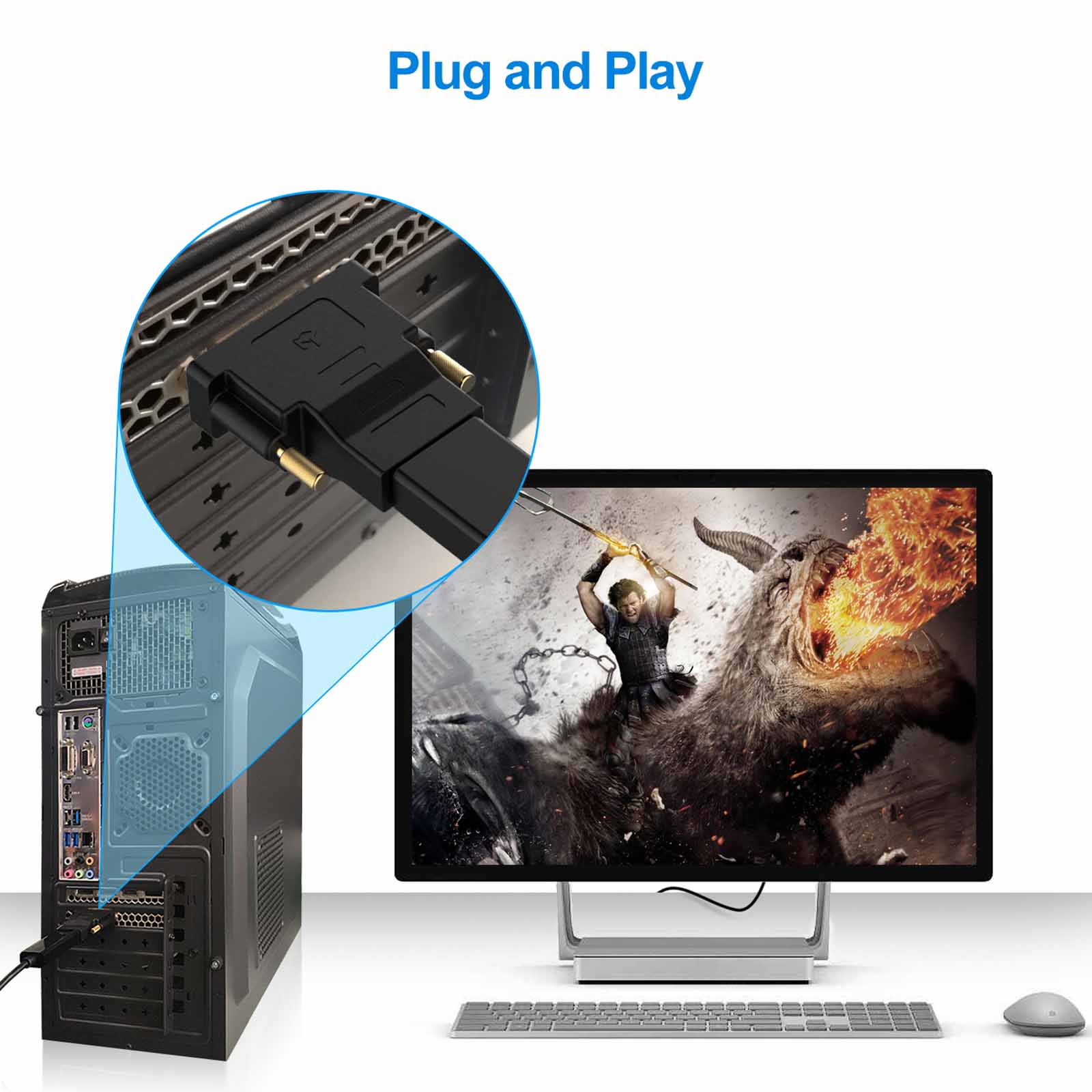
Rankie Adapter DVI to HDMI, Gold-Plated 1080P Male to Female Converter, 2-Pack, Black
$11.99
In stock
1321 reviews for Rankie Adapter DVI to HDMI, Gold-Plated 1080P Male to Female Converter, 2-Pack, Black
Related products
-
Rankie DisplayPort (DP) to HDMI Cable, 4K Resolution Ready
Price range: $13.99 through $16.99 -
Rankie Mini DisplayPort (Mini DP) to DVI Cable, Thunderbolt Port Compatible, Gold Plated
Price range: $11.99 through $13.99 -
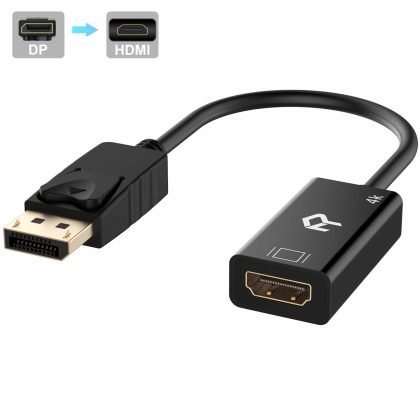
Rankie DisplayPort (DP) to HDMI Adapter, 4K Resolution Ready Converter with Audio (Black)
$12.99
Luc Cadorette –
Works great
Welsh Dragon –
This is a great adapter. Easy to install and use. No issues and great value. Would definitely buy again.
Ronald E. Richardson –
Works great
CSP4513 –
I think I had done a review on these when I first got them. and it’s true. These are excellent adapters. I also at the time I ordered these. ordered a set from E-Bay that was cheaper. The cheaper set work fine. but I found that the cheaper set does not work on my ACER monitor (photo). I would give these five stars. except for the fact that they can be a real pain to tighten down. Those little screws they have are pretty. Too bad they aren’t slotted so you can tighten them down with a small screwdriver. I almost had to go find a kid with tiny fingers to do it. because I was having a hecka’ time getting them tight!!.. But I got it done. Finger tips were a bit sore. but at any rate. The cheaper set I bought would’nt work on the ACER monitor. They worked on everything else. but not the ACER. These worked perfect on all the equipment. no problemo. Um. can you guys consider changing the tie-down pins to accept a small screwdriver. I hope I don’t have to unscrew them. because they were terrorizing my fingertips! ! :-).. Great product!. OK price.
Sandra Sutherland –
It’s an adapter. it works.
Abe Borro –
Like
Tony Catastrophe –
Works!
BB –
Very pleased with the quality. price. and shipping. Highly recommend
Z. Liu –
Quality of material is good. Price is very fair too when it compares to retail store.
Howard Chen –
Very good quality and works very well.
COTE –
Its quite simple. metal pins. plastic casing. Hard to go wrong with that. It works. small pins on sides could have flat head to insert a screw driver to ease removal.
T&K –
Works perfectly! Hooked up my desktop to my smart TV.
Bob Miller –
Just what I needed to get my second monitor on line.
S.O.N.O. –
It’s been 2 months now with the Rankie DVI to HDMI adapter and what can I say – it just works!! Compatibility has been great. I’ve tested it on various monitors from Asus. MSI and Viewsonic. I’ve tested it on various TVs as well such as LG OLED. LG Nanocell and Samsung QLED TVs..My current setup is an old desktop running Linux Mint 20 connected to a LG OLED C8. The adapter connects firmly to the HDMI cable..One thing to note as others have already mentioned is the gold screw in pins are rather narrow. making them quite difficult to screw in by hand. Not a deal breaker but an inconvenience. In my picture. on the left is the Rankie adapter. Notice the size difference of the gold screw pins in comparison to the various other DVI cables I happen to have. This is definitely and area for improvement on future iterations if Rankie were to update this adapter..But for my needs. I simply needed an adapter that worked at an affordable price. And if I ever needed to disconnect the cable. I would simply leave the adapter connected to my desktop and only disconnect the hdmi cable on/off as needed.
martyn –
Good price
Robert L. Minerich –
This is the answer if you have your HDMI slots full on video card.
D.Hoffman –
Plug and play. no additional tinkering needed. Completely satisfied.
Andrew Conroy –
Simple to install and fits as expected
James Pierce –
Not much to say that they work
Adam –
Bon produit recommande