

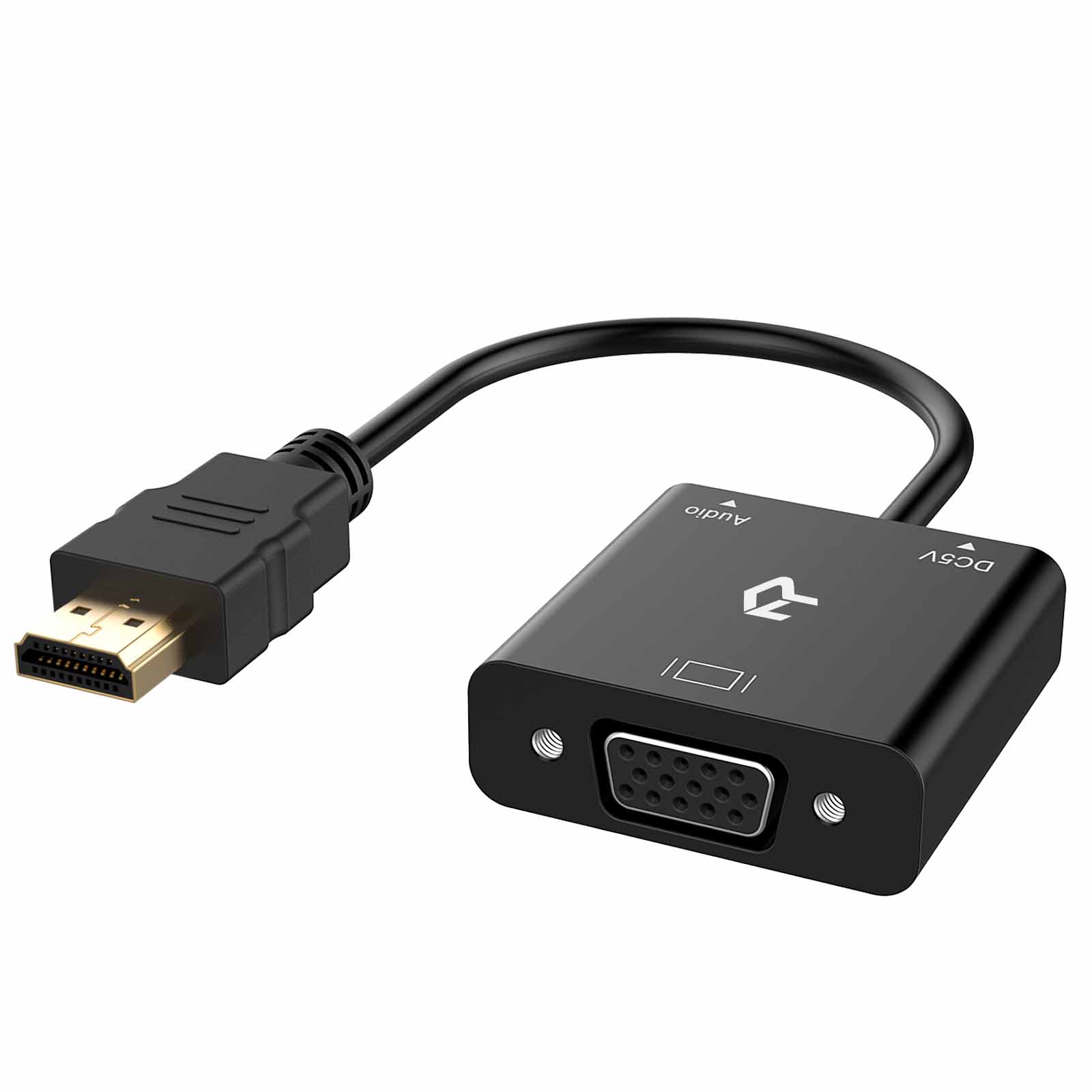
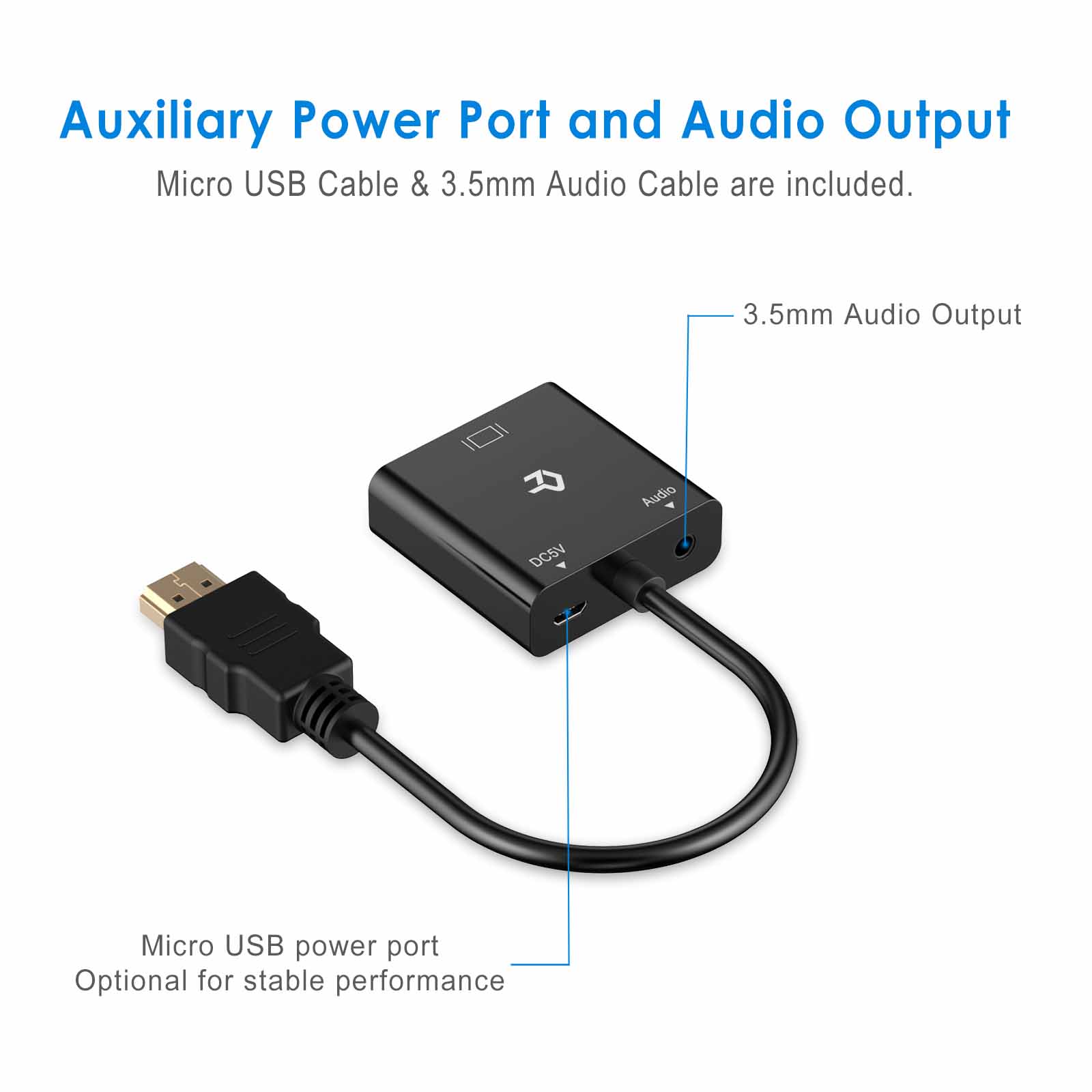
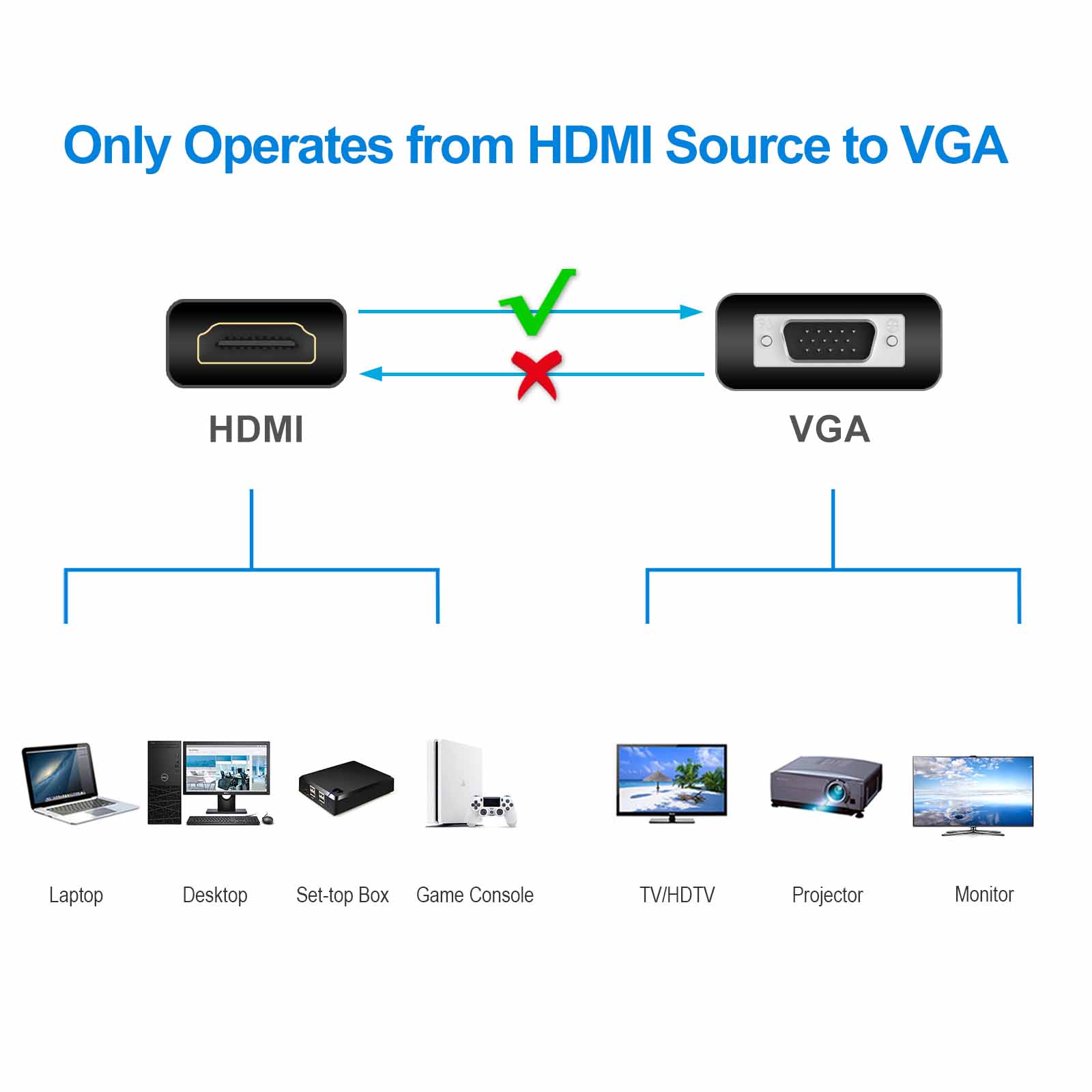
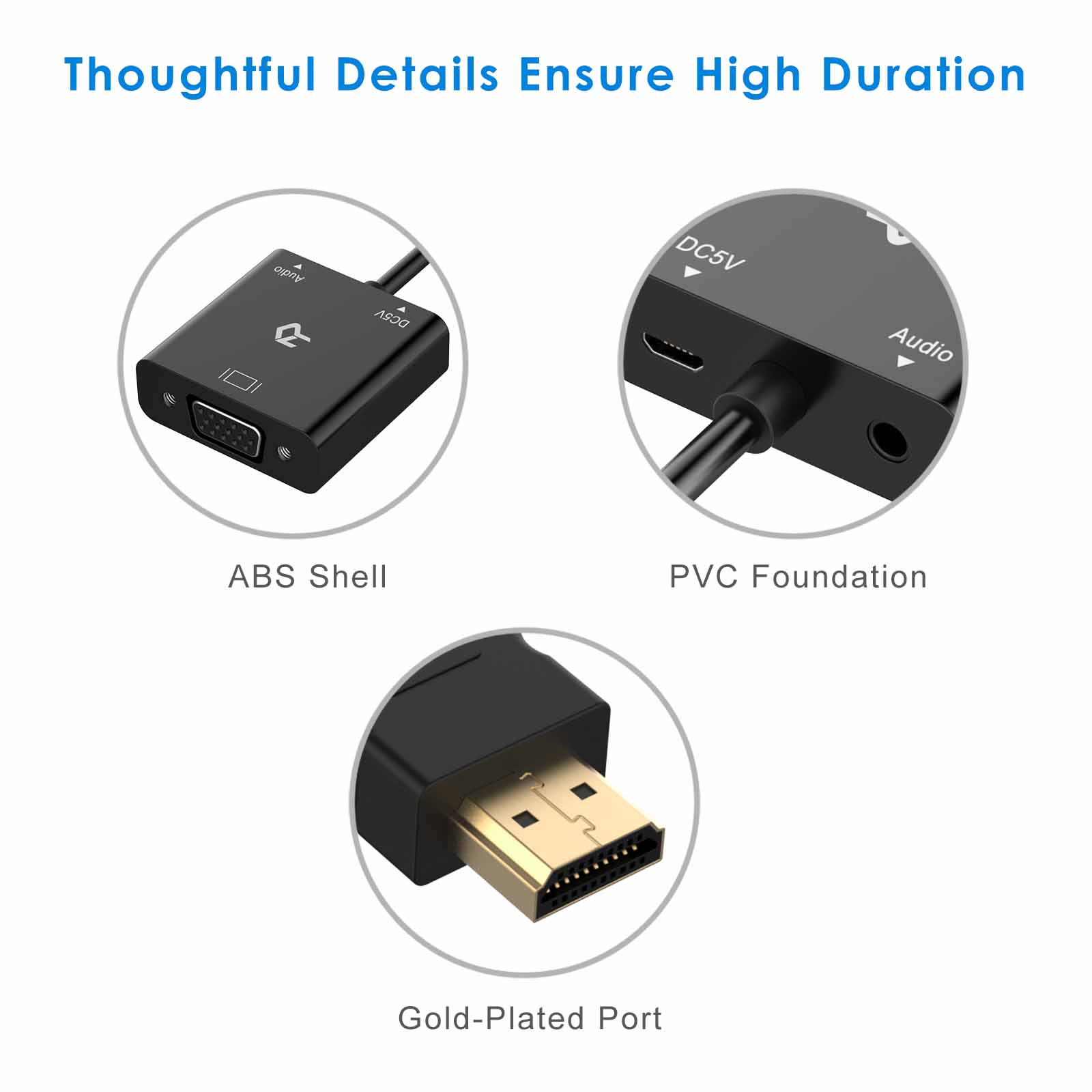
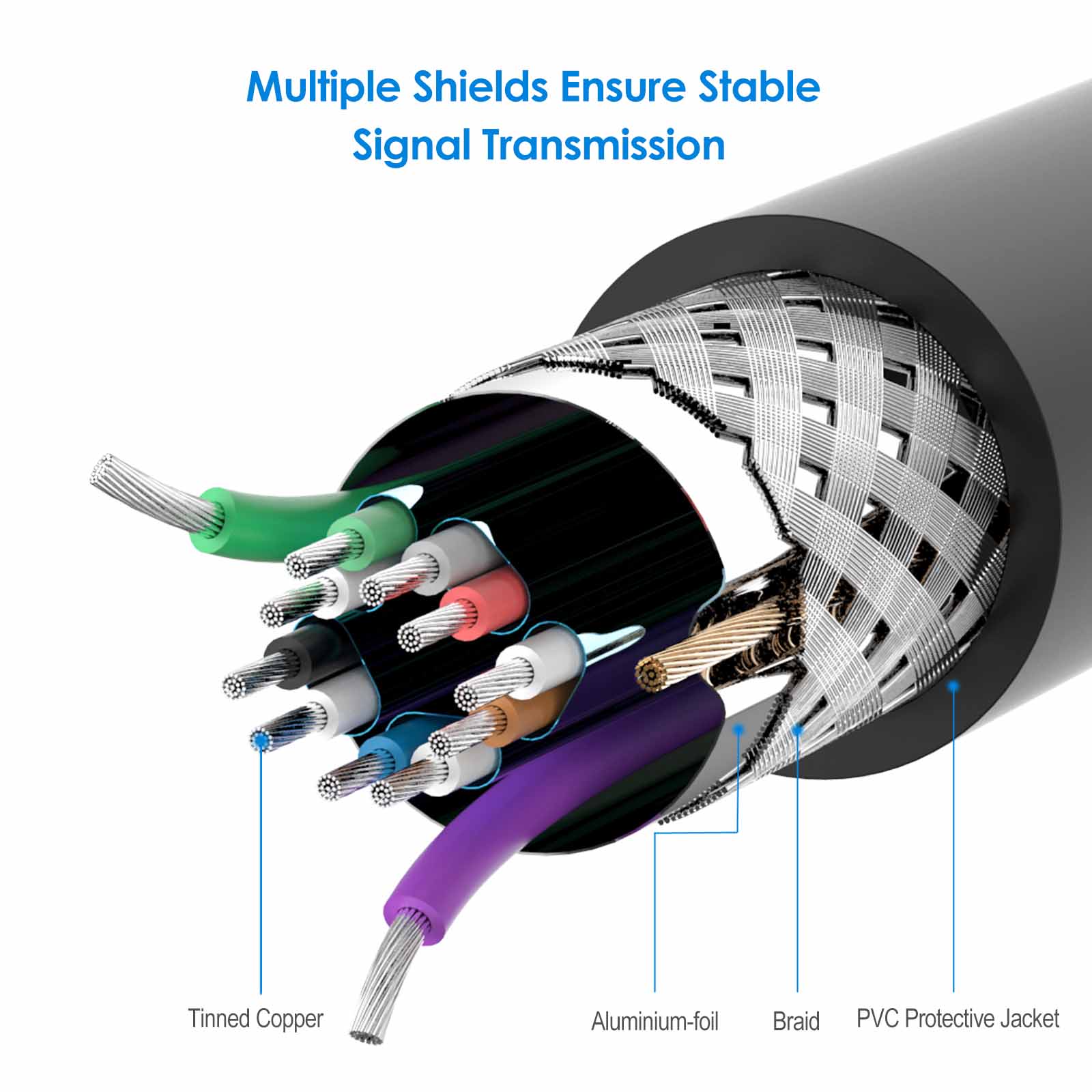
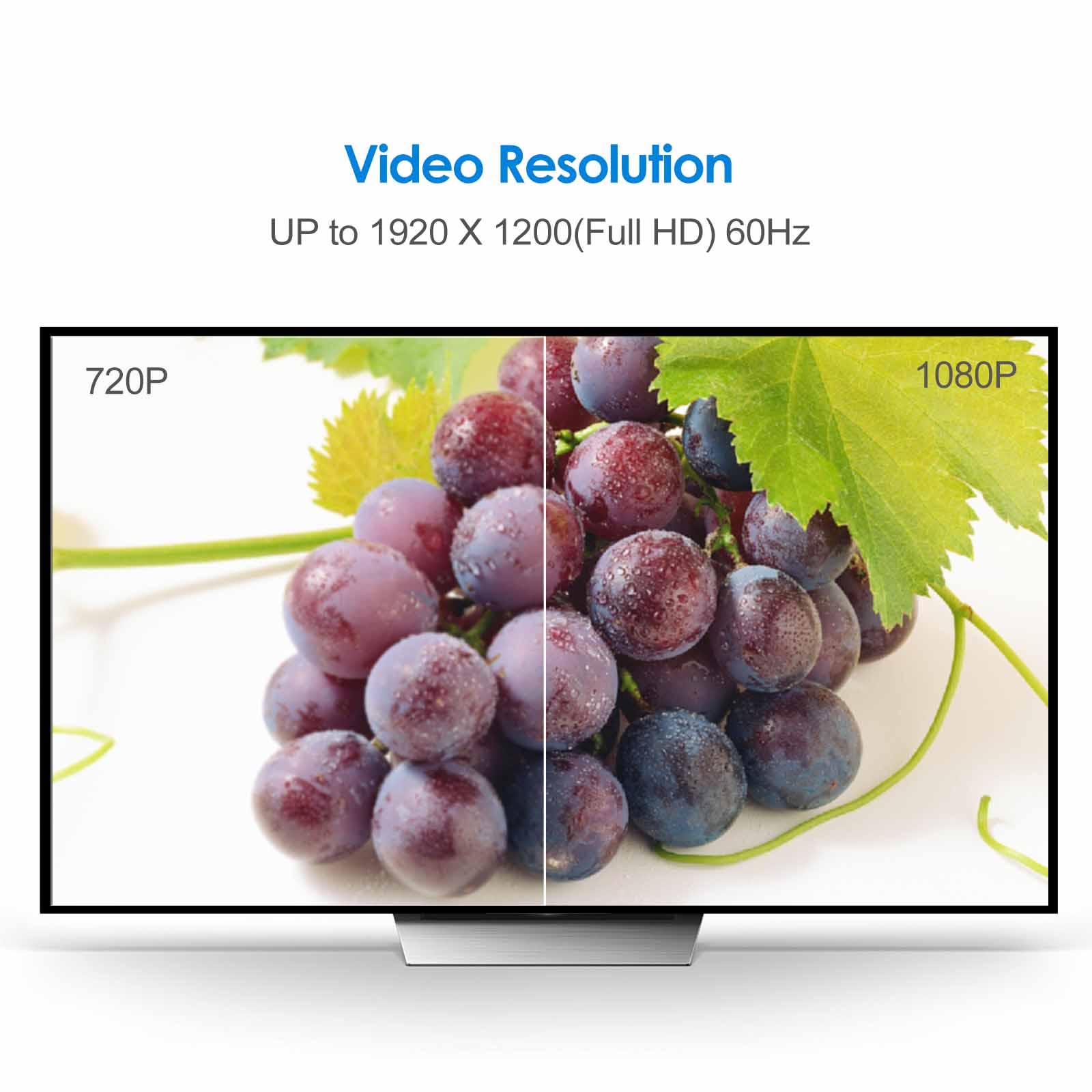
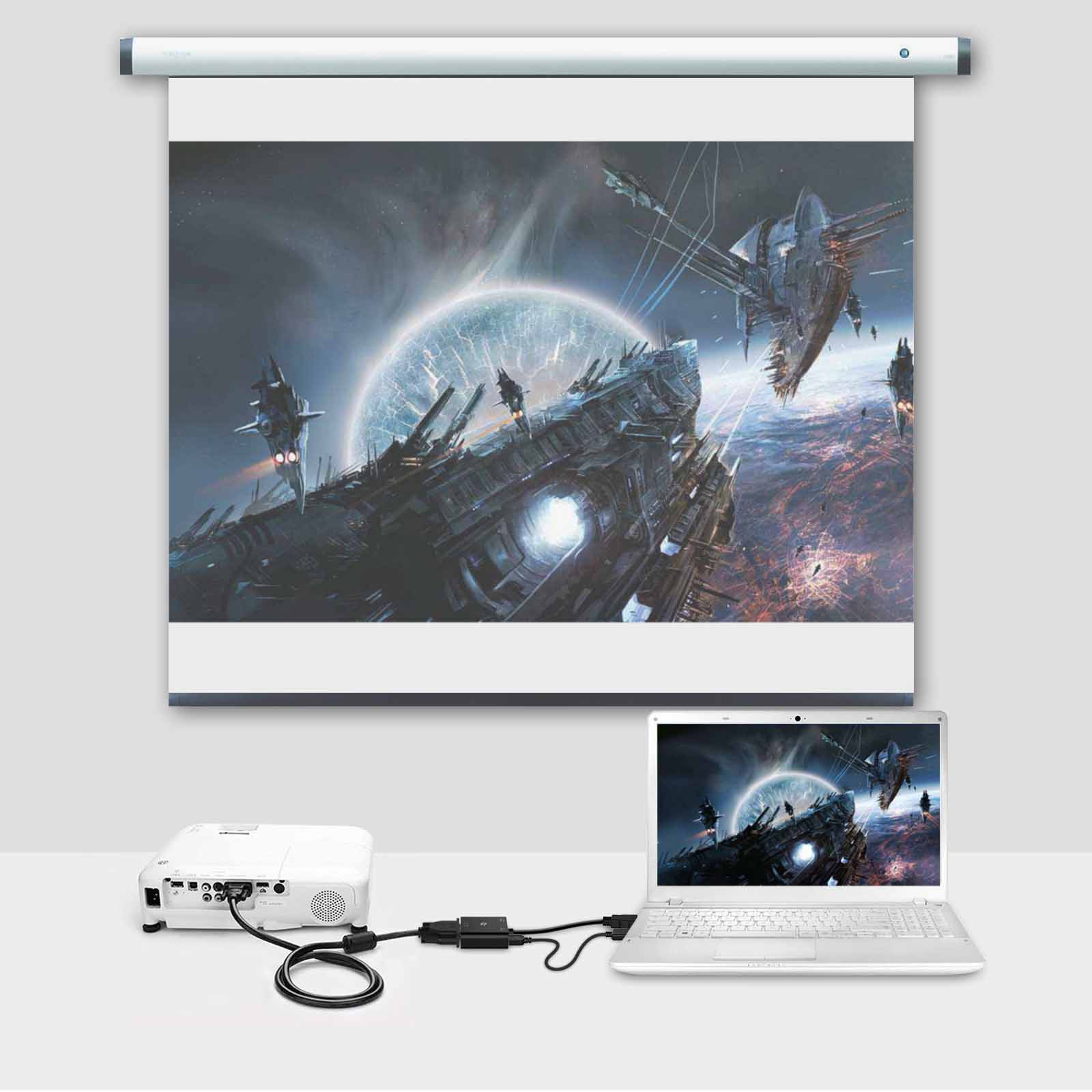
Rankie 1080P Active HDTV HDMI to VGA Adapter (Male to Female) Converter with Audio for PC, Monitor, Projector, HDTV, Xbox and more
$11.99
Out of stock
1697 reviews for Rankie 1080P Active HDTV HDMI to VGA Adapter (Male to Female) Converter with Audio for PC, Monitor, Projector, HDTV, Xbox and more
Related products
-
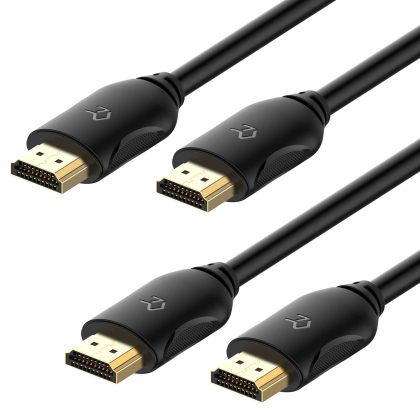
Rankie HDMI Cable, High-Speed HDTV Cable, Supports Ethernet, 3D, 4K and Audio Return, 2 Pack, 6ft
$11.99 -
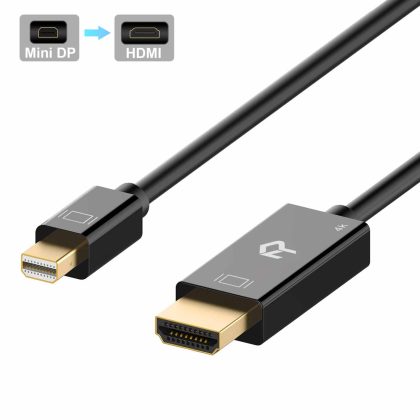
Rankie Mini DisplayPort (Mini DP) to HDMI Cable, 4K Ready
Price range: $12.99 through $16.99 -
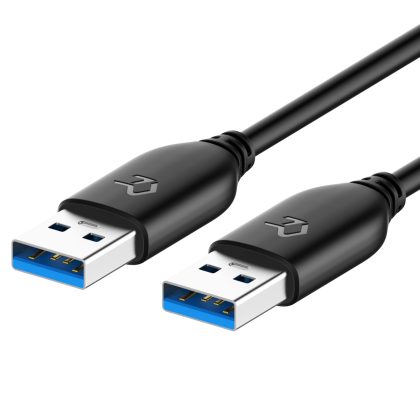
Rankie USB 3.0 Cable, Type A to Type A, 1-Pack
$11.99
G. Morrison –
Works with Blu-Ray player–even without micro-USB power. Works fine with other devices. Key: You may have to change a setting of your Blu-Ray player (given configuring with an HDMI-equipped TV or monitor).: I changed my resolution from "Default" to 720P. Signal finally came through. Have an old E-Machines 22" monitor (probably LCD) with merely VGA. Also works with A/D TV converters/tuners. This solves the problem of HDMI to VGA signal conversion very expertly.
John Raile –
Works fine with my Raspberry PI allowing a PC monitor to be fed from HDMI on the PI.
Kenneth W. Obrien –
Worked well but required USB power connection to work.
Austin –
Came before the shipping date seems to be pretty good quality does exactly what I need it to. I would buy again if needed
Scott Akonom –
Built my dad a Ryzen 2400G micro-ITX build and needed VGA for one of his older monitors.. Have this HDMI to VGA adapter connected as well as a HDMI to DVI adapter running in dual display. I can’t believe how well it works works perfect even properly displays the POST/UEFI. Detects and runs proper resolution and refresh rate and displays color properly no different than connected to a VGA port no issues at all. It worked fine without any additional power cable.
Alexandra Espitia –
Works just as expected
AT –
Excellent works perfectly.
AT –
Exactly what we were looking for.
RAJA JESWANTH –
My projector’s HDMI input recently got fried so I had two choices. Either buy a new projector or use the VGA port on my projector with my XBox. I was hesitant to use the VGA port since I wasnt sure if the picture quality would be compromised. But I wanted to give it a try so I bought this adapter to connect my XBox to the VGA port on my projector. I was surprised to see the results. The video/audio signal is as good as HDMI (if not the same). The 3.5mm output is a BIG plus for my home theatre. Would definitely recommend this product and will buy it again.
Warren W Hein –
Plugged in seamlessly to my new Dell laptop and a 25 inch monitor.
PS –
I bought two of these for my two workstations. One of the audio jacks doesn’t work that well. I have to fiddle with the earbuds connection. The other one works fine but I also had to buy new earbuds to make it work I guess I had old earbuds.
Deana Collins –
easy to use!
Alex –
great product good price fast shipping. thx
MargUcci –
Works like a CHARM!
Trevor G. –
Works great! I am using it with my work laptop. The laptop has a VGA connection and HDMI connection right next to each other. This adapter’s HDMI connector is slender enough to fit into the port with a VGA connected in the port next to it. I bought it for this purpose and it is perfect!
Ronald Ciecka –
Works great. No problems.
William Butler –
One of the best purchases I’ve made. I have a couple of 19" 720 P monitors. This plugs in and works just like a TV. Just add speakers and I was off and running.
zero2duo –
This adapter allows me to connect my HDMI only Toshiba laptop to my old VGA only monitor. I did not have to connect the USB power port to the adapter. One thing you have to be aware of is there is a 3.5mm audio jack on the adapter so Windows will automatically switch sound to the adapter; you have to go into Control Panel and change the primary sound back to the laptop speakers.
Pizza Man –
works as advertized
Venadt –
Works great and does not interfere with the wi-fi of my mbp.