

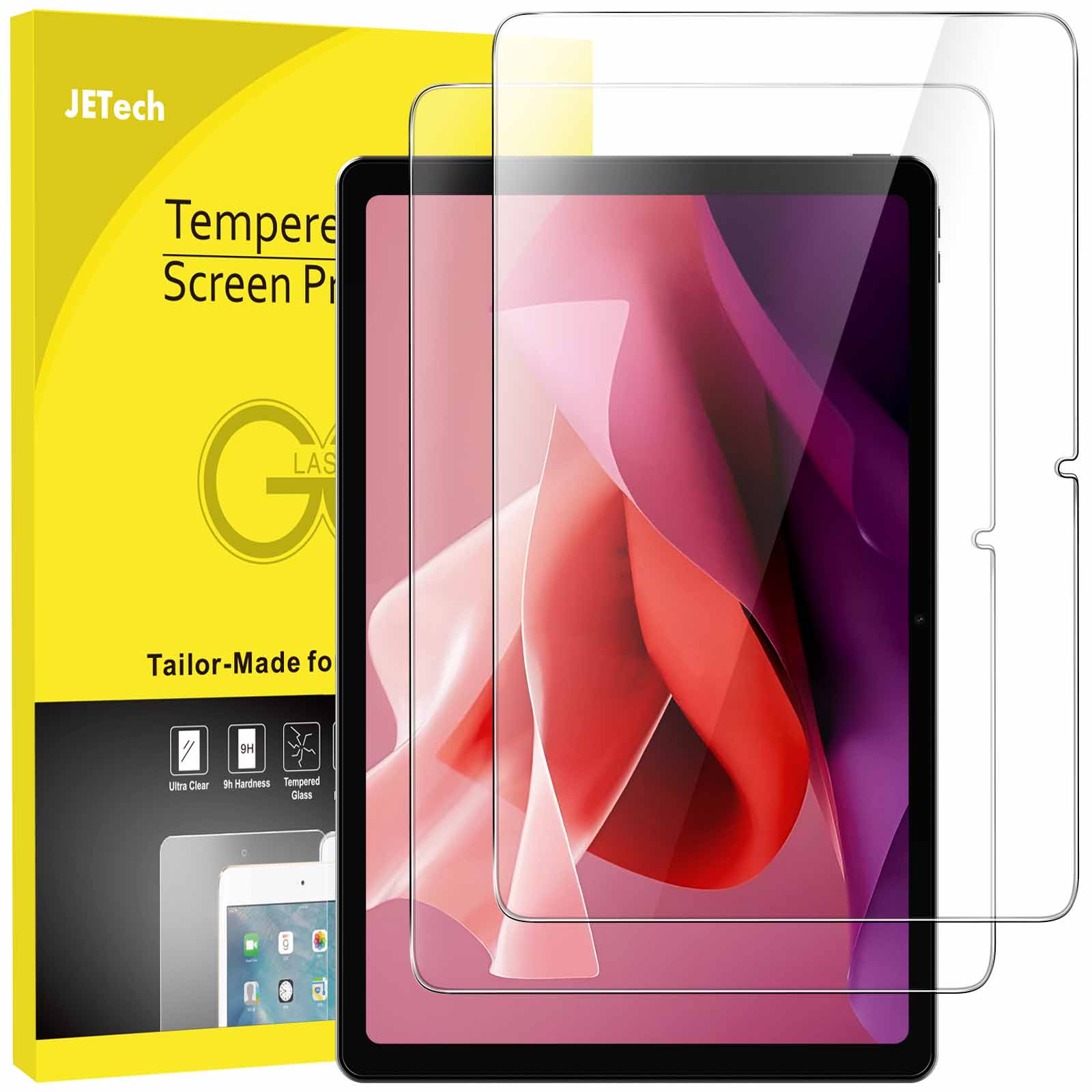
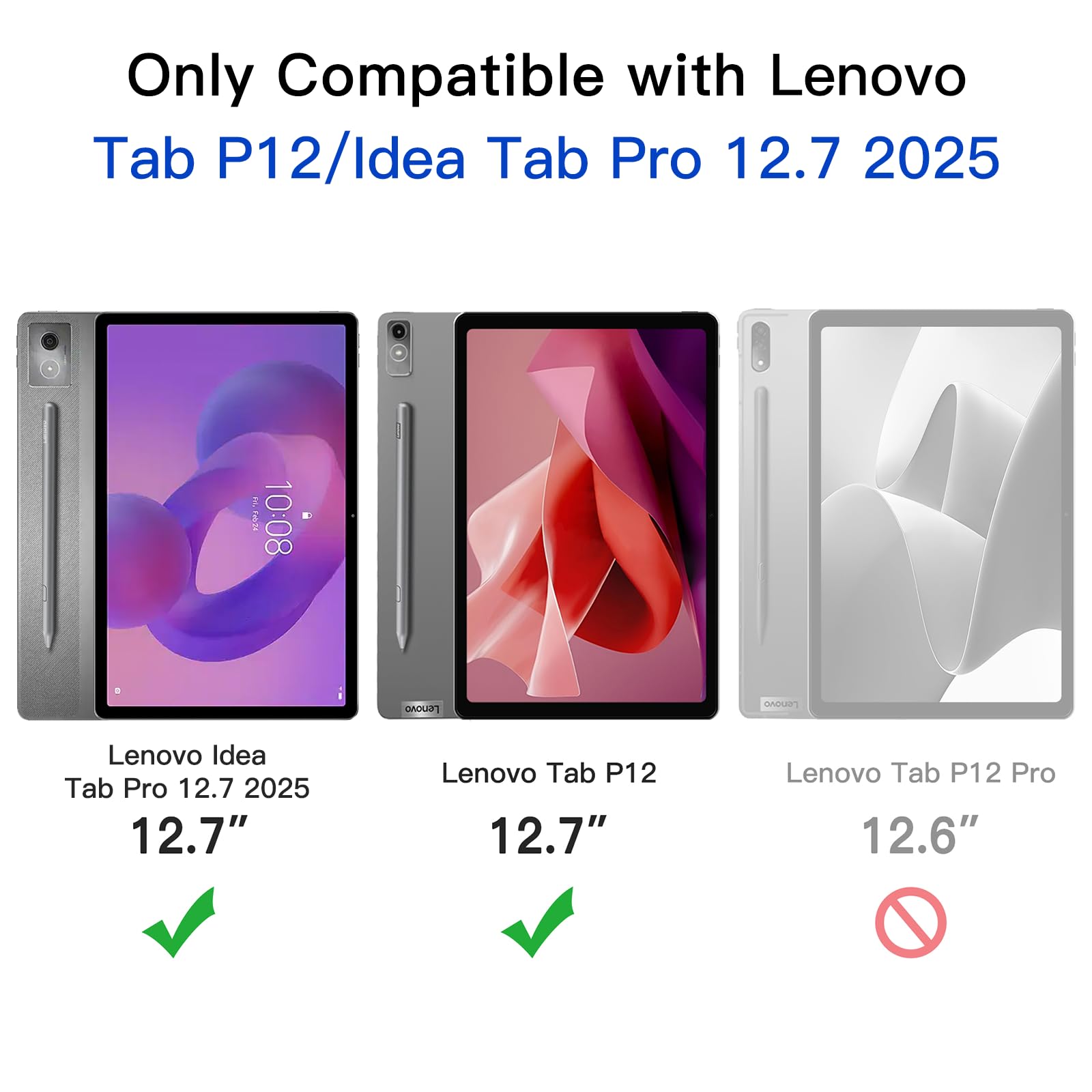

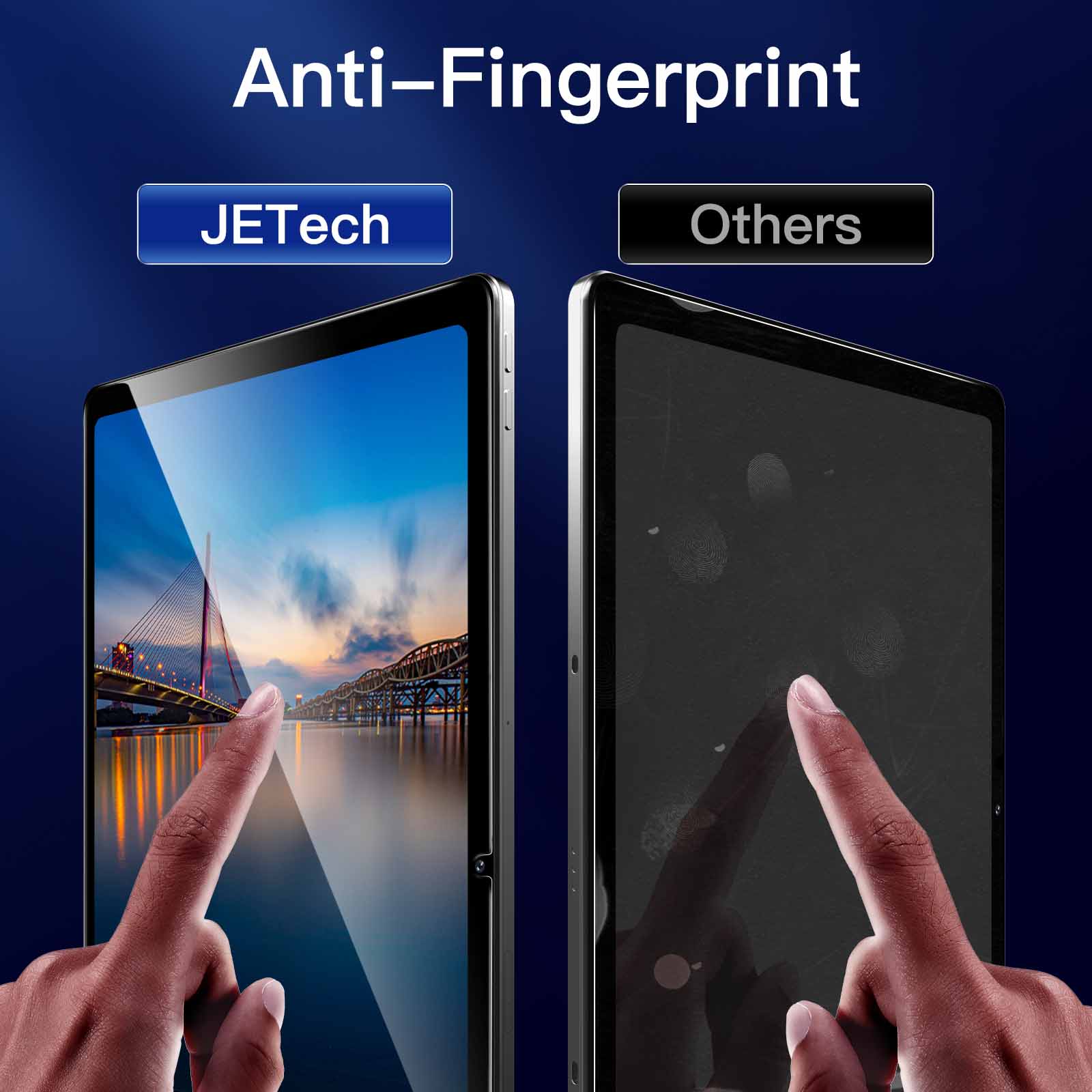
JETech Screen Protector for Lenovo Idea Tab Pro 2025 / Tab P12 2023 (12.7-Inch), 9H Tempered Glass Film, HD Clear, 2-Pack
$16.99
In stock
| Feature | Tempered Glass Film |
|---|
10 reviews for JETech Screen Protector for Lenovo Idea Tab Pro 2025 / Tab P12 2023 (12.7-Inch), 9H Tempered Glass Film, HD Clear, 2-Pack
Related products
-
JETech Screen Protector for Amazon Fire HD 8 (2018, 2017 and 2016 Model), Tempered Glass Film
$12.99 -
JETech Screen Protector for Surface Pro 7 Plus/Surface Pro 7 12.3-Inch, 9H Tempered Glass Film, Support Surface Pen, HD Clear, 2-Pack
$16.99 -
JETech Screen Protector for Nintendo Switch 2 2025, 9H Tempered Glass Film, Anti-Scratch, HD Clear, 2-Pack
$11.99
bmedicky –
Once the protector is properly installed. it looks great and you can’t see it’s there..I think the many comments saying it’s challenging to install are partly true… it definitely needs to be done carefully. The installation video is somewhat helpful but makes it seem nothing can go wrong during installation. which isn’t the case. It’s also true that the hinge stickers are a little weak. One of mine came off just as the last few inches of the protective film were peeling off. so only one of the two hinges was in place when the protector was laid down. That being said. the protector is fairly rigid for something so thin and it’s not impossible to put it in place with some or all of the stickers missing. Once I got it fully down. I had to lift a few corners to remove dust particles. but lifting and catching dust with the sticker was effective. The final result is 99.9% satisfactory: one single area in the extreme lower-left of the screen (over the bezel) has a tiny bubble in it. but all other bubbles that formed during installation were easily pressed out with the included card.
Kuma S. –
Correct size. 99% sticks to the tablet’s pane. odd bubbles. negligible. Instructions not clear. Better to clean the tablet screen. peel the protector. place it on the screen and let it stick on it’s own (give 20-30 seconds). after that use the card in the pack to push out the bubbles at the edge.
Richard N. –
Well. I get these for non intended use and place them on our sand blast cabinet windows. They help preventing the Windows from getting cloudy over use. At least they last much better than the polycarbonate windows. It’s an affordable way instead of replacing the whole windows..Granted you need to remove the panels and put them on from time to time..This is an upgrade over my previous setup which use a 11″ screen. this one is just bigger so I am not complaining.
Ido –
These screen protectors are great. The installation came out very precise and I have 0 bubbles. There were like a tiny bubble juat after installation but fortunately it’s gone..The screen protector itself is completely responsive and transparent. the lenovo tab pen works perfectly..I messed up the first installation. make sure when you use the dust remover sticker that you dont accidently land the sticker onto the screen protector itself. keep in on the screen..On the upside now I can defently confirm that the glass is strong.
Jeff –
All the kit and full instructions made fitting very easy. Let’s see how it stands up to use.
Belize –
Been pecking away at my P12 with the pen for a few months now and the screen still looks mint. Easy to clean as well.
MOM –
This can be used without any problems!
P H J –
A decent screen protector. I little difficult to put on because of the12.8 inch screen..Arrived very promptly and in excellent condition.
Kh. A B –
The stickers to be used for installation purpose are weak. Watch the instructions video multiple times to fully understand the process and then try.
T”mir –
Easiest protector I have ever installed on a phone or tablet. ever! Is also very sturdy and clear. and protects well.
Desi Leverett –
Glass was easy to lay on tablet. Smooth. no bubbles and works well. Maybe I’m just that good.
Denise –
Highly delighted and would definitely recommend
Subhajit Ghosh –
Perfectly fits edge to edge. Very sturdy shock proof. Value for money
J –
These screen protectors are good value for money and seem to do a good job protecting my tablet. The screen protector was unfortunately quite difficult to apply straight- I spent a good 10 minutes cleaning the screen and aligning everything with the little hinge stickers. only for the stickers to peel off when I tried to put the screen protector on. I ended up doing it manually after about 3 attempts to align the screen protector with the stickers and the stickers peeling off each time no matter how gentle I was. and unfortunately by this point there was a fair bit of dust and other small things on both the tablet screen and screen protector which does bug me a bit. I’m not sure if the difficulty was caused by weak or too small stickers or if it’s an inevitable issue with a device with a screen this big but overall once it’s applied it stays on and seems to do a good job protecting the screen.
Todd steeves –
Easy-to-install.It had a small amount of air bubbles that disappeared the next day ..Pen seems to work fine .
MrCustomer –
Wow! Easily the best. most forgiving experience applying a screen protector I’ve ever had. I put on a pair of nitrile gloves. cleaned the screen. removed the protector’s backing. and manually aligned the screen protector instead of the hinge sticker method since the P12 tablet was already in a protective case and I wanted it aligned to that. Pressing from the middle outward. the protector practically adhered itself with only a tiny nudge of encouragement. But… oh. no! I missed a spec of dust about an inch from the edge. making a tiny ring and drawing my eye intolerably. Since there was a backup. I decided to risk destroying an otherwise perfect installation and delicately lifted the corner and inserted the dust removal sticker first toward the protector. pressed down. and then lifted and flipped it toward the screen and pressed down again. Dust gone; protector re-adhered itself; flawless victory… Then I did it twice more on two other almost invisible little particles no one would ever care about. No problem. I’ve been using it a while now and it doesn’t distort the screen. change the touch sensitivity. or interfere with the pen in any way. Absolutely ideal product for the P12 tablet..If anyone is curious. I’m using the “DWaybox case for Lenovo Tab P12” available on . It works without any issues with this screen protector.
Shoaib –
Great workmanship – premium quality!
RS –
Mounting it is a bit of a trick but I managed to get it mounted without any dust or bubbles. The kit includes stickers that you are supposed to use as a hinge to align the screen. This technique does not work so well. I made sure that everything was cleaned up and I removed the backing and aligned the notch in the protector with the camera. I then used my fingers to keep the edge of the protector even with the edge of the screen and then dropped it down from there. Run your finger down the middle to get it to start adhering to the screen. If a bubble forms use the included card to work it to an edge. You might have to lift a corner to get bubbles out if you can’t work them out. It;s not a bad screen protector but I wish that they had included a alignment frame to make it easier to mount.
Moises –
Calidad y sencillez. instrucciones claras
A Real Customer –
I didn’t take a picture because it’s difficult to get a good look at a screen. but this fit perfectly the first try. I tried to use the guide and lift stickers. but it didn’t work great for me. They came off when I was peeling the film off. so I improvised after that. I just put it on with my hands and thankfully got it perfect. It adhered wonderfully to the screen. and all the air bubbles came out easily. I often have to try 2-3 times with screen protectors. but this went great.