
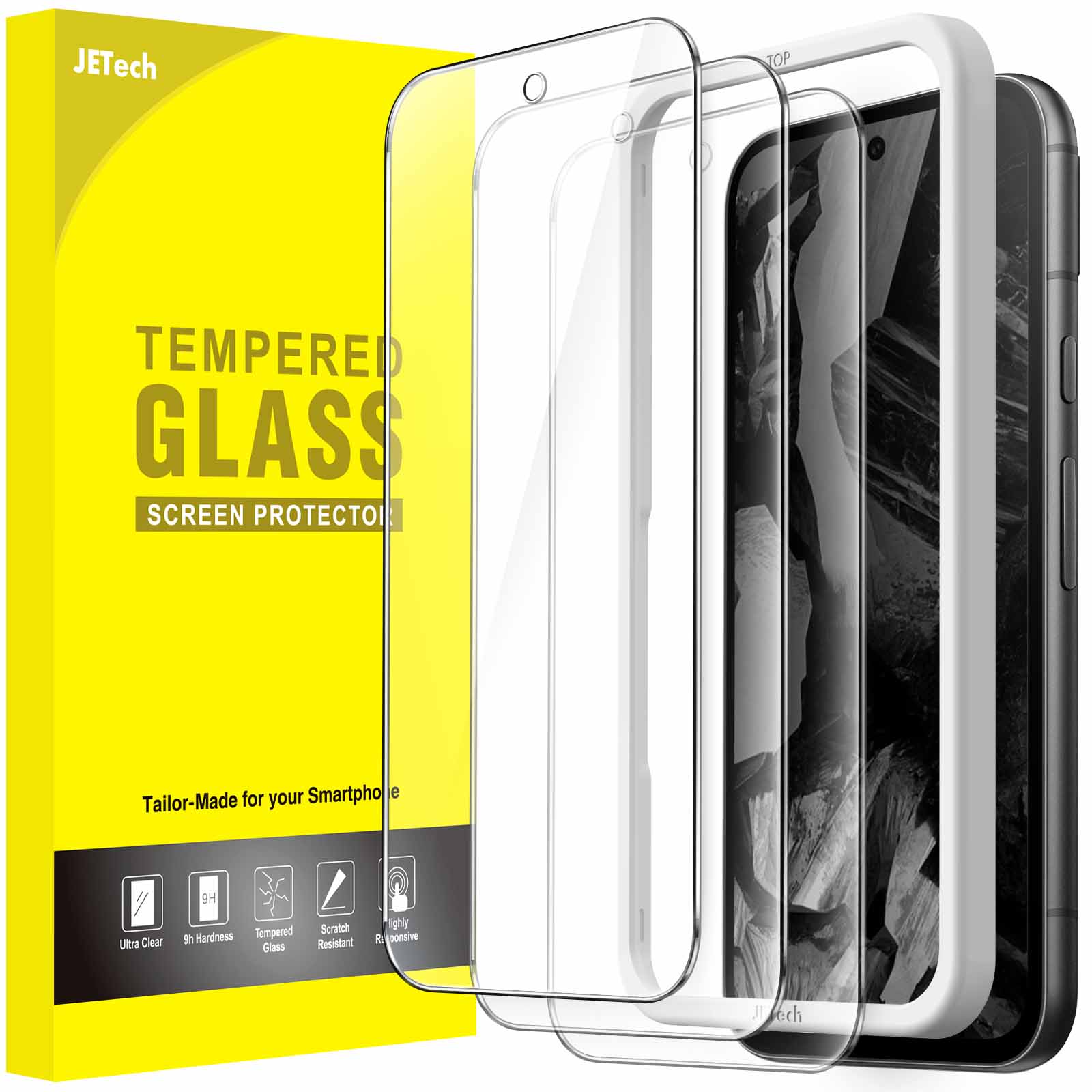
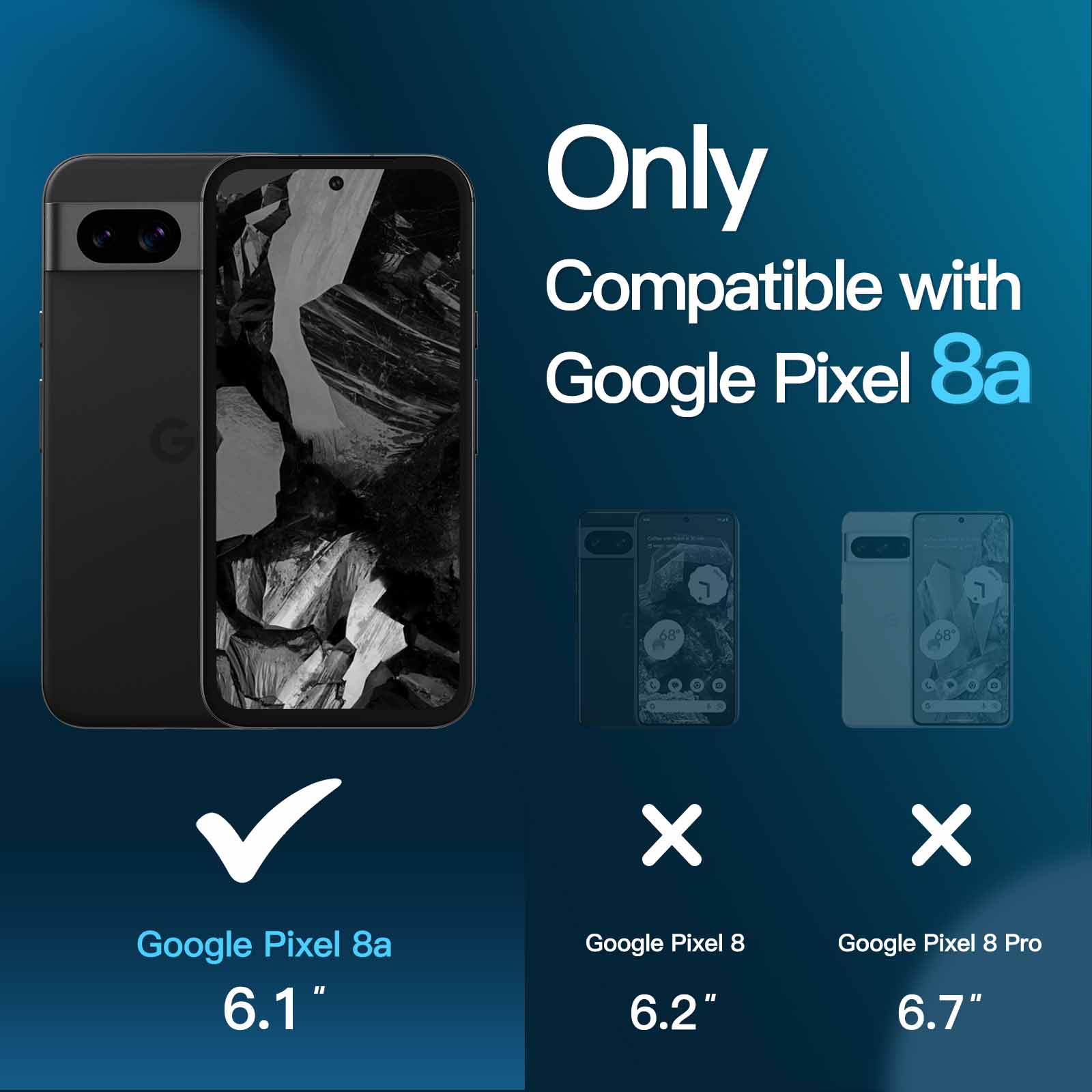
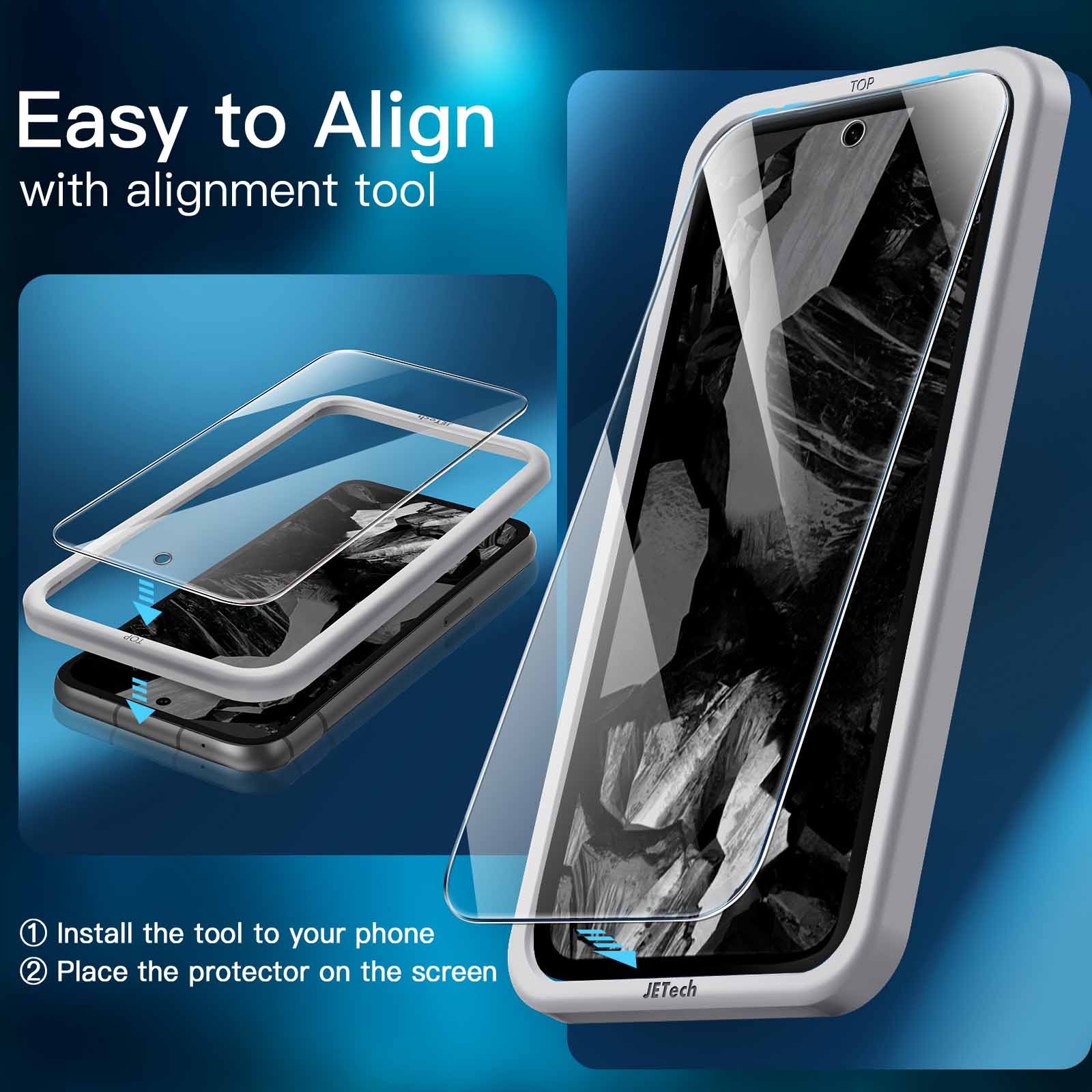
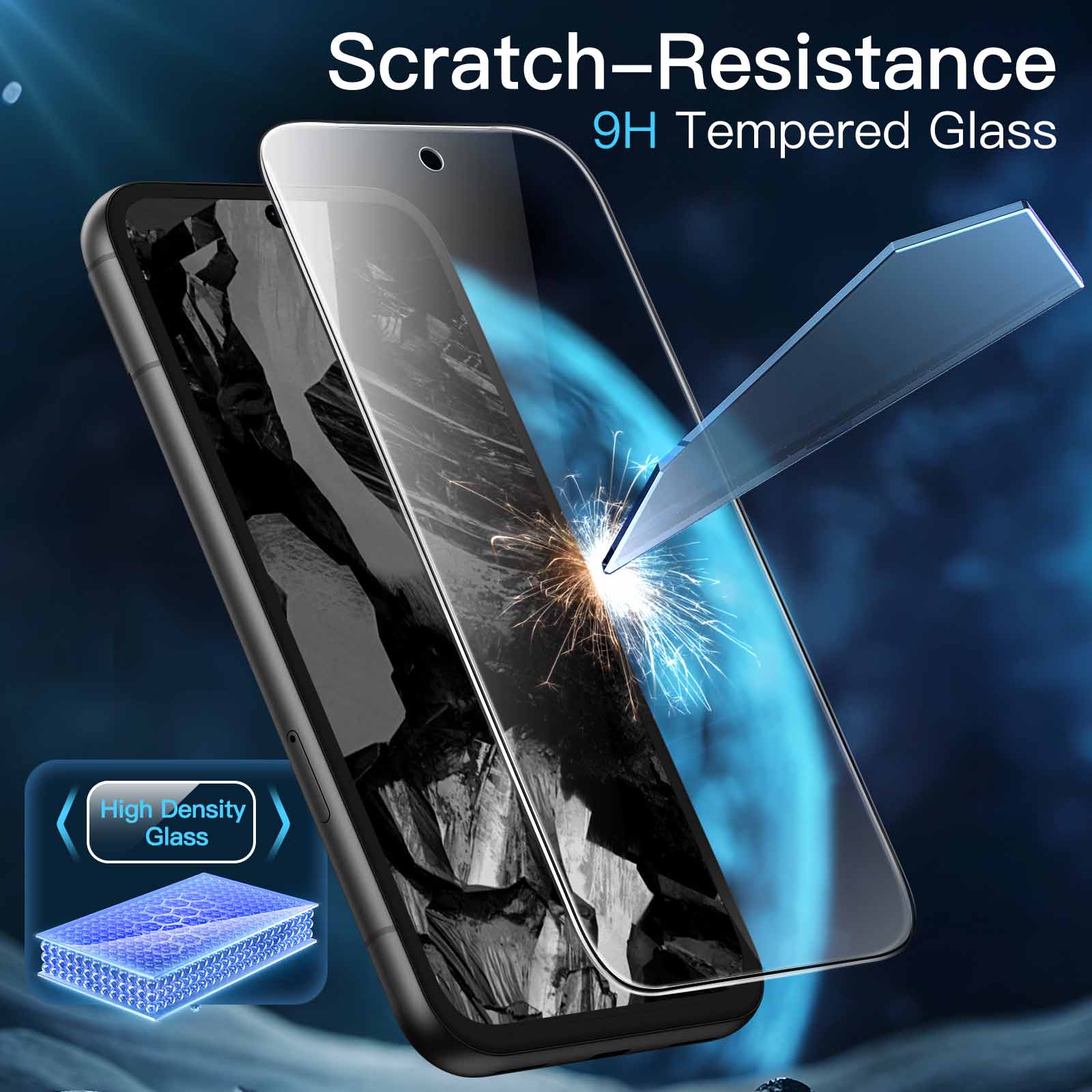
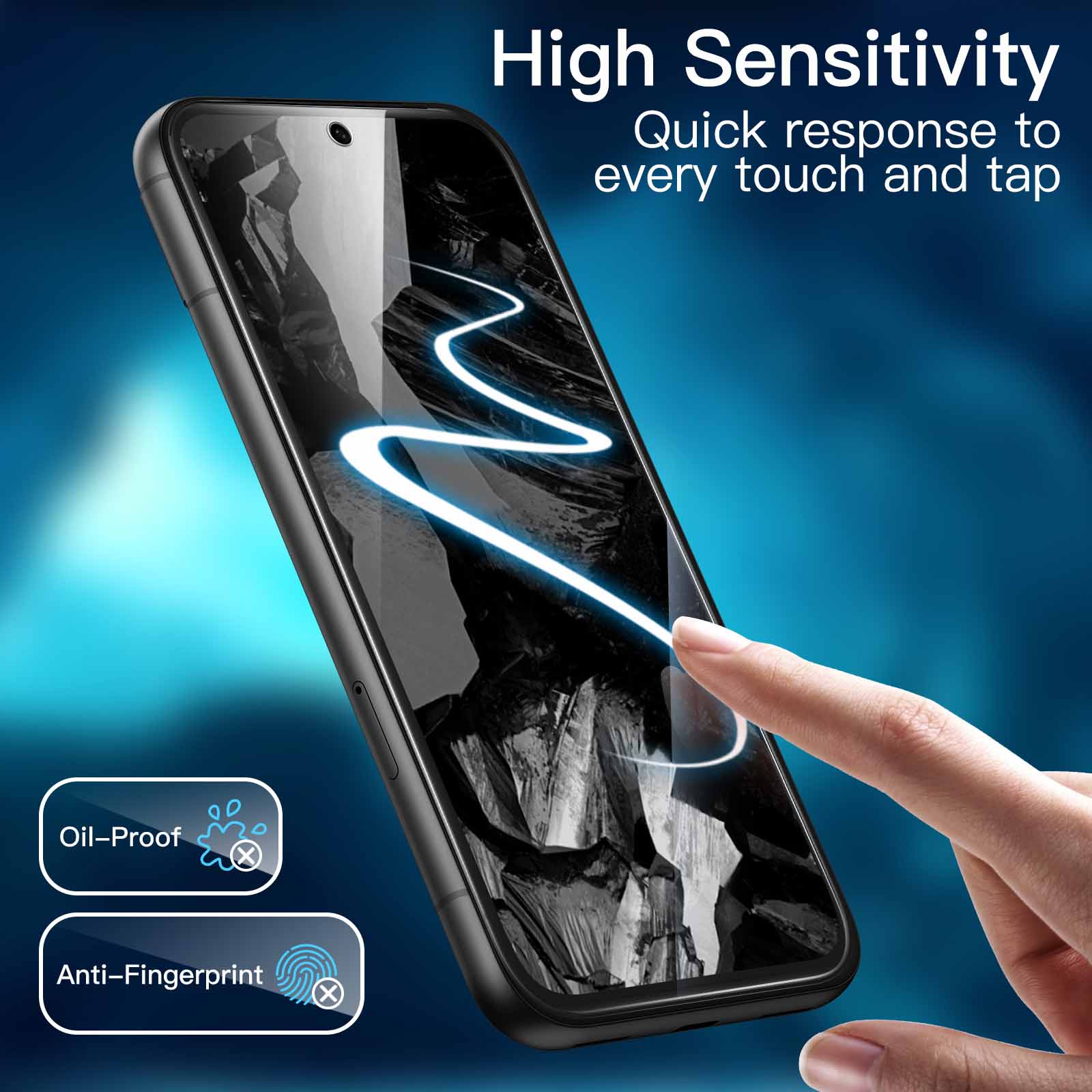
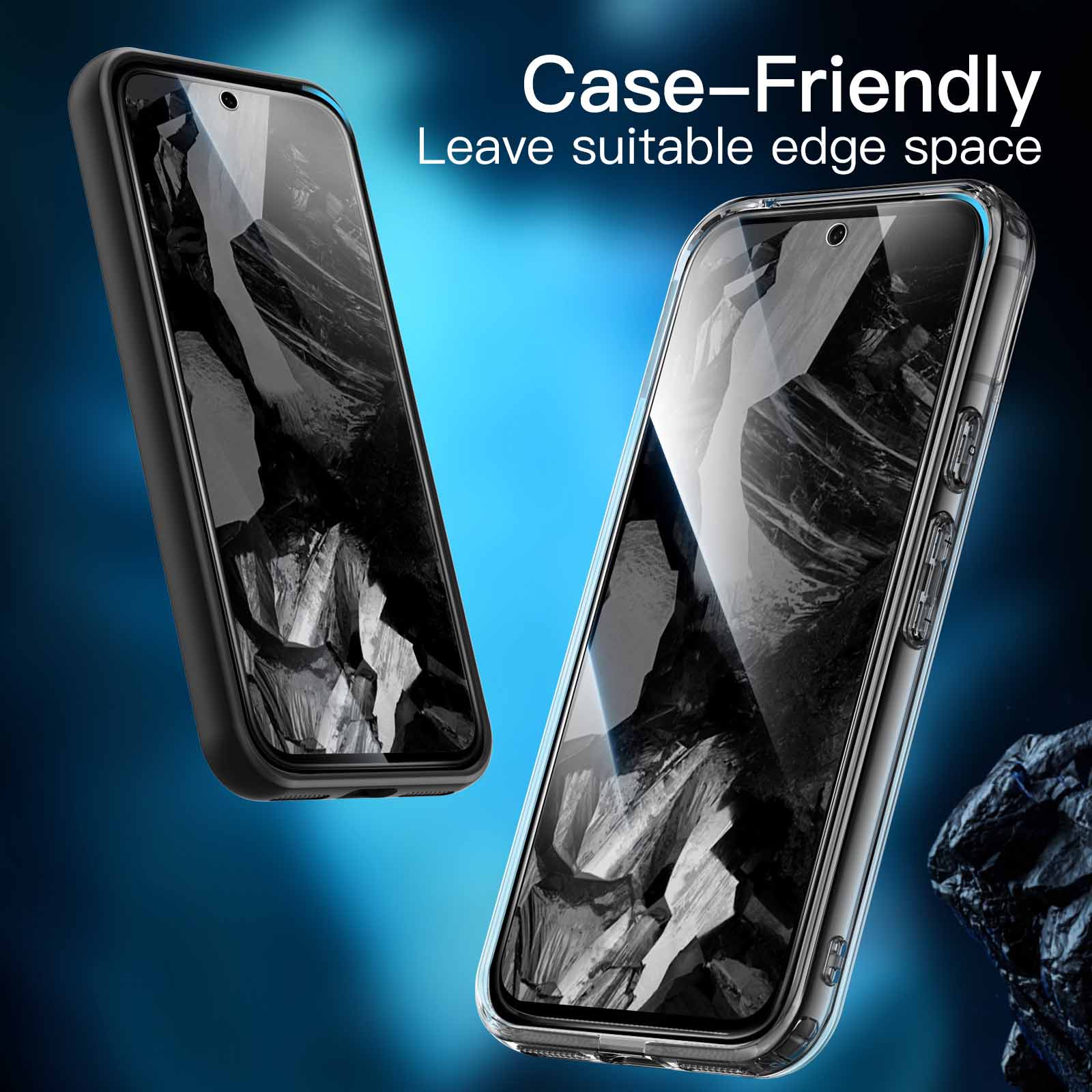
JETech Screen Protector for Google Pixel 8a 6.1-Inch, Tempered Glass Film with Easy Installation Tool, Fingerprint Compatible, HD Clear, 3-Pack
$10.99
In stock
| Feature | Tempered Glass Film |
|---|
83 reviews for JETech Screen Protector for Google Pixel 8a 6.1-Inch, Tempered Glass Film with Easy Installation Tool, Fingerprint Compatible, HD Clear, 3-Pack
Related products
-
JETech 2-Pack Screen Protector for Apple Watch 42mm Series 1 2 3, NOT Series 4/5, Tempered Glass
$9.99 -
JETech Screen Protector for Apple Watch Ultra 49mm, Full Coverage Tempered Glass, HD Clear, 3 Pack
$10.99 -
JETech Screen Protector for GoPro Hero 11/10/9 Black with Camera Lens Protector, Tempered Glass Film, Easy Installation, HD Clear, 3-Pack Each
$9.99
Mr. Alan Jenkins –
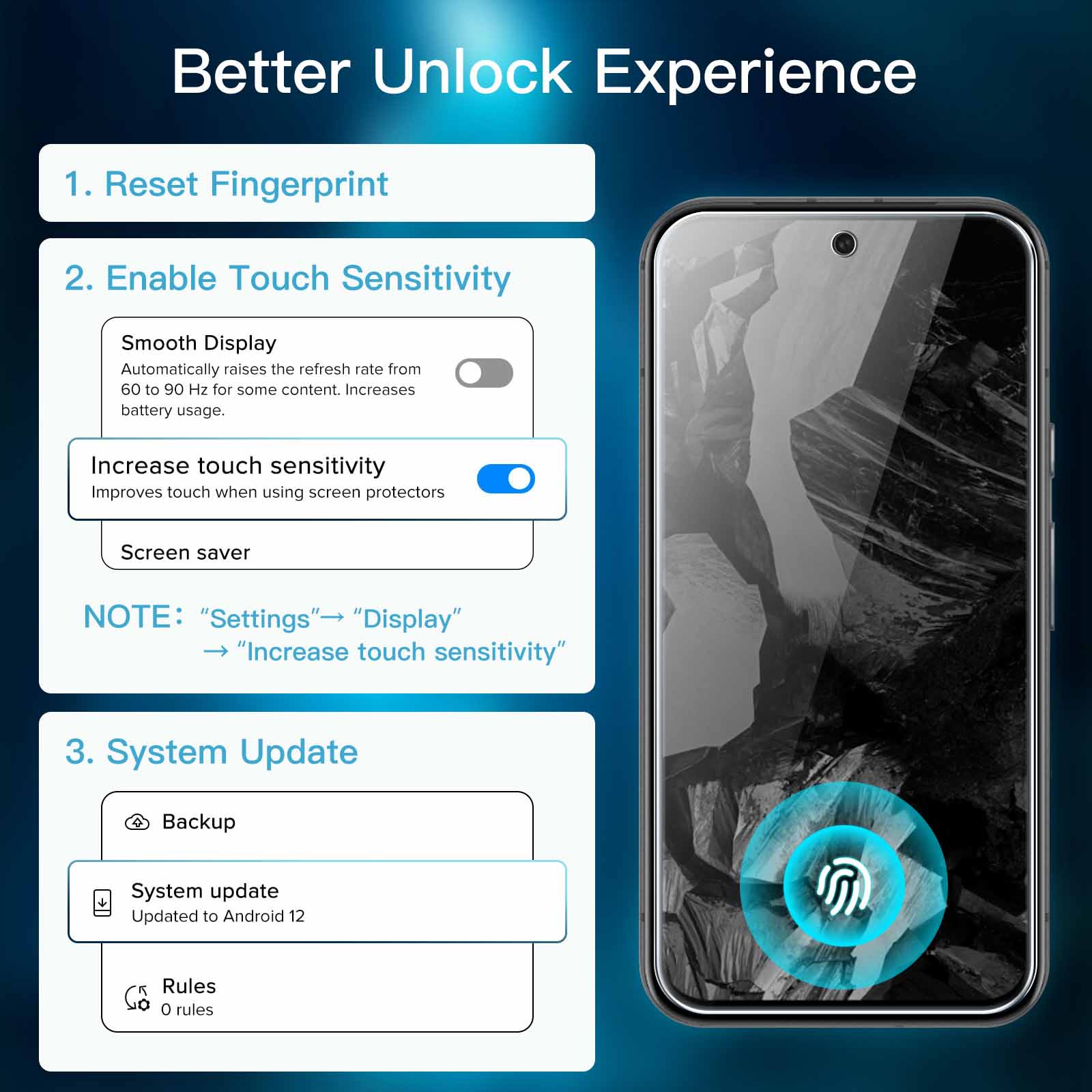
I previously bought and reviewed JETech’s screen protector for the Google Pixel 6a. Now I have a Pixel 8a. So I bought a JETech again. and received a very familiar package :-)..Worked fine. including the fingerprint reader. even without bother to re-record the fingerprints or increase the touch sensitivity. No complaints there!.Reminder: If you like to type the URL for the video. the youtube video ID is: QTWPl24fisk.That’s a lower-case letter “l” after the P. not a capital letter “I” or a number “1”. It’s also the same video as for the 6a. because the process is the same..Salman’s review suggested using a torch to find your specs of dust/lint. I made sure I had a torch. but we actually had sun today. so the torch was redundant..The protector fits really closely inside the fitting frame. I guess it’s expected. it just means the process involves a bit of force and scraping noises. The “auto adhesion” is very satisfying though..I’ve got a tiny bubble on the edge. at the bottom. Hopefully not because there’s some tiny chip scraped off the fitting frame. I don’t want to care. so I’ll get used to it. Eventually..And again: when you remove the inner protective film. it’s possible this will immediately attract dust to the *outer* side. DON’T PANIC. Ignore it and continue..If there *was* dust on the inner side. you’d be able to tell afterwards. Then you can just remove the protector and try again with one of the spares. You can’t remove dust from the inner side. you’ll just wreck the magic goop.
DAVE –
Good price. Nice quality. Does what is supposed to do. Goes to all side of screen with no lifting. I don’t need to activate Screen Protector Mode and it works fine..Didn’t had anty bubbles or lint. Those who do. trying applying the protector in the bathroom after a shower. Humidity make air lints drop to ground by attaching to them and making them heavy..Thanks !
Anushka –
I bought the JEtech screen guard for my Pixel 8a. It fits the phone perfectly across all edges..The installation was super easy. There’s a video guide to follow as well. I’m really happy with this protector..I haven’t had any issues with the touchscreen not working properly after installing the screen guard. But the phone has inbuilt settings to make the touch screen work with a screen guard just in case it doesn’t seem to work well..All in all. I’m very happy with this product!
M.K –
Pixel 8a. For fingerprint issues. once protector is fitted. turn on screen protector mode on in display settings. then register fingerprint. I didn’t turn on screen protector mode and set up fingerprint. it was never recognised! So deleted stored fingerprint. turned on screen protector mode and only then set up fingerprint. works fine now.
Jason –
1st glass I used just didn’t stick – 2nd one work fine. The protector is slightly smaller than the screen. but hole for front camera is pretty exact – it will take a bit to get it in the right position as to not obstruct the lens. Make sure you have plenty of light and a steady hand.
Bill S. –
Excellent product. Especially like the guide to help position the protector. Good instructions. Recommended.
Jenn –
Followed the instructions that came with the package and with the plastic installation tool that came with package made it easy to align. No issues with the hole for the front camera as mentioned in other reviews as it was perfectly aligned. All in all. fairly easy to install but I did have a some air bubbles which I managed to squeeze to the side with my fingernails. Needed to repeat this process quite a few times as the bubbles would reappear but now they’re all gone! Doesn’t alter the sensitivity of the screen with the protector installed. Left with 2 spare protectors but I doubt they’ll be needed.
Simon Lindsley –
Liked the frame that comes with it to make sure you get it on the right place..Self adhesive was great once you got it onto the phone.
B –
The included jig makes application very easy. However. the front camera cutout was a bit misaligned when I used the jig. It was pretty easy to lift it up and realign it manually. but it is something to watch out for when applying it.
E MALLON –
Easy to apply..With easy to follow video
Josh L McCullough –
The screen protector installed perfectly on the first try for me. It feels great under my fingers. doesn’t hinder fingerprint recognition or other touches at all. and the installation is a breeze with clear instructions and the install frame. I had a couple of bubbles under the glass that didn’t come out at first but weren’t a big deal; the next morning. they’d somehow worked themselves out..My only recommendation would be to have a shift rubber ‘squeege’ of some sort included in the kit to help push out air bubbles. Other than that. I think this is a great screen protector for the Pixel 8a.
Midgebear –
I was quite worried about fitting this as they are a tempered glass screen protector and I was super concerned that they would crack or snap during the installation process. The screen protector itself is surprisingly flexible and that did make installing it so simple..Despite fitting it to a brand new Google Pixel 8A I still followed the clear instructions and cleaned the screen surface with the dust removing sticker (works incredibly well) and then the wipe. Then I popped the guide over the top of the phone and used the polishing cloth to press it down. I did find that placing it slowly from top of the phone to the bottom of the phone and rubbing it into place with the cloth means that there are no air bubbles caught between the screen and the protector. Even better it was simple to lift back up from a corner using a fingernail if you do get an air bubble so that you can release it..The real test was using the fingerprint scanner on the Google Pixel 8A. You do need to press firmly but it definitely recognises my fingerprint and allows me quick and easy access to my phone..Love that there are three screen protectors in the kit. I’m not intending to damage my phone screen but I do have spares should I have an unfortunate accident. This makes it a great value pack and gives you peace of mind when using your phone.
Salman –
I was able to get a bubble free application in my first try but it required a bit of patience and few more steps than is mentioned in the attached guide. Will put them down here for anyone else looking for a painless application..1) Have the following 2 items ready in addition to the screen protector pack: i) flashlight ii) hair dryer.2) Wipe with alcohol pad and then get rid of the streaks using the included microfiber cloth.3) Use the included dust removal sticker to pick up the small fine fibres left behind by the microfiber cloth. Shine the flashlight on the screen to make it easier to spot the fibres. Be patient in this step and make sure all visible fibres have been removed from the surface of the screen. Any fibres left behind will read to ugly looking bubbles that cant be gotten rid off..4) Follow the rest of the instructions in the included manual to apply the tempered glass on to the screen..5) If any bubbles remain. we know that those bubbles are not due to dirt because we were very patient with the removal of any fine debris on the screen surface in step# 3. In this case. use a hair dryer to heat up the bubbles and squeeze them towards the edge with your finger nails. You should now have a bubble free application in your first try!.The screen protector surface is smooth and does not feel very different from the touch experience on bare gorilla glass. Good product ??
M2 –
These screen protectors work great. The best part is the template. Clean the screen. push the template over the phone. peel the backing off the glass screen protector and drop it on. Use the soft cloth to press down and smooth the protector out across the screen. then remove the template. That’s it. This template fit perfectly and the screen protector stayed flat on the screen.
Harry Vonk –
Both the JETech Case and the JETech Screen Protector for the Pixel 8a arrived within a couple of days of the order. Both appear to be of good quality and the fit is excellent. The screen protector comes with a frame to be placed around the phone to help with alignment of the protector. The price for each of the case and screen protector is less than $10. a good price when compared with better known brands for these items.
NeonCat117 –
I ordered these screen protectors for my brand new pixel 8a phone of off Vine. It is a 6.1 sized screen and came with none. So I desperately needed some to protect my investment. I ordered these JETech ones because I have tried various others by this company and they all seem to be pretty good..These ones come with a special piece to help align the screen protector onto the phone. You simply click it on your phone like a case and the screen protector fits perfectly inside it. So it goes on centered and almost perfect. That said i did notice the hole for the front camera was off by around a half a mm. Not enough to compromise or cover the lens but enough to trigger my ocd. It may have just been my user error though. There was a tiny but of play when putting it on..All in all I think they are good. They help protect the screen. Are easy to clean and don’t scratch easy. I prefer to always have one on then not. Thanks a ton.
MK Andrew –
Just bought one for my new Pixel 8a in blue. followed the video and it fitted simply with no issue and is sized so that the case I bought from Google fits without any issue. Not be able to say about its overall long term performance but the reviews for the protectors on the other models of Pixel all seem very positive. Having the installation tool / guide makes alignment a breeze especially for someone like me who has shaky hands. I haven’t altered the sensitivity of the phone for the fingerprint reader as I don’t use it. navigation around the screen. input for text etc all seems the same as it was before the protector was added. no discernible difference for me. Very pleased with my choice. Not sure what I will use the other two that I have in the package. I guess over time the protector having done its job will need to be replaced.
Mich –
This was a replacement for the casemate screen protector sold in the Google store..The screen protectors offered here are heaps better than the ones sold by casemate..It was easy to put on. self adhesive with zero bubbles and it fits the entire screen.
J –
I ordered it for my Pixel 8a. I chose this one over others because this brand seemed very reputable looking at their reviews for other smartphones’ screen protectors. The bundle came with three screen protectors. cleaning wipes. and a plastic alignment tool. which I have never used before. It also came with a note card providing a link to a video showing how to install the screen protector. which was very helpful. However. when I used one of the wet cleaning wipes (in the sealed paper baggie that you have to tear open). it left a visible residue on my screen even after wiping it with the provided orange fabric lens wipe. Luckily. I noticed this before installing the screen and I used some glasses cleaning spray instead. The alignment tool was very useful and placed the screen protector perfectly centered. Overall. if you are looking for screen protector for your Pixel 8a. I highly recommend it.
Robert van der Laan –
I have used JETech screen protectors before and they always worked well and this one is no exception. Perfect fit and the installation tool makes it easy to install correctly. I will continue to get this brand for my new phones.