
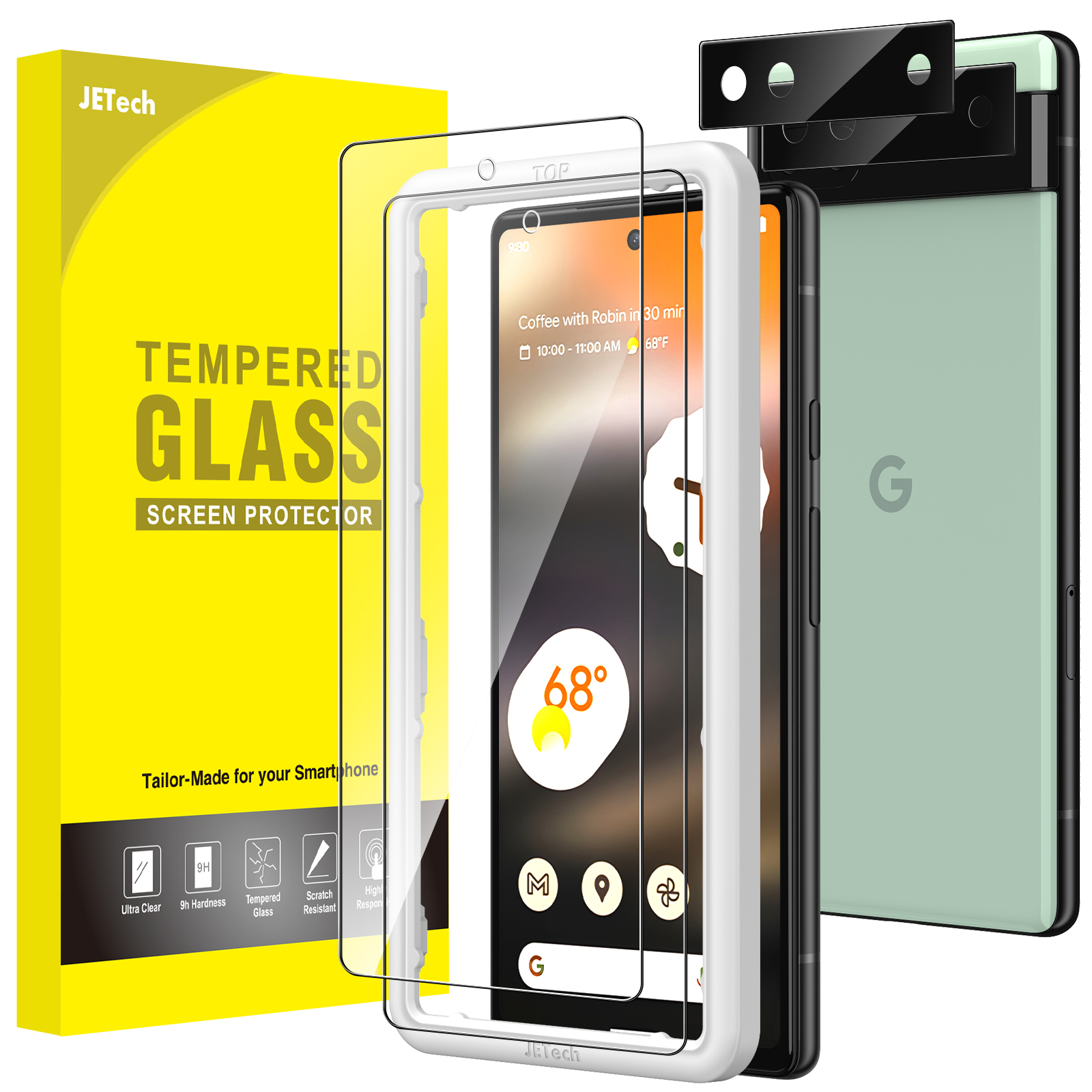
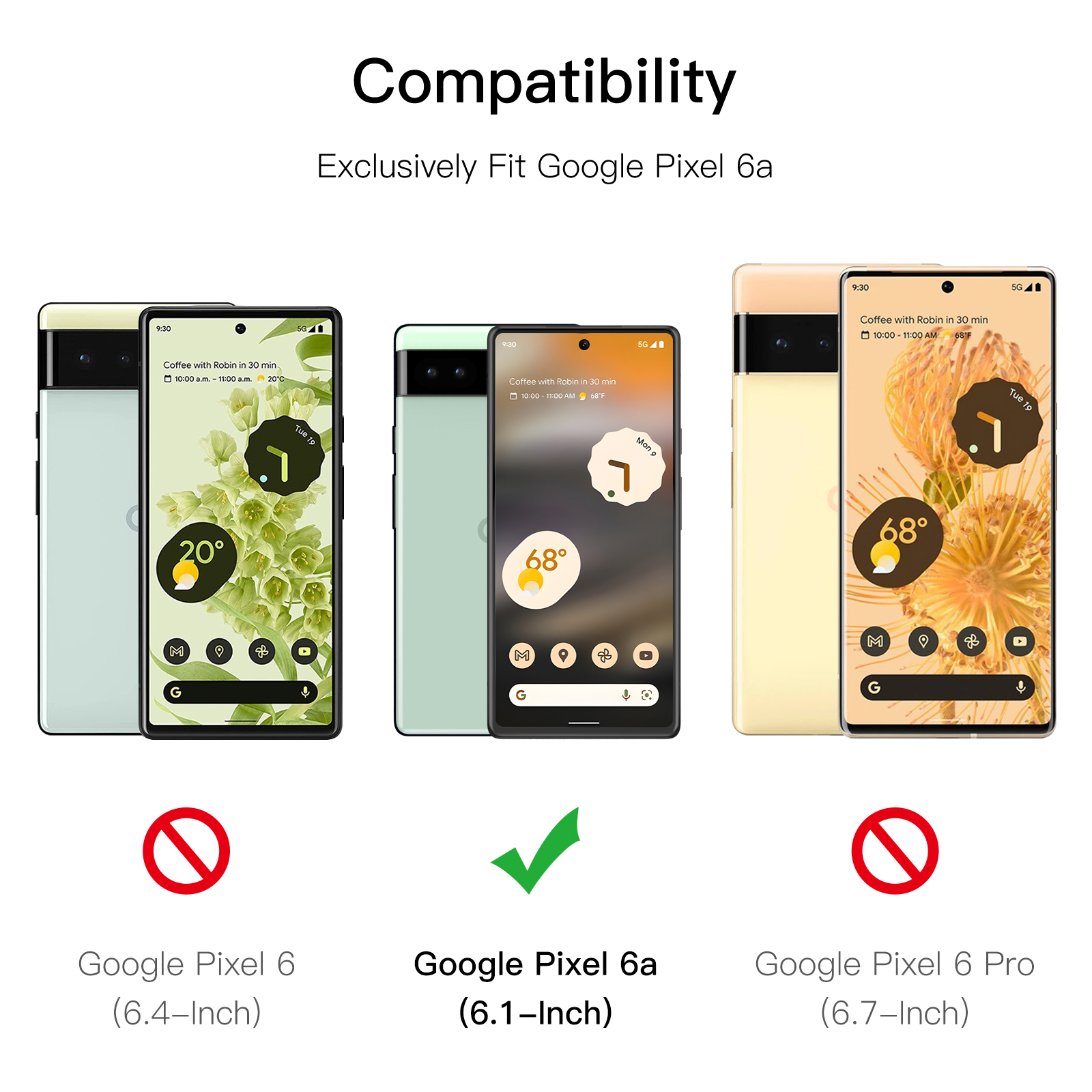
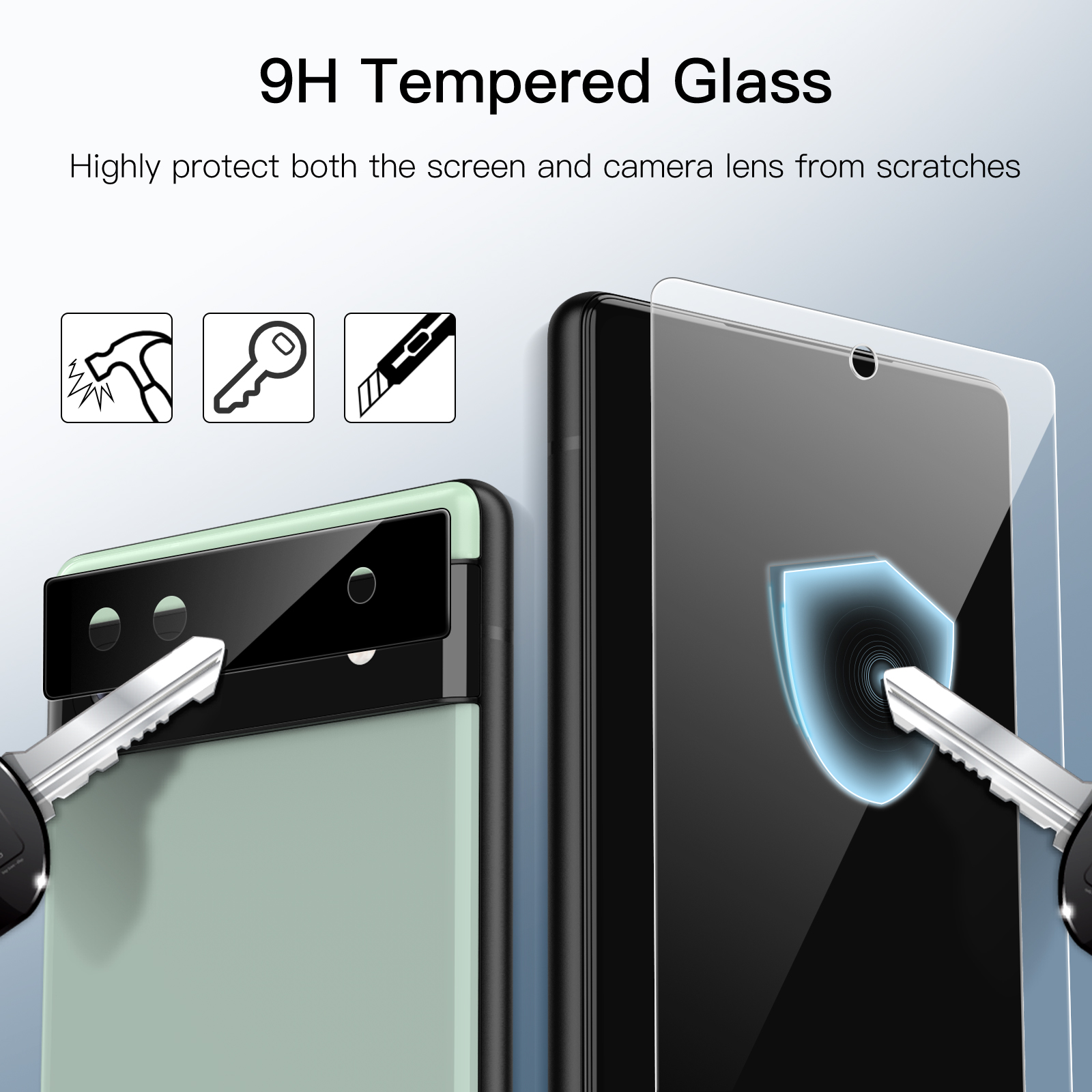
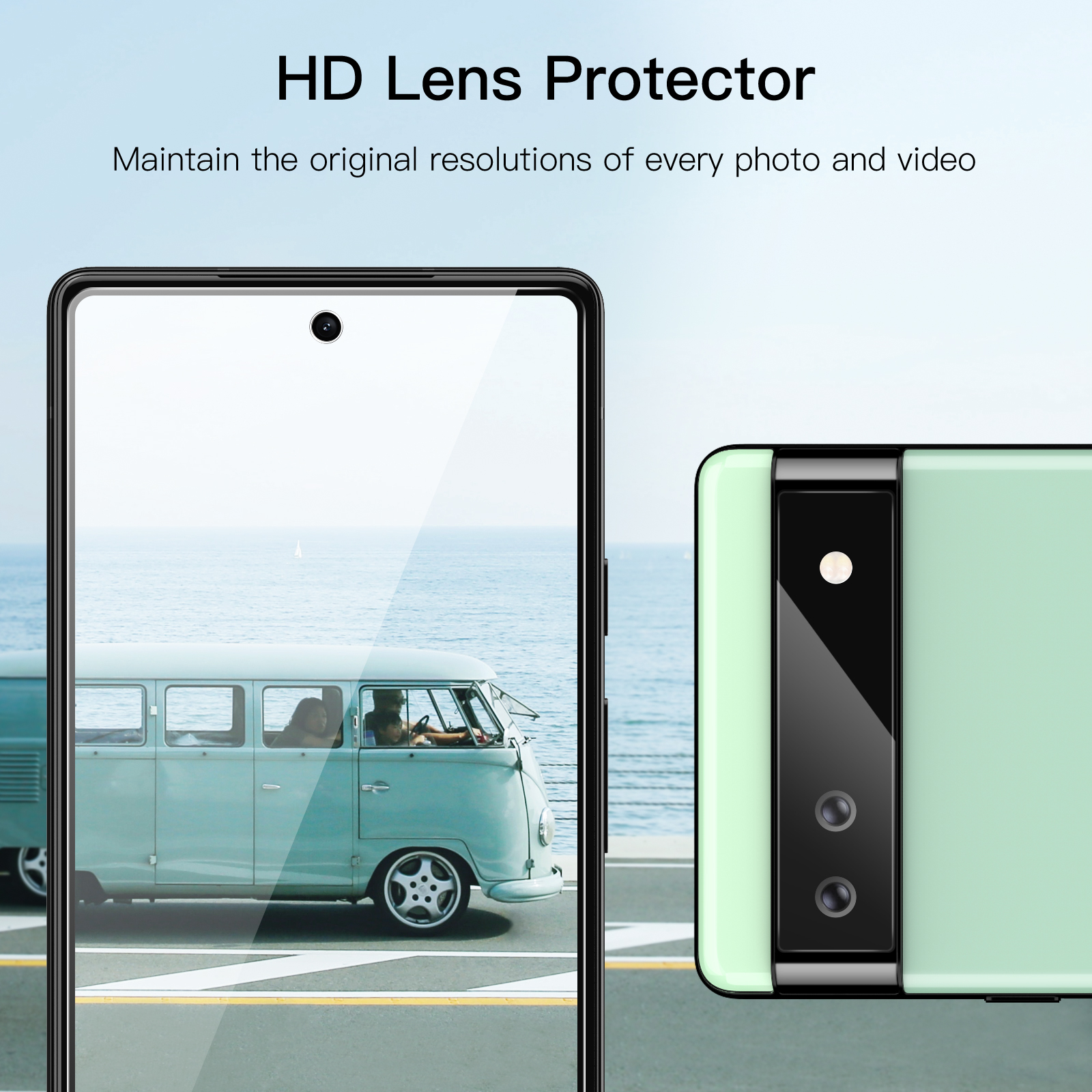
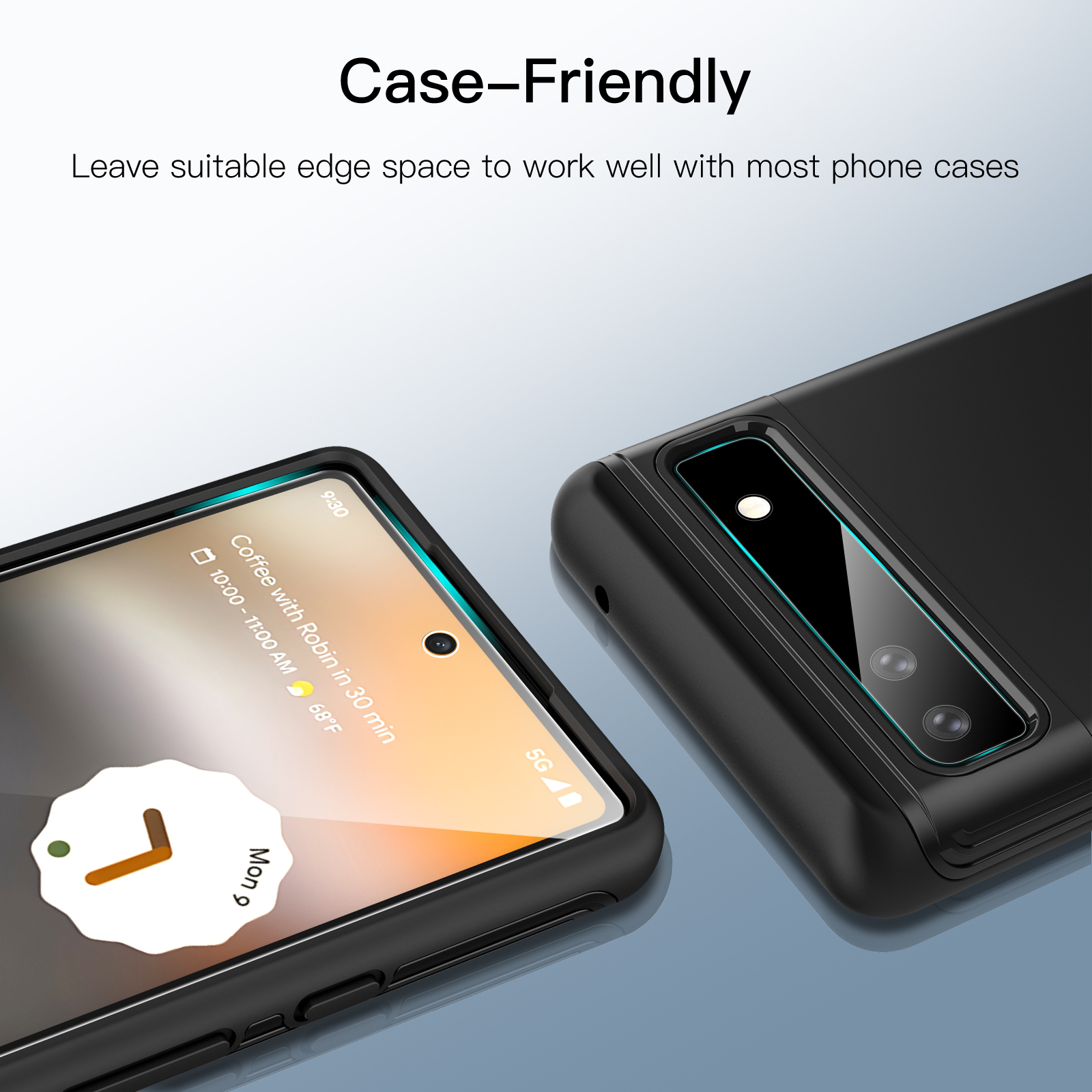
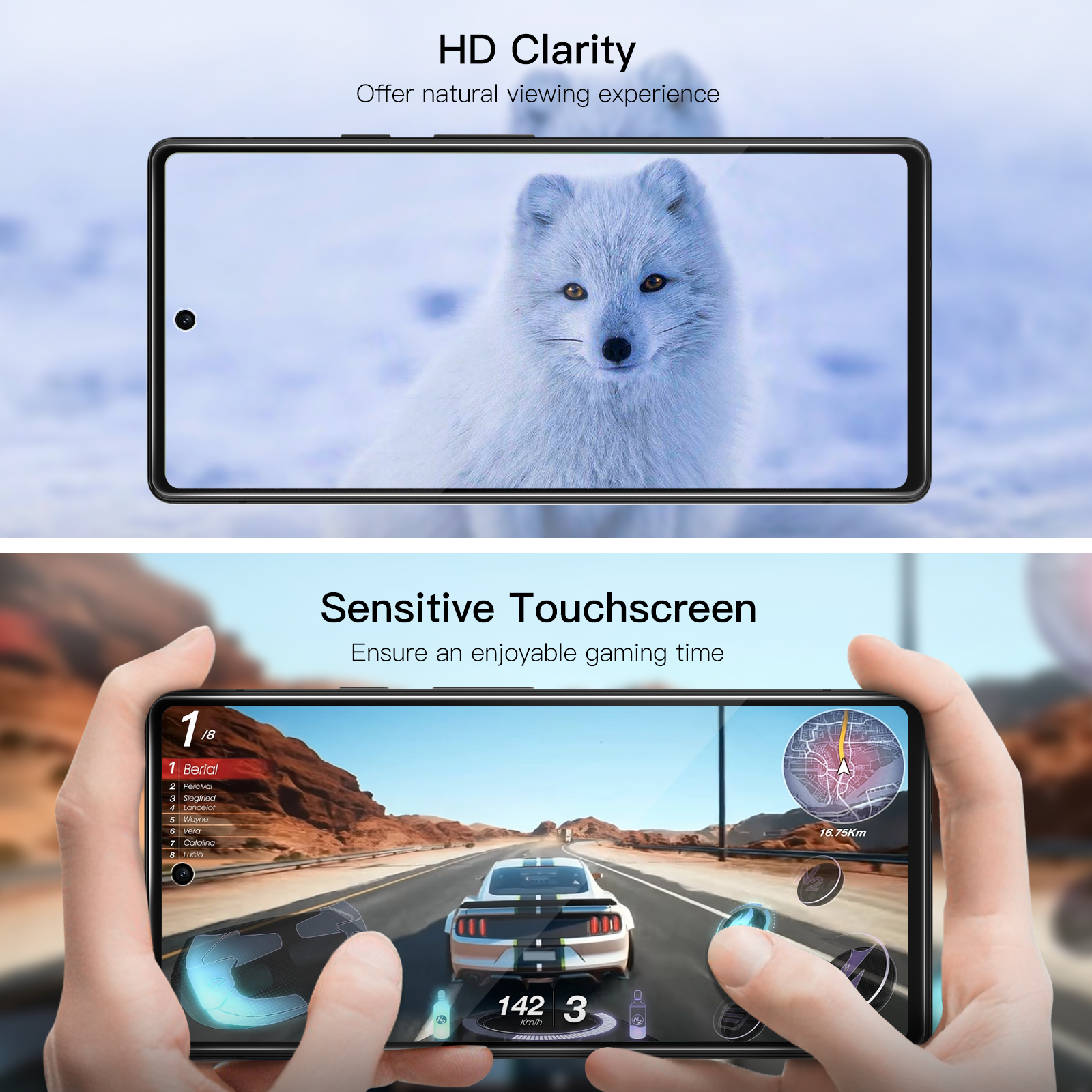
JETech Screen Protector for Google Pixel 6a 6.1-Inch with Camera Lens Protector, Easy Installation Tool, Tempered Glass Film, HD Clear, 2-Pack Each
$11.99
In stock
| Feature | Camera Lens Protector, Tempered Glass Film |
|---|
172 reviews for JETech Screen Protector for Google Pixel 6a 6.1-Inch with Camera Lens Protector, Easy Installation Tool, Tempered Glass Film, HD Clear, 2-Pack Each
Related products
-
JETech Screen Protector for Google Pixel Watch 4 / 3 / 2 / 1 41mm, Anti-Scratch Self-Healing Soft TPU Film, HD Clear, 6-Pack
$10.99 -
JETech Screen Protector for Google Pixel 7 Pro with Camera Lens Protector, Flexible TPU Film, Fingerprint ID Compatible, HD Clear, Easy Install, 2-Pack Each
$12.99 -
JETech Screen Protector for Fitbit Versa 4/Sense 2, Anti-Scratch Flexible TPU Film, HD Clear, 6-Pack
$10.99
Niz Serrano –
Good screen protector. but sometimes it doesn’t read my prints and hard to do touch screen
Mr. A. G. Hamilton –
Worked a treat. easy to install and feels of high enough quality that it would offer a good bit of protection.
Mac –
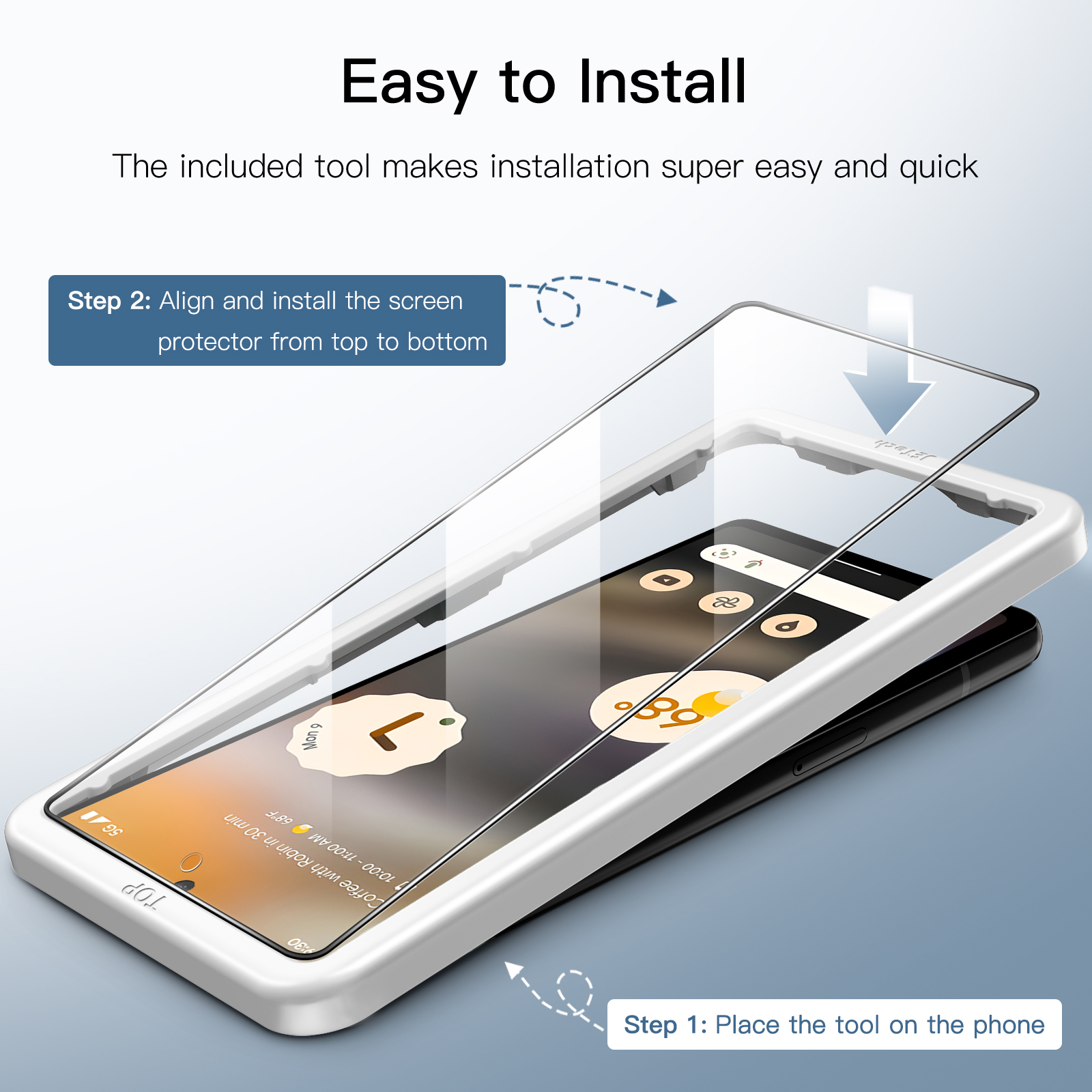
Was easy to use and came with attachment guide
Niz Serrano –
Good screen protector. but sometimes it doesn’t read my prints and hard to do touch screen
Paul G –
Exactly as described. Easy to fit with very helpful instructions.
Paul G –
Exactly as described. Easy to fit with very helpful instructions.
Metalgod N.I. –
Very easy to install. hole for front camera and fingerprint reader works fine. Thanks.
Metalgod N.I. –
Very easy to install. hole for front camera and fingerprint reader works fine. Thanks.
Metalgod N.I. –
Very easy to install. hole for front camera and fingerprint reader works fine. Thanks.
SillyBilly –
So so so easy..Just remember to registered two fingerprints per finger or all four for one finger.
Wildheart –
I’ve gone through agonies. over the years. trying to install Screen Protectors..Usually. the results are disastrous. either involving bubbles. dust bubbles. or both. even when I’ve followed the instructions to the letter and that includes all of the brands that advertise “Bubble Free Installation!”.Yeah. right! ????.I’ve even had them professionally installed with varying results. assured that any remaining bubbles would “work their way out in a few days!” That’s never happened..So. my last phone. I decided the go “naked” and risk it with just a case and after 2 years. there’s not a scratch on it..However. having seen various reviews saying that the Pixel 6a had Gorilla Glass 3 and that a Screen Protector would be a wise move. I decided to take the plunge..Initially. I had one (plastic) fitted by a local store. but wasn’t happy with the “fit” and fingerprints..I therefore. did a fair bit of research and plumped for the JETech. largely due to the reviews and the essential fact that it contains a guide/fitting tool. absolutely required for shaky hands..The first fitting was OK. simplicity itself. but I did end up with a couple of “dust bubbles.” (the air bubbles. DID work out. with a bit of rubbing).Knowing that my OCD would kick in and that I wouldn’t be prepared to look at it. I was thinking of going back to the store and asking them to fit it. but ordered an extra pack of 2. with the intention of having another go myself..I took the plunge again. this morning. taking plenty of time to follow the instructions. thoroughly washing my hands. cleaning the surface area I was working on and cleaning the screen. thoroughly and resting the phone on the case I’d bought (something they did in the shop).I wore my strongest glasses and made totally sure that there were no dust particles on the Screen. or sides of the phone..Voila. This time. the result was absolutely perfect..Yes. there were a few tiny bubbles on the sides if the Screen. but they weren’t “dust bubbles” and they disappeared with the minimum amount of teasing out. using my fingertips and the supplied micro-fibre cloth. which I’ll be using to clean the screen in the future..If. like me. you have a total phobia of fitting Screen Protectors; all I can say is. that I recommend you give it a go!.Maybe buy 2 packs. giving you 4 Protectors in total..The way I look at it. is that I have 2 spares..The Phone Screen looks great. with the Protector applied..I have peace of mind. along with a decent case..It feels great using the phone (unlike with the plastic Protector).And. absolutely no issues with the Fingerprint Reader..I can thoroughly recommend this product! ????
JB –
Fast shipping and very clear instructions on installing. Comes with more than enough materials to do the job. Fingerprint sensitivity is very marginal with the Pixel 6a. Even after increasing the sensitivity level. it still has trouble recognizing my thumbprint.
Salma Aslam –
Fits perfectly. and is fingerprint compatible. with easy instructions and installation
Melony Barnett –
Perfect. Exactly what I ordered.
Beverlamb –
I followed the instructions and the screen protector fits perfectly
Reed g. –
It doesn’t shatter when broken and won’t slice your skin. You can tell this is high quality I’ve got other protectors that break when you push your thumb on it Too hard. This thing is legit and can take some bruises before cracking
Stephen M. Fisher –
So far so good. The case and screen protector were as advertised. The protector comes with a template which makes it much easier to install.
Miss –
My son dropped his phone and the protector smashed but phone was perfect. Great product.
Kindle Customer –
This was easy to fit with the supplied plastic template to locate it. The screen is clear with it on and does not seem overly prone to fingerprints.
Diego Sanchez –
Works like a charm. easy install with the tool provided. I’m horrible installing screen protector but this one was a breeze. No issue with screen responses. no issue with screen fingerprint scan. Didn’t even need to adjust any sensitivity settings..A++