
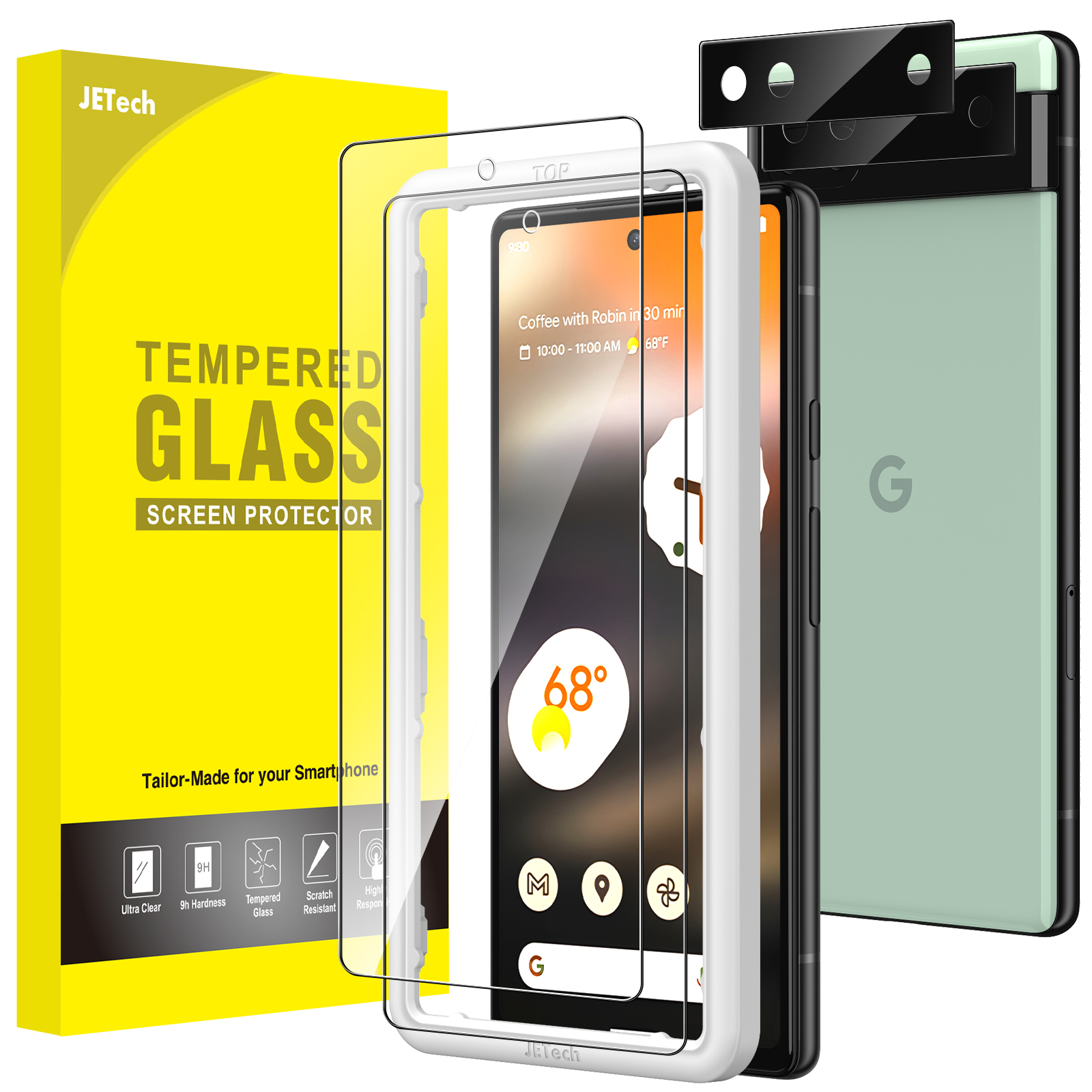
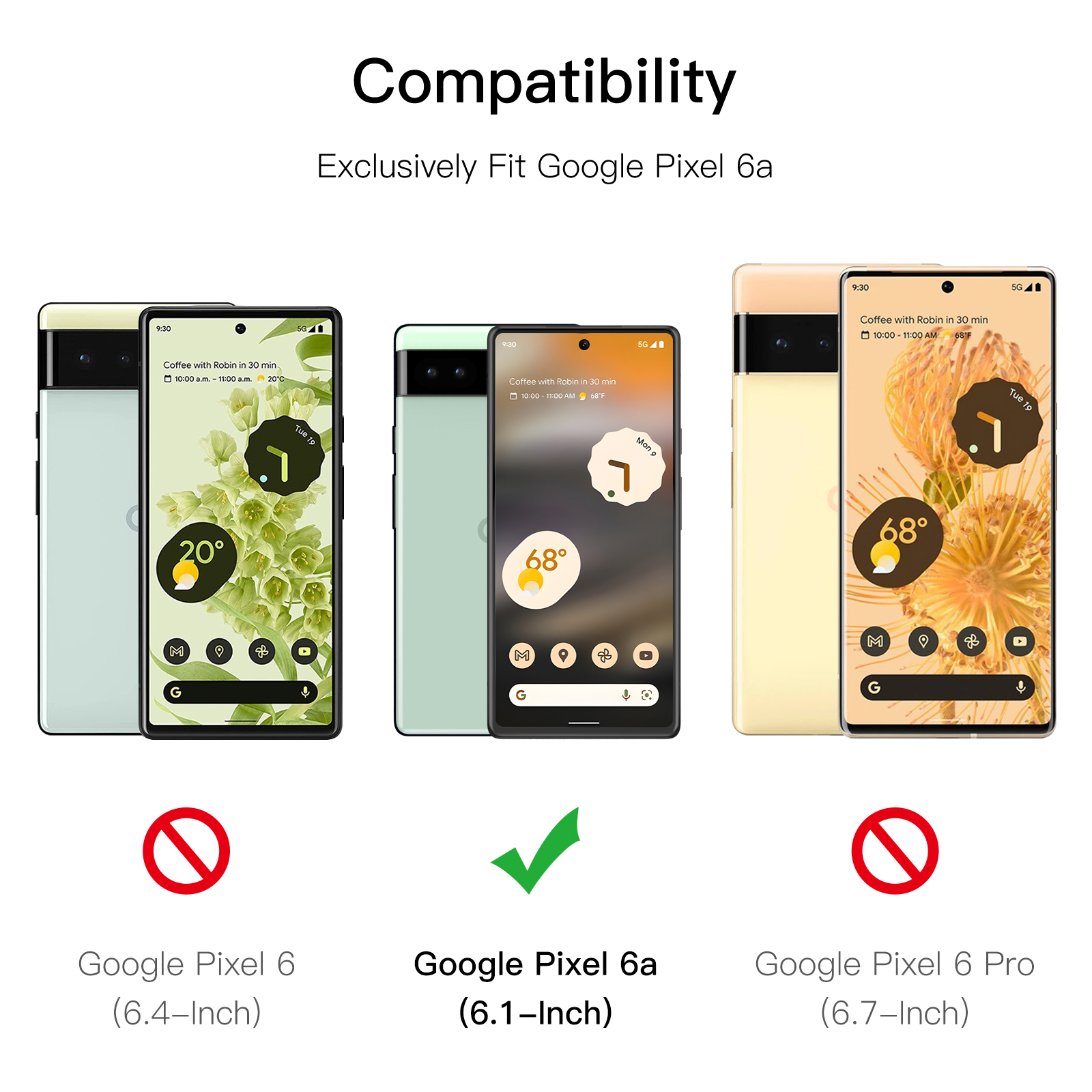
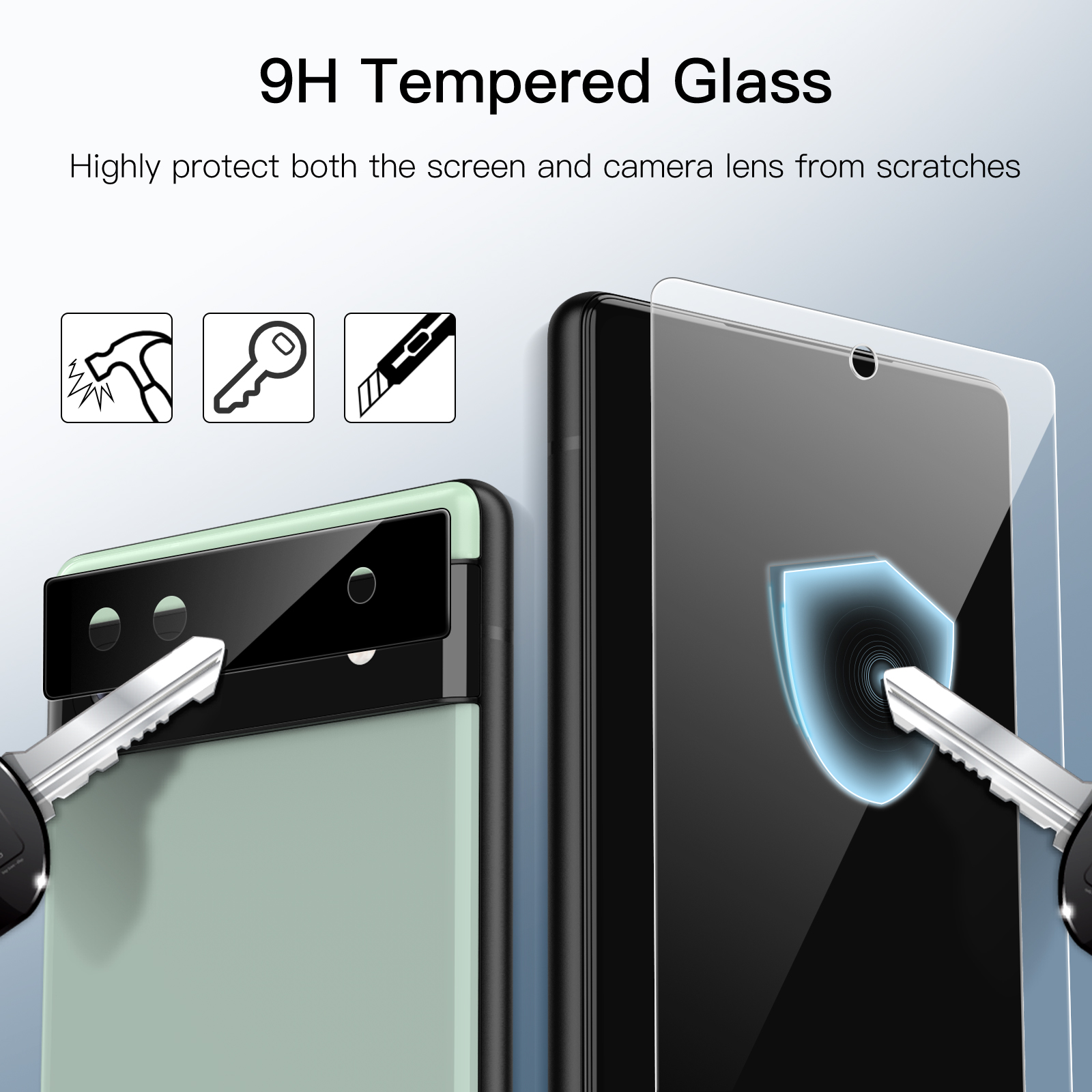
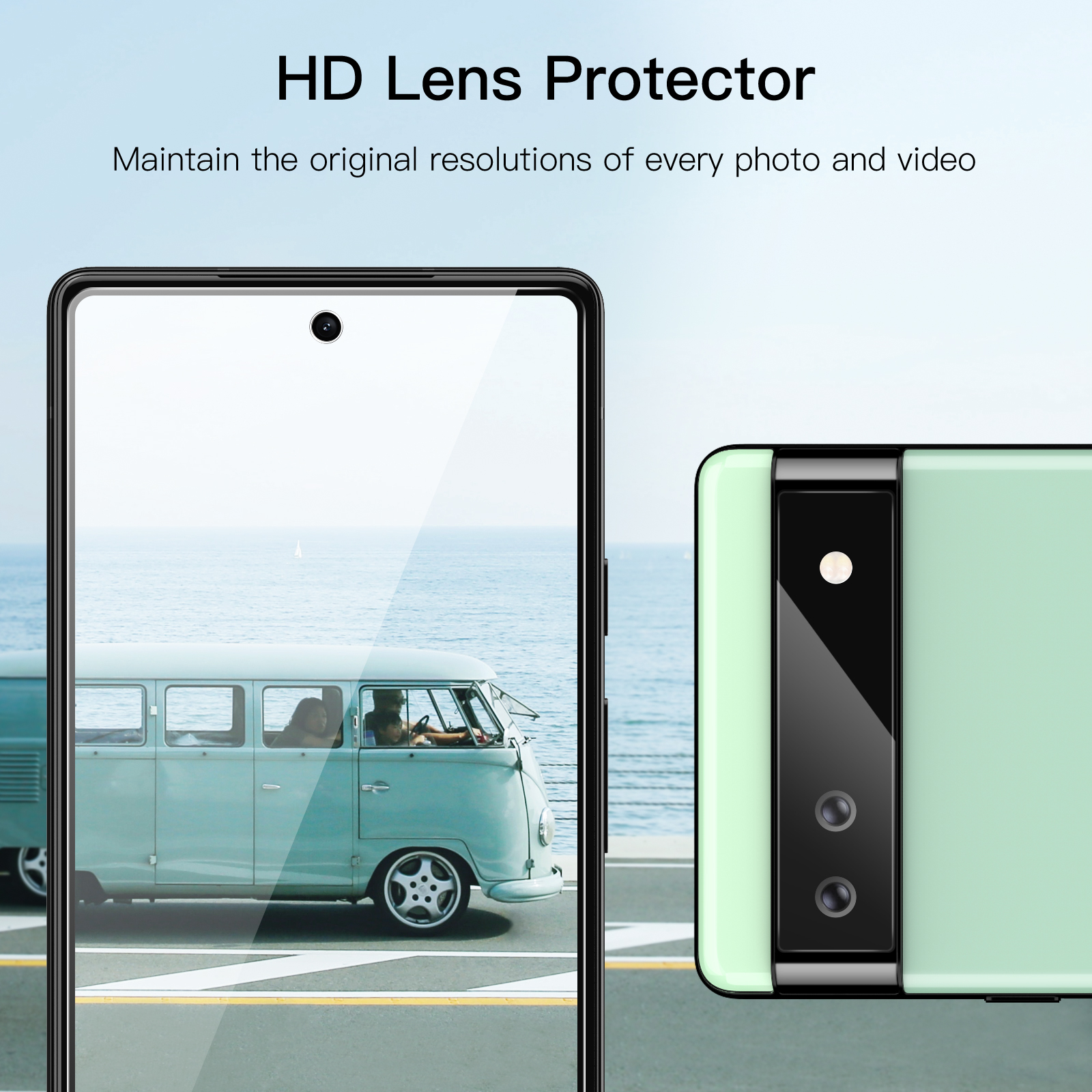
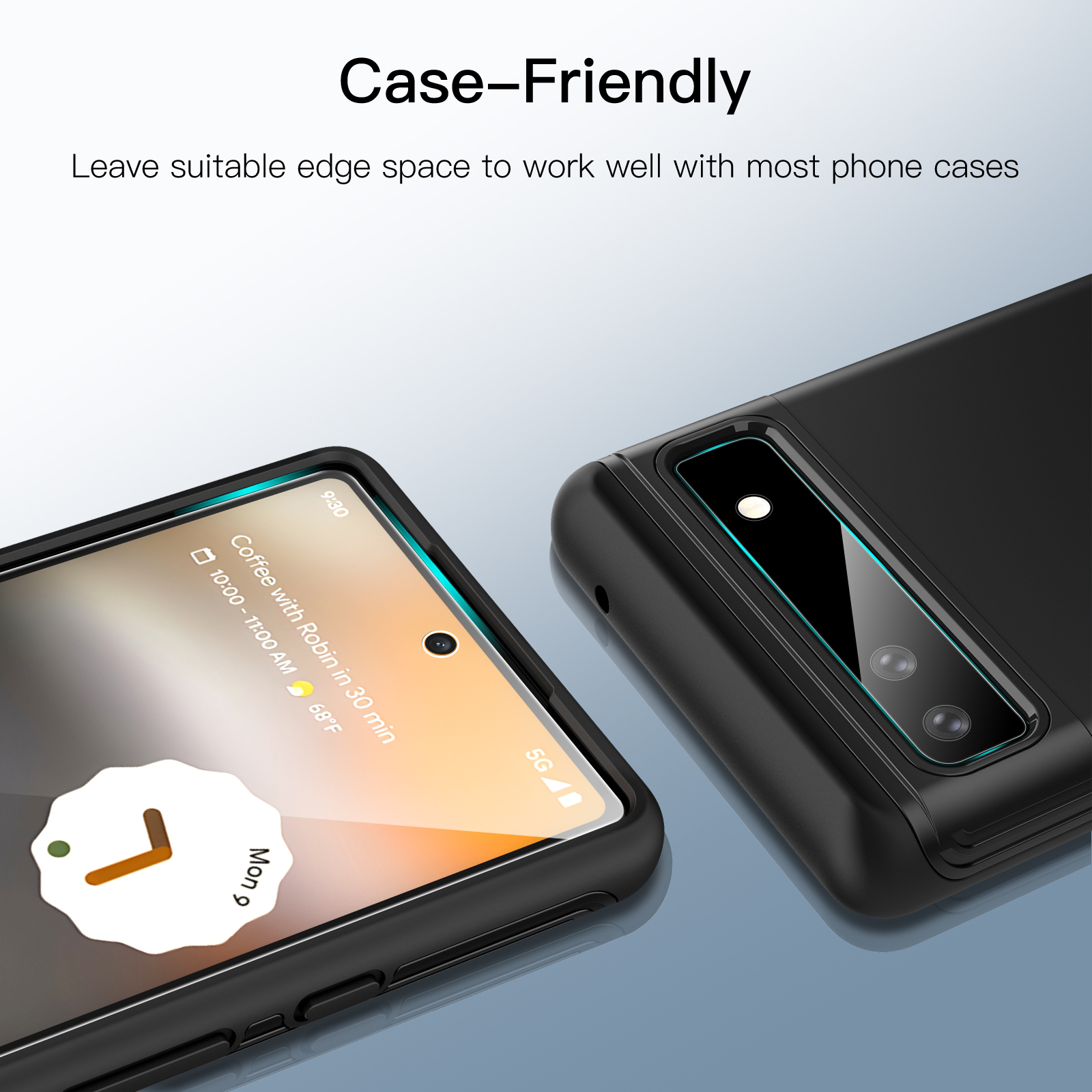
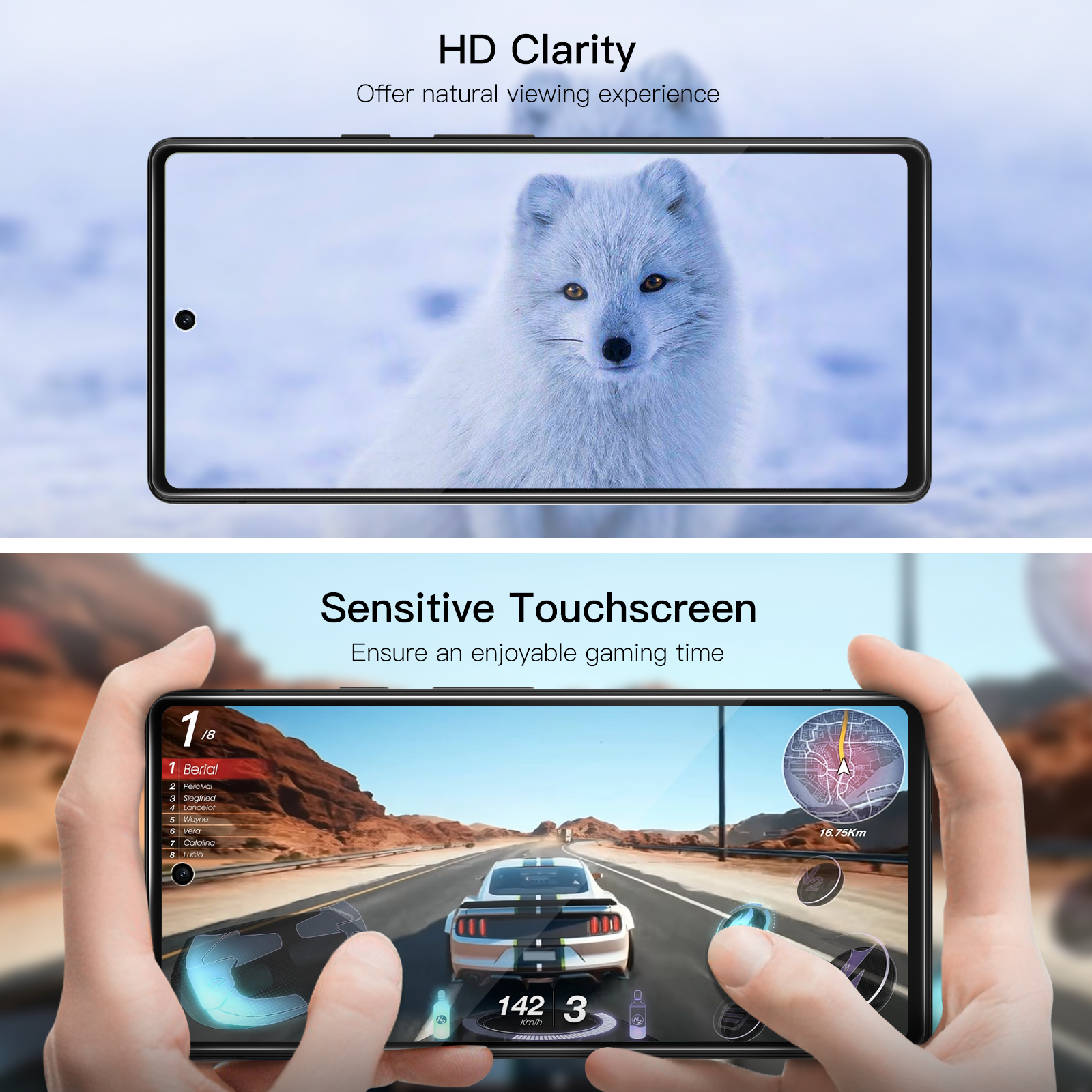
JETech Screen Protector for Google Pixel 6a 6.1-Inch with Camera Lens Protector, Easy Installation Tool, Tempered Glass Film, HD Clear, 2-Pack Each
$11.99
In stock
| Feature | Camera Lens Protector, Tempered Glass Film |
|---|
172 reviews for JETech Screen Protector for Google Pixel 6a 6.1-Inch with Camera Lens Protector, Easy Installation Tool, Tempered Glass Film, HD Clear, 2-Pack Each
Related products
-
JETech Screen Protector for Samsung Galaxy Watch 5 Pro 45mm, Full Coverage Tempered Glass, HD Clear, 3 Pack
$10.99 -
JETech Screen Protector Compatible with Apple Watch SE 3/2/1 (2025/2022/2020) / Series 6 5 4 40mm, TPU HD Clear Full Coverage Film, 3-Pack
$9.99 -
JETech Screen Protector for Apple Watch Series 3/2/1 38mm, Flexible TPU Film, Anti-Scratch HD Clear, 3-Pack
$9.99
Happy Shopper –
I got a Pixel 6a in early January. and bought these protectors for it. Today (late January) I dropped the phone on the ground. in a car park. The screen protector had various cracks and impact damage. but I’ve just taken it off to replace it and the actual phone screen is 100% in tact. Very happy. The phone has a silicone case around the back and sides and the screen protector (main screen and camera) fit perfectly well. Nice and easy to fit with the handy guide. Have just come back to buy another pack. so I have them ready for next time I drop my phone!
Popson –
It’s very smart and had saved the phone from serious drop on hard surfaces.
Colleen M. Johnson –
It was very easy to install. Came with everything to clean the phone screen before installing the protective screen. Not using the fingerprint reader so I cannot rate that feature.
Bisram Jairam –
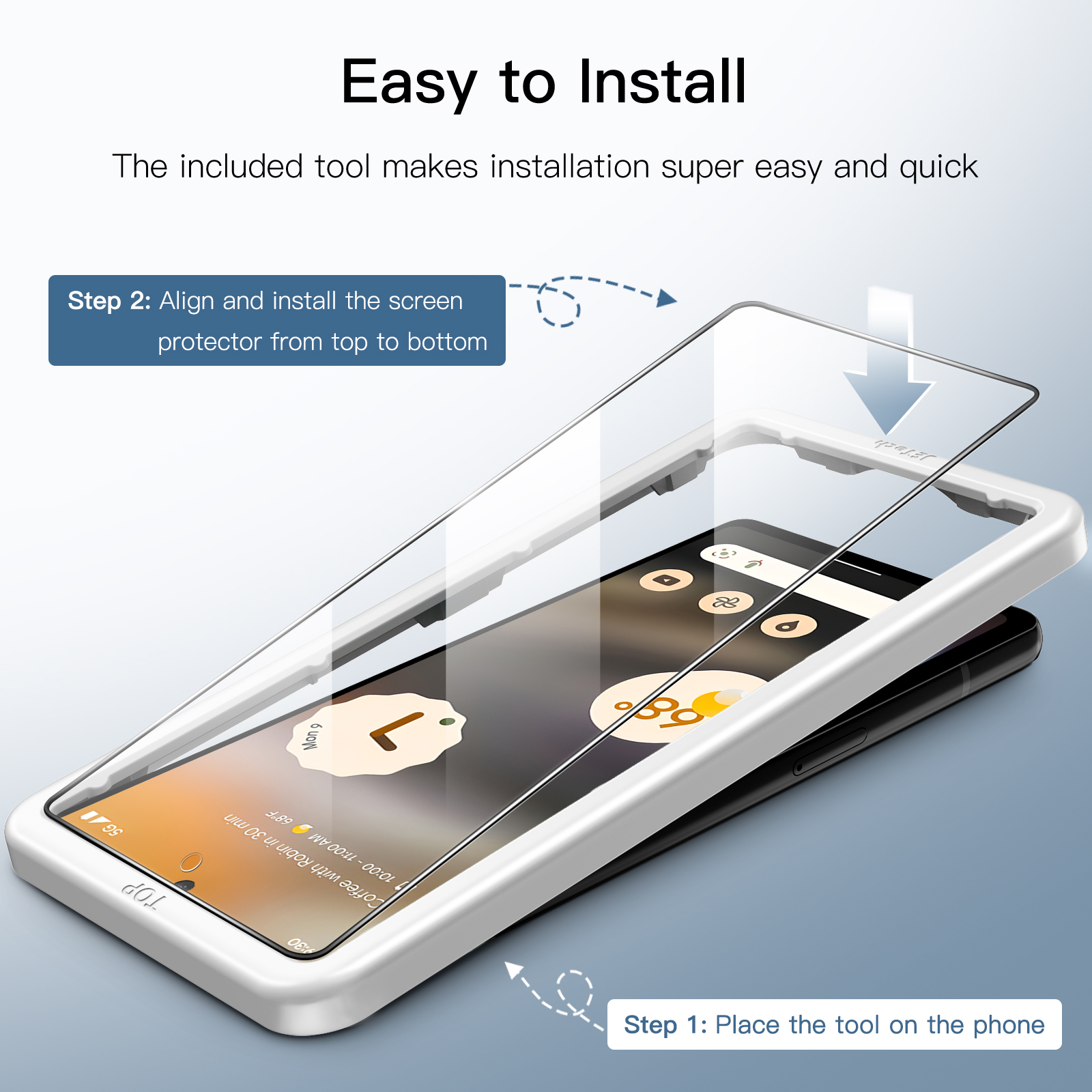
I like the easy installation method and the template that was provided
Guillermo GIL jr –
I like everything about it only finger print from time to time struggle to read but I’s good
Janelle –
This thing was so easy to install. Usually I would go to a phone shop and ask them to put it on for me since usually my attempts left air bubbles or whatever. I was tipsy and wanted to try myself haha. Managed to get it on perfectly. No sensitivity was lost. Fingerprint works just the same as it did before. Super clean. You also get nice lil microfiber cloths and dust removal stickers. Fantastic for the value. Also shipped much quicker than the estimated date. Would purchase again in the future.
Rimon A. –
Bought this after alot of reviews being read and the video upload to show the fingerprint sensor working all ok convinced me to buy..Installed the protector yesterday and installed without any issues. Enabled the higher touch screen sensitivity option on the phone and then setup my the fingerprints (thumb and index) and works everytime. General usage of the touchscreen is all ok without any issues. Recommended.
Ru –
The enclosed guide was very useful when applying the screen protector. No bubbles at all! But be warned. it the protector is a little on the thick side. I like this. but my fingerprint reader does not work! Reviews on the internet show it could be due to a latest android update. however GooglePixel say you must use the correct thin screen protector and that’s to blame. My phone is new so i can’t be sure why it doesn’t work.
Satisfied! –
Easy
Jeffkid –
Good quality case. As advertised.
Vik –
Works great for our new phones. Easy to install.
Mr. P. Triggs –
Works well and does a good job of protecting corners of phone.
JohnP –
Easy to install no air bubbles and easy to follow instructions.
Mr. Alan Jenkins –
Works fine with fingerprint reader..Previous protector (different phone) had much better instructions. Perhaps by necessity. This one was actually a bit simpler and easier to install..But I like instructions! (1) Please tell me in your English words. It didn’t explain the point of a dust removal sticker: to remove the last piece of dust you can see. that somehow manages to appear after you’ve used the other wipes. If there’s no dust. you don’t need it..Dust also magically appeared on the screen protector. immediately after I removed the protective film. DO NOT PANIC. The dust is probably on the outer side. Ignore it and continue. If it *is* on the inner side. you’ll be able to tell. (Just remove it. check you’re not sitting under a cat. and try again with the second protector)..I’m a fool so I panicked. thought there was dust on the inner side. and tried to get it off. This obviously does not work. and wrecks the magic goop on the inner side. Second time also got dust on the outer side. but now I knew to not panic. So I don’t have a free spare. but I do have an awesome scratch-protected phone..(2) The link to the video (youtube QTWPl24fisk) is printed with a bad font; I couldn’t tell if it used a 1 or an l. I had to install a QR code reader on my computer and use the QR code instead. Because I’m a fool.
Kindle Customer –
Top maximum
David Martineau –
The installation tool was very helpful in aligning the screen protector over the phone. However. the automatic sealing feature didn’t work as indicated in the video – I had to smooth it out manually to get it to stick down. That is the only issue that prevented it from getting 5 stars from me though.
mrdirtyboots –
I’ve never really used screen protectors as they either go on wonky or have air bubbles or dust ect underneath..What a revelation this set was. Wipes and cloth to clean screen. ? and a guide to put it on in the correct position ? Then as the screen cover goes on it slowly expels all air as it pulls it’s self to the phone ? Quite amazing to watch. Just read and follow the instructions. I’m now a convert.
Wonder as I Wander –
I think this is my second time purchasing these protectors very good products
Noel Rooney –
Easy to put on. no bubbles and all you need. It’s not been dropped yet. however I’d used JTech before and it protected my screen through various incidents. In fact I had assumed the screen was broken until I took the protector off and it was still perfect. hopefully this one will give the same level of protection.
KK –
Installed without issues. no bubbles and fits perfectly