Rankie DisplayPort (DP) to VGA Adapter, Gold Plated Converter, Black
$11.99
Out of stock
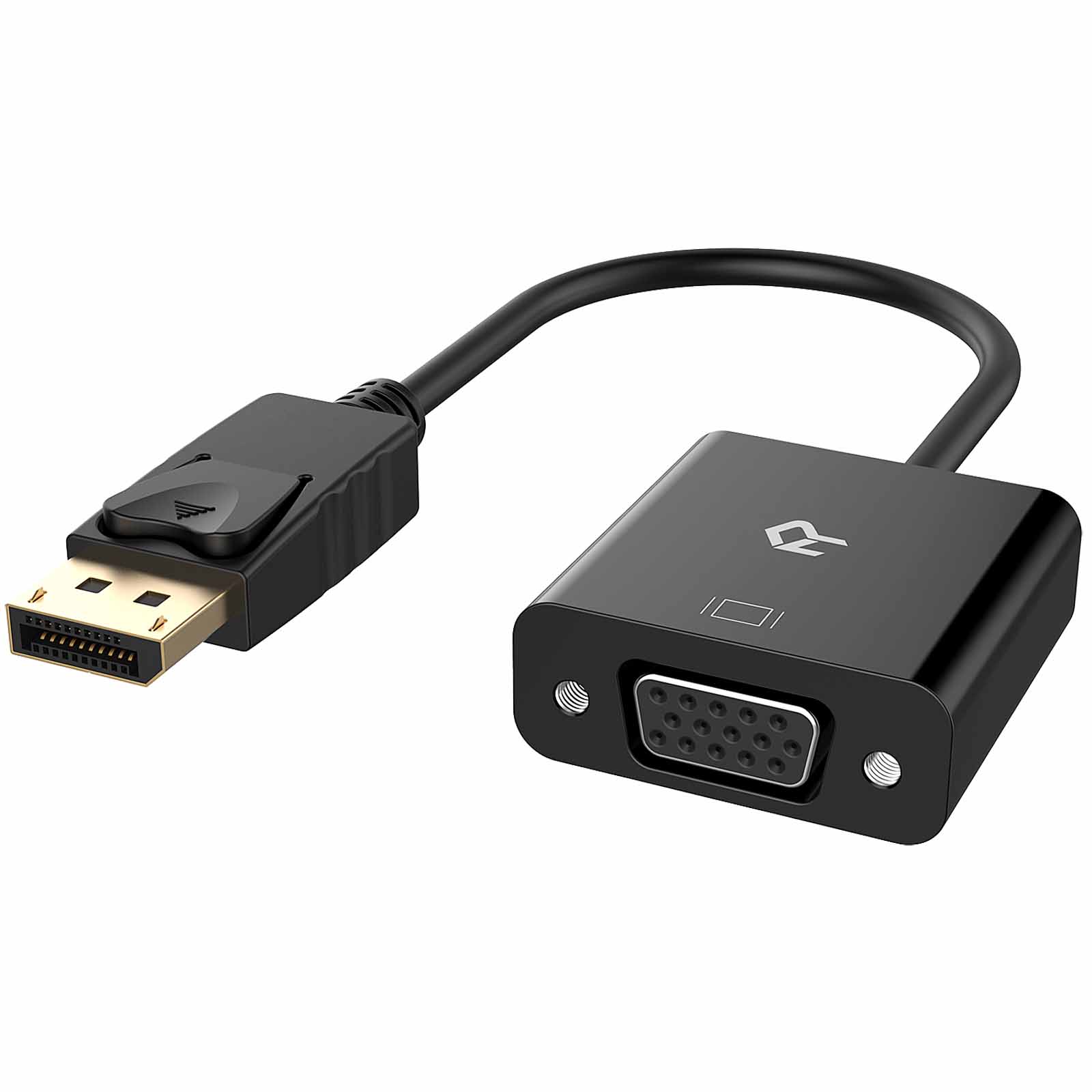
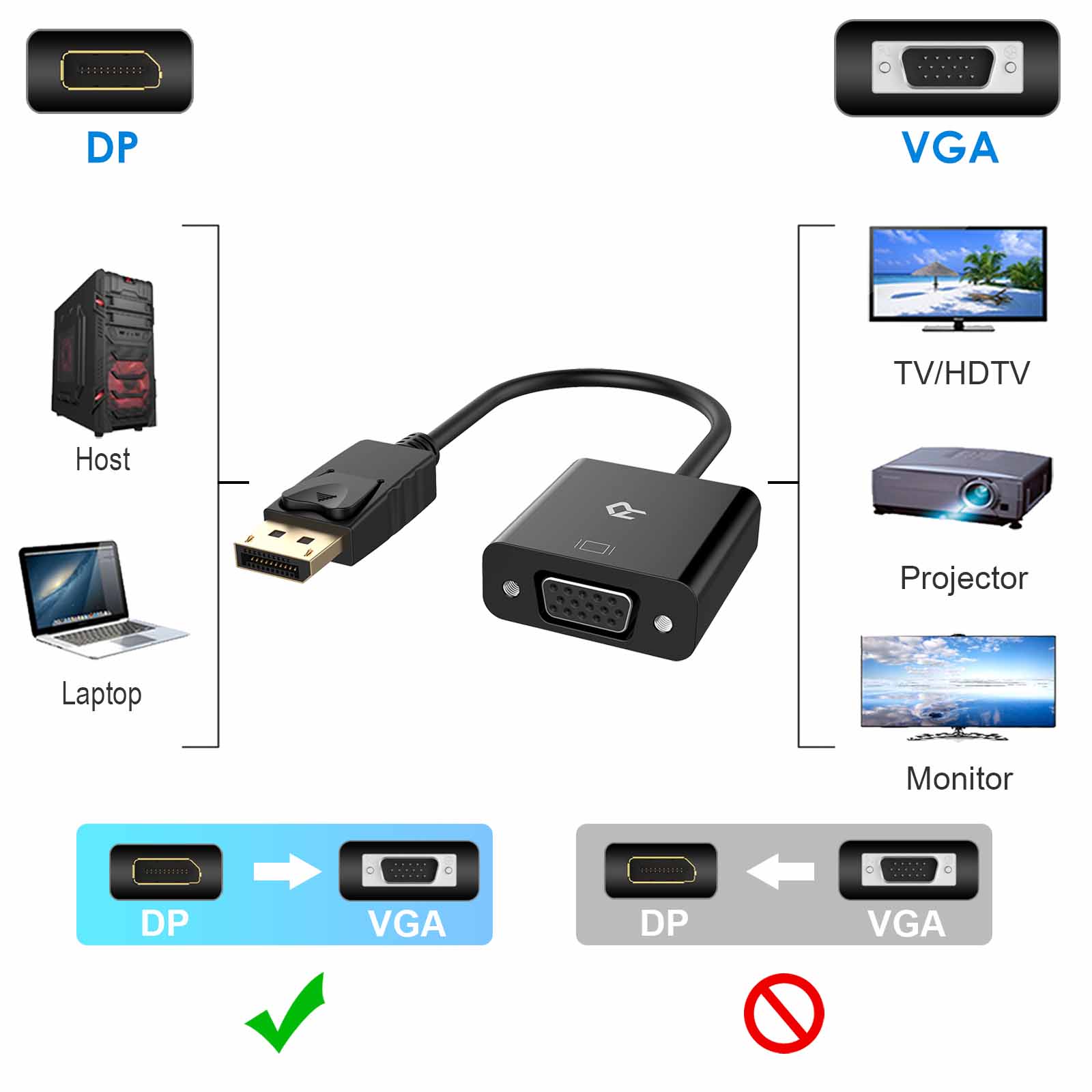
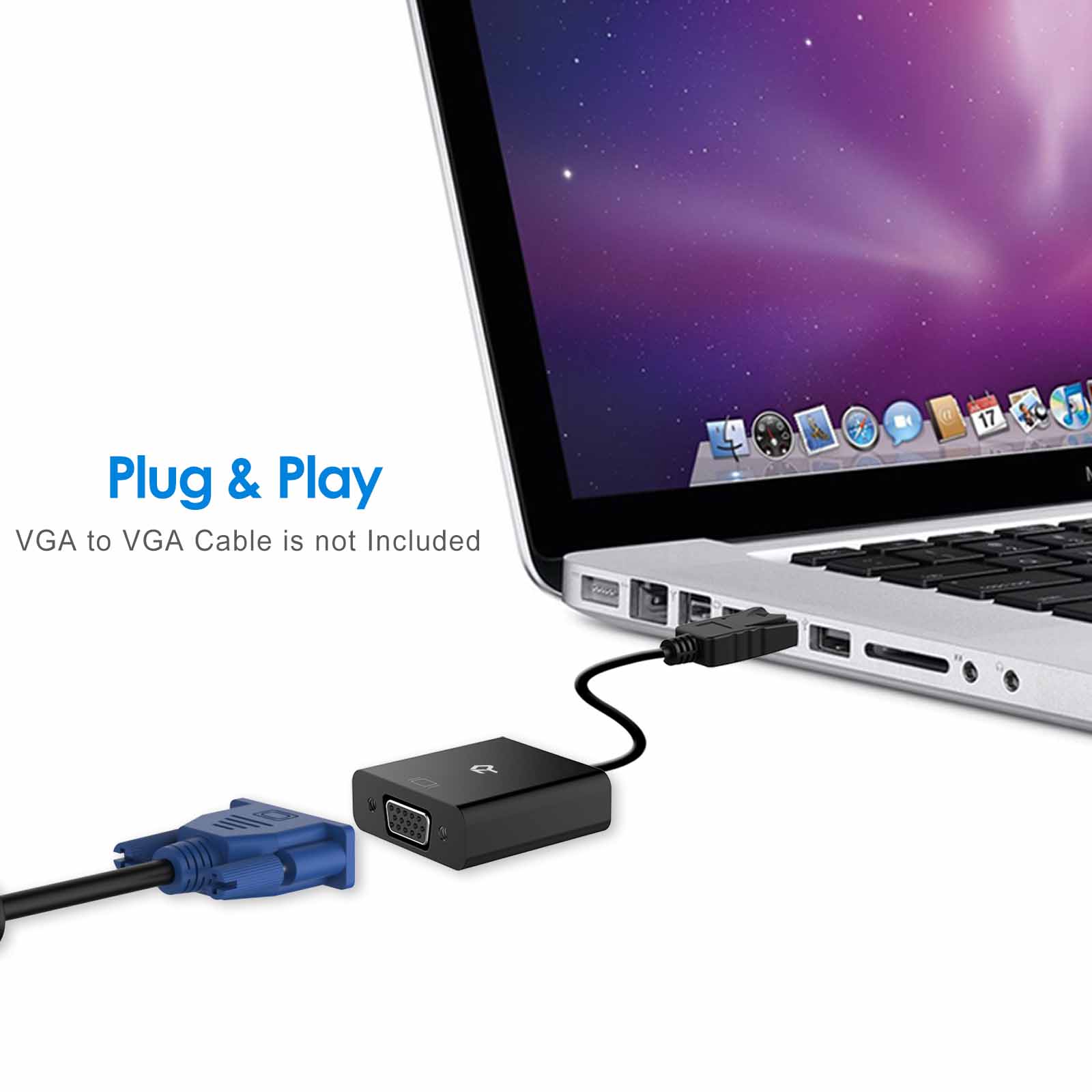
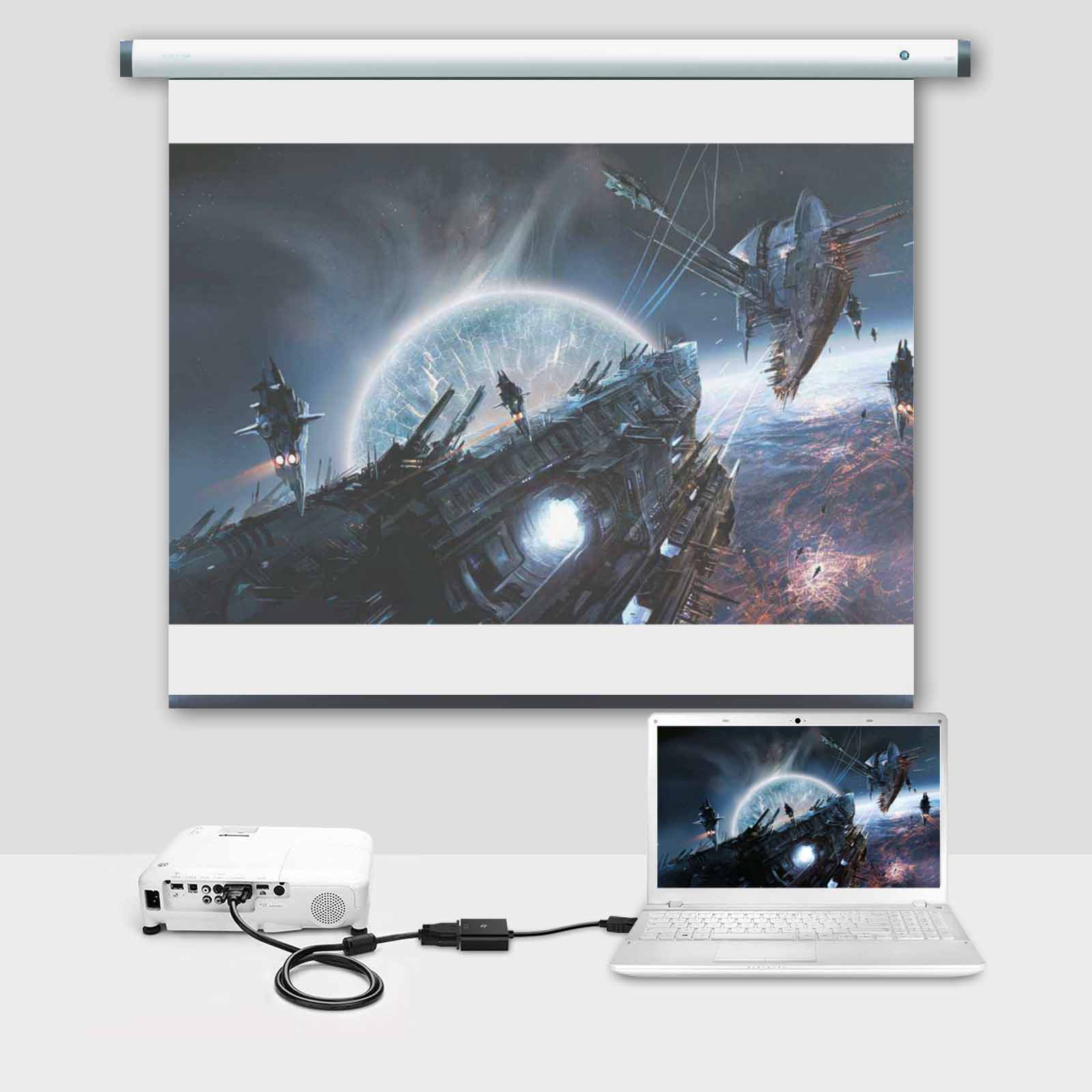
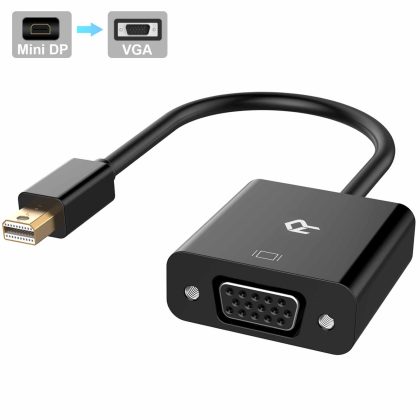
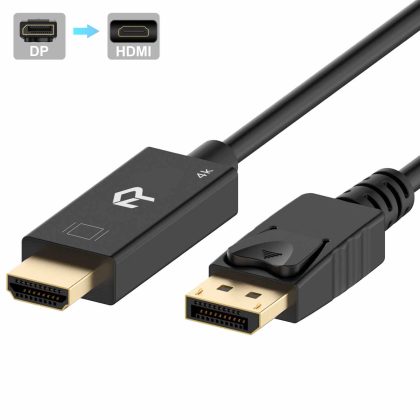
Connect a DisplayPort (DP, DP , DisplayPort ) equipped laptop or desktop to a monitor or projector with VGA input; A VGA cable (sold separately) is required
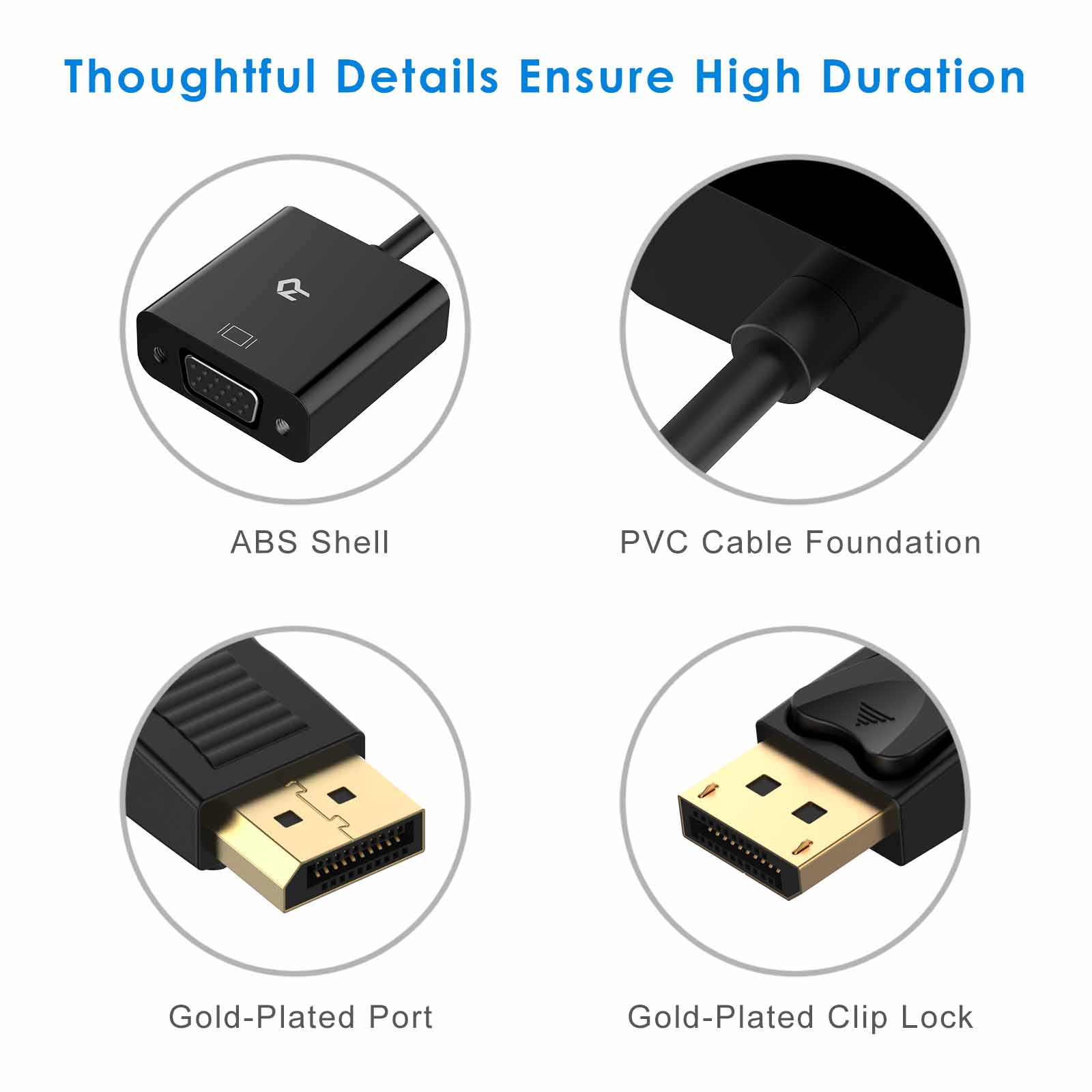
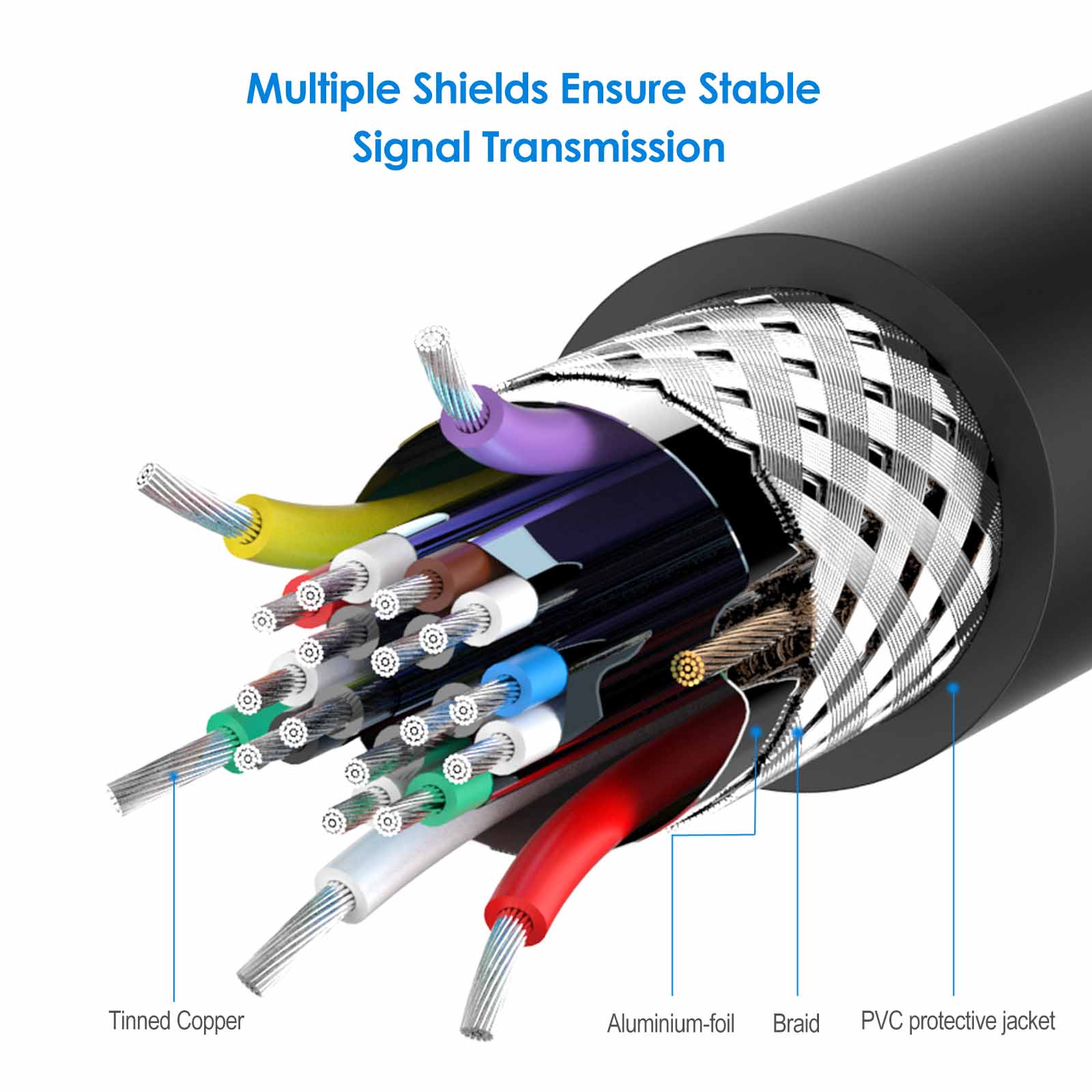
Gold-plated connectors resist corrosion, provide durability and improve the signal transmission
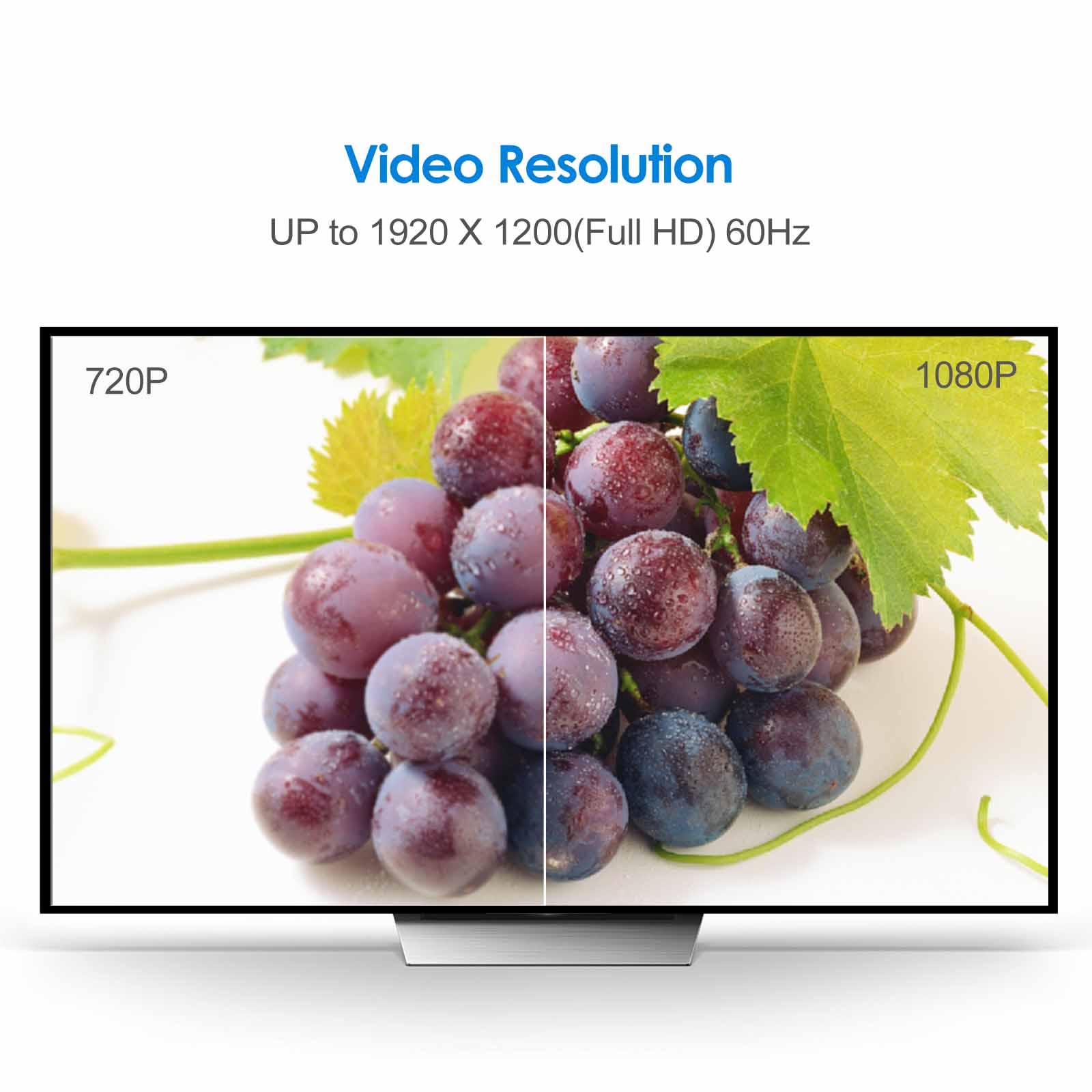
Transmits high-definition video from your computer to a monitor for video streaming or gaming; Supports video resolutions up to 1920×1200 / 1080P (Full HD)
DisplayPort connector with latches provides a secure connection with a release button that must be depressed before unplugging
Suitable for Extended Desktop or Mirrored Displays. Customer service from Rankie

granma –
This was exactly what I needed worked perfect
Ashley –
This has proven very handing now I am working from home a lot more during Covid 19. Durable product and connects well. Had no issues with it at all. Picture quality is perfect when usinf
M. Ramos –
Works well. Now I can work with 3 monitors
tdaj119 –
Works great!
Chris Petty –
Does what is expected and arrived early.
Warspite –
This adapter works as promised as simple a plug and play as you could want. Picture quality is good no issues. This unit is good value for the money and I would buy it again if I need another.
Zeni –
Put my old monitor back online with new computer. Recommended.
Bryanna –
Great product fast shipping
AT –
Sound
AT –
Good quality good price!
maryAnne –
It works perfectly after weeks of use. There have been no connection or interference problems using it. Definitely worth the price.
Adrian D –
Works perfectly well to connect my computer to my old CRT monitor for the retro experience. It registered immediately on my PC.
AT –
I have an old tough HP Elite 2570P that has no HDMI. The VGA cable for the second monitor kept disconnecting. So now I know what the Display port is on my old computer thanks to this adapter.
JAMES KERRY –
yes this WILL extend your monitor to a second video monitor as long as your desktop computer or laptop has a display port connector (usually in the back of your desktop or side of laptop it looks similar to a hdmi slot). Once you plug the adapter into the display port go to display settings by right clicking on a empty area on your wall paper screen (scree without webpage or open programs) and choose ‘display setting’ scroll to box that says ‘extend monitor’). My only regret is I only bought the single monitor extender lol..Take care-
AT –
Excellent service. Thank you!
Sarah VenJohn –
This is exactly what we needed!! Easy to set up and we were operating our dual screen in no time!
Lily Munn –
Great Quality product however I mistakenly bought the wrong item for what I needed. They resolved my issue very professionally and quickly.
AT –
Accurate and works well
BA –
As advertised
S. Kochel –
Did what I wanted easily and simply with no noticeable signal loss.