

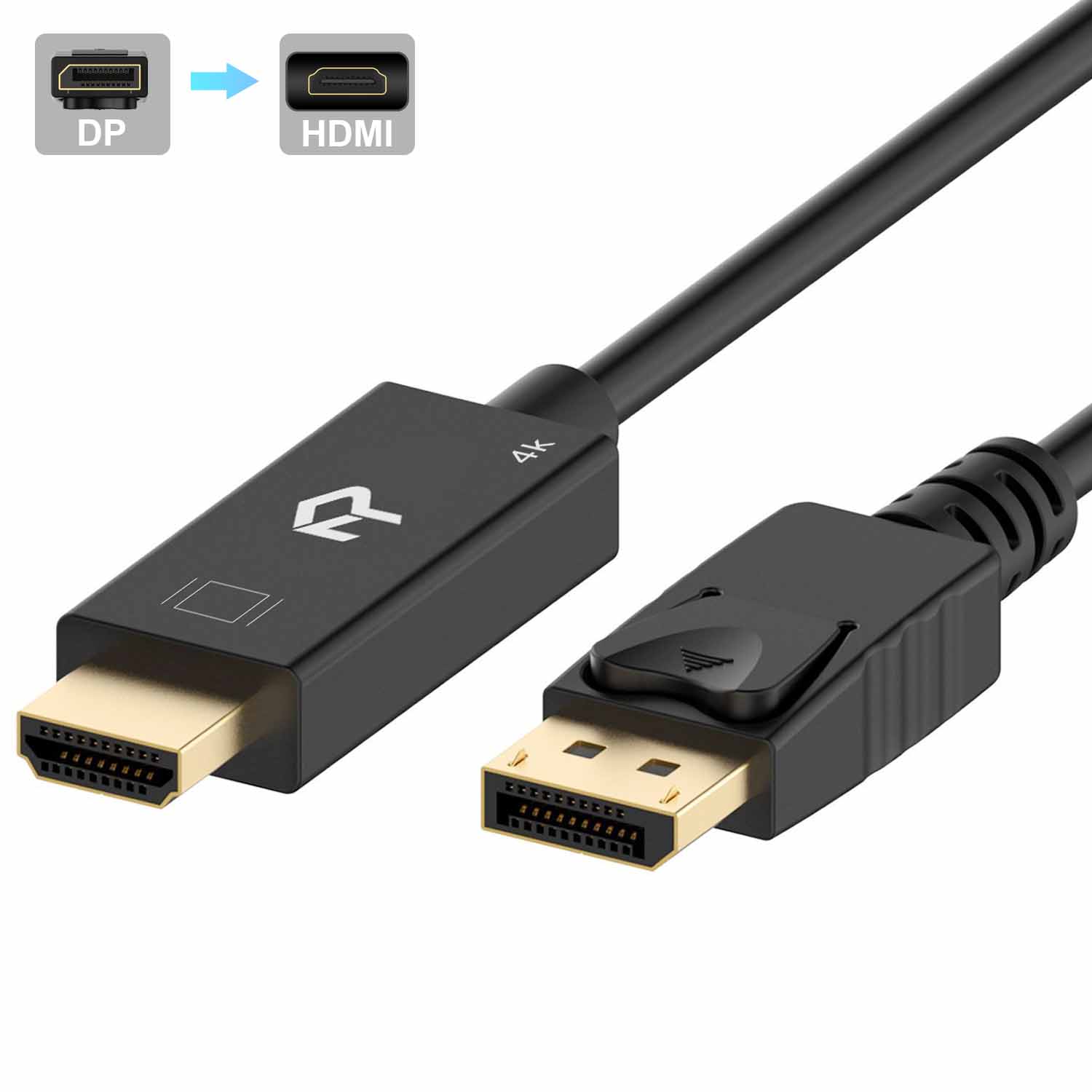
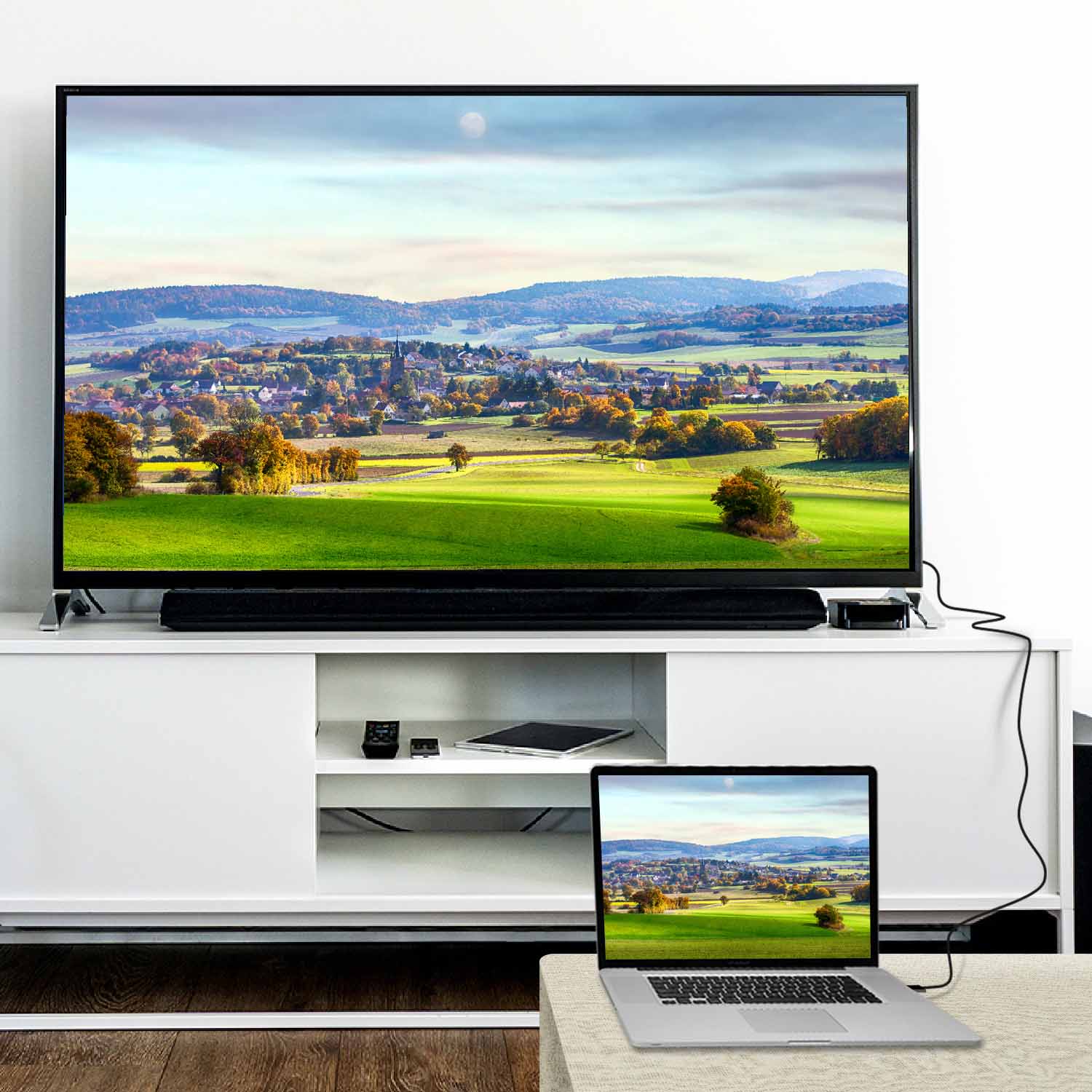
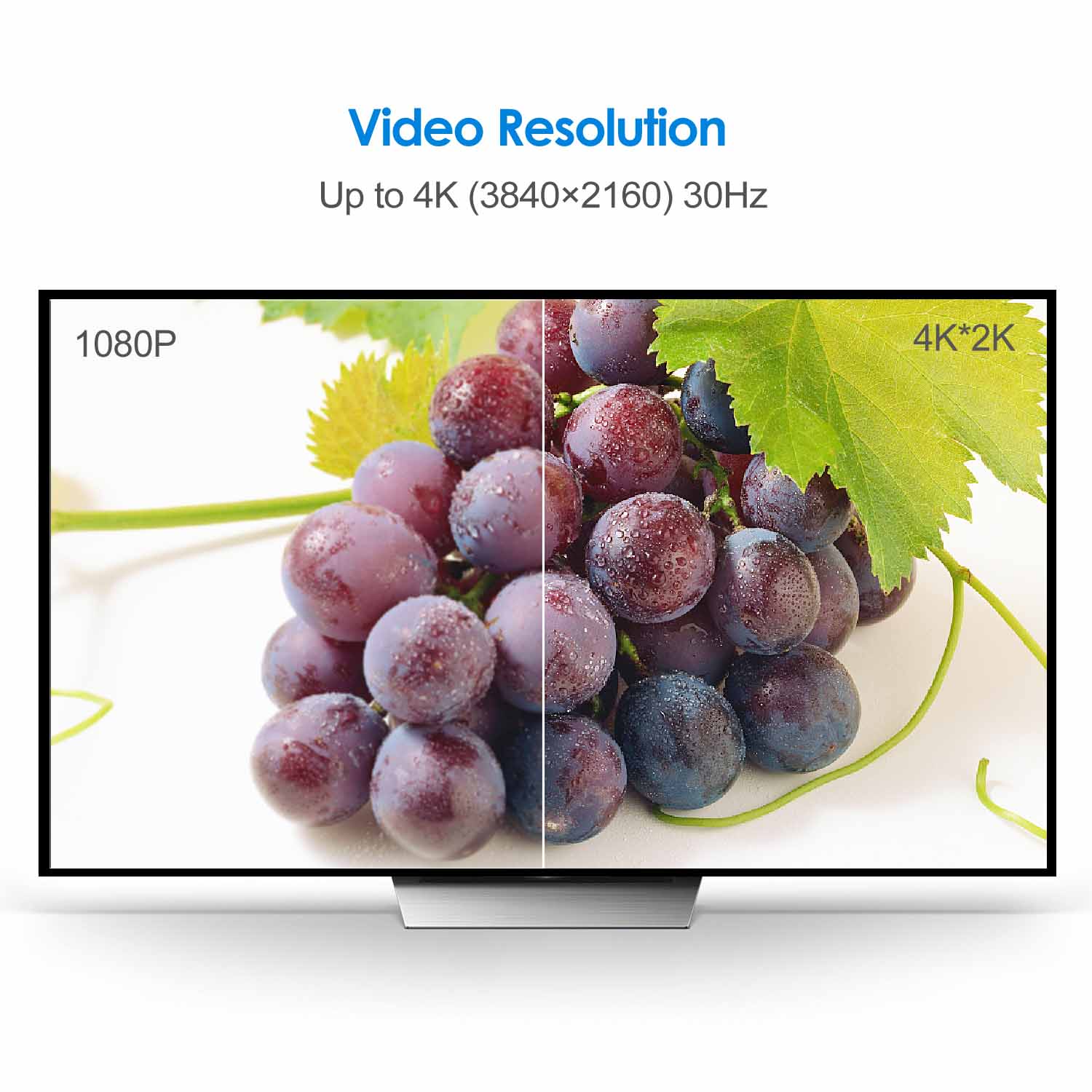
Rankie DisplayPort (DP) to HDMI Cable, 4K Resolution Ready
Price range: $13.99 through $16.99
| Size | 6 Feet, 10 Feet, 15 Feet |
|---|
3780 reviews for Rankie DisplayPort (DP) to HDMI Cable, 4K Resolution Ready
Related products
-
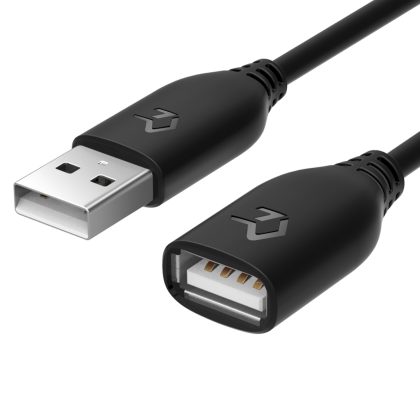
Rankie USB 2.0 Extension Cable, A-Male to A-Female
Price range: $9.99 through $11.99 -
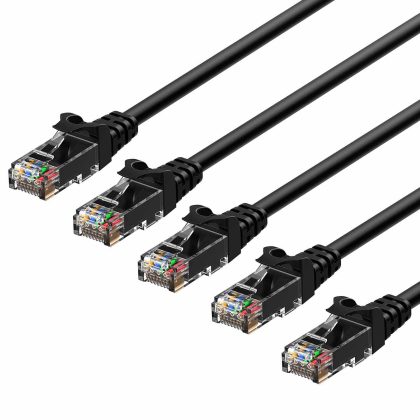
Rankie RJ45 Cat6 Snagless Ethernet Patch Cable, 5-Pack, Black
Price range: $9.99 through $18.99 -
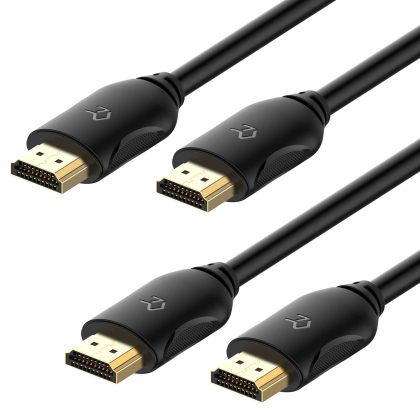
Rankie HDMI Cable, High-Speed HDTV Cable, Supports Ethernet, 3D, 4K and Audio Return, 2 Pack, 6ft
$11.99
dexter –
workls perfectly
mona –
MY SON IS VERY HAPPY WITH THEM. THEY WORK
Max –
Great quality product. Inexpensive doesn’t mean cheap. This cable is a prime example. A+
Martin Hackle –
Works great. but please read my experience in case you have a similar setup as I have. I have an HP 2n1 tablet PC with a docking station that only has VGA and Displayport output. and I wanted to use a Visio TV for a monitor that only has HDMI and VGA for input. The TV is maybe 5 years old. This didn’t work well when connected to the TV; it would display. but the screen kept blanking out and coming back on. I then connected it to an actual PC monitor with HDMI connections and it worked flawlessly. A newer TV might have been fine. but now I know a new. larger monitor will use this cable as intended.
Megan C –
I have two Rankie cables in use at work. And many of us use them. They are cheap but with a consistent and reliable quality.
James M. –
I opened up the package and plugged one end into my monitor and the other end into the computer port and I was up and running in 10 minutes. The cord is long enough to connect my devices without a splice cord and the view quality is very good.
Dominique Dufresne –
Satisfait
Joseph P. Cadorette –
Works as advertised
amakel –
Works for me perfectly. and easy to move around. as some cables are big and not very flexable.
Owen Ehlen –
I got this item because my graphics card only supports one hdmi output and I have 2 monitors that don’t have display port.Works fine. but I only use it for an old 1080p monitor that doesn’t support display port..Only had it far about a week. but it hasn’t failed me yet.
Lady Luck 29 –
Great picture quality
James M. Potter –
I bought this to connect my Nvidia P4000 card with a Dataport output on an old Windows 7 computer to a Samsung 4K TV with an HDMI input that I’m using as a monitor..It works at the TV native resolution of 3840×2160 at 60 Hz. exactly what I needed. I had an adapter unit that worked only upto something like 2048×1080. When I replaced the adapter with this cable I got full use of the TV as a monitor.
Precision Administrators –
Does its job. works great. No issues
tom8888 –
Some computers have DP only and no HDMI. so you need this on hand. Works perfectly.
Luis –
As described
Michael –
does what it says on the tin
Manny –
I gave it a good rating because it works like it’s suppose to.
WST –
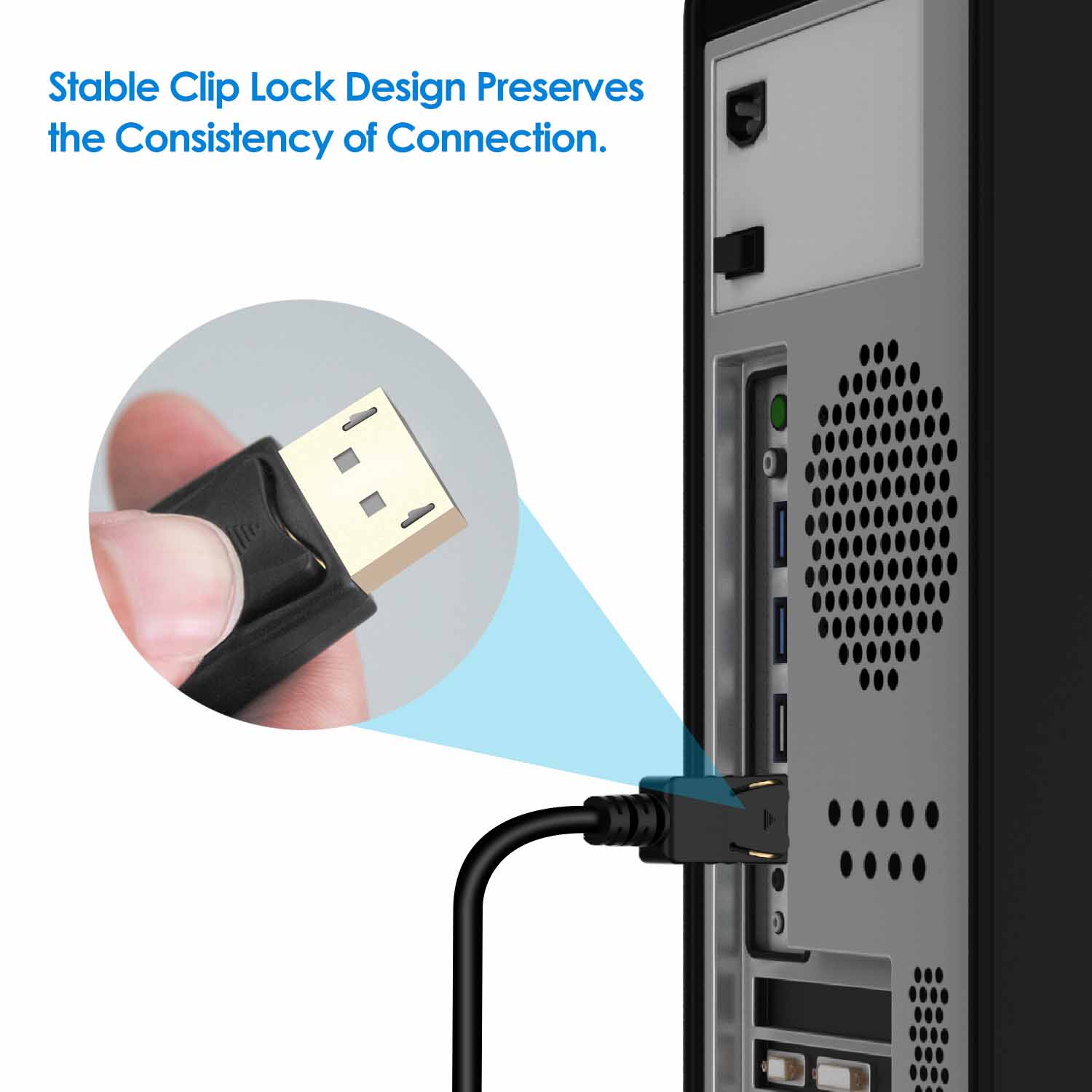
We’ve been using the DP to HDMI cables from Rankie for a while now. We’ve found them to be better quality and more dependable than the Basic branded cables (we’ve seen several DOA from Basic). I know that sounds ironic since it’s just a cable. but still…we’ve tried several different brands of cables. Love that it uses the “locking” feature found on DP ports. just remember this when you go to remove the cable…
Thomas Trenchard –
Good video quality; easy to connect; material quality seems very good. Recommended.
Andrew Averell –
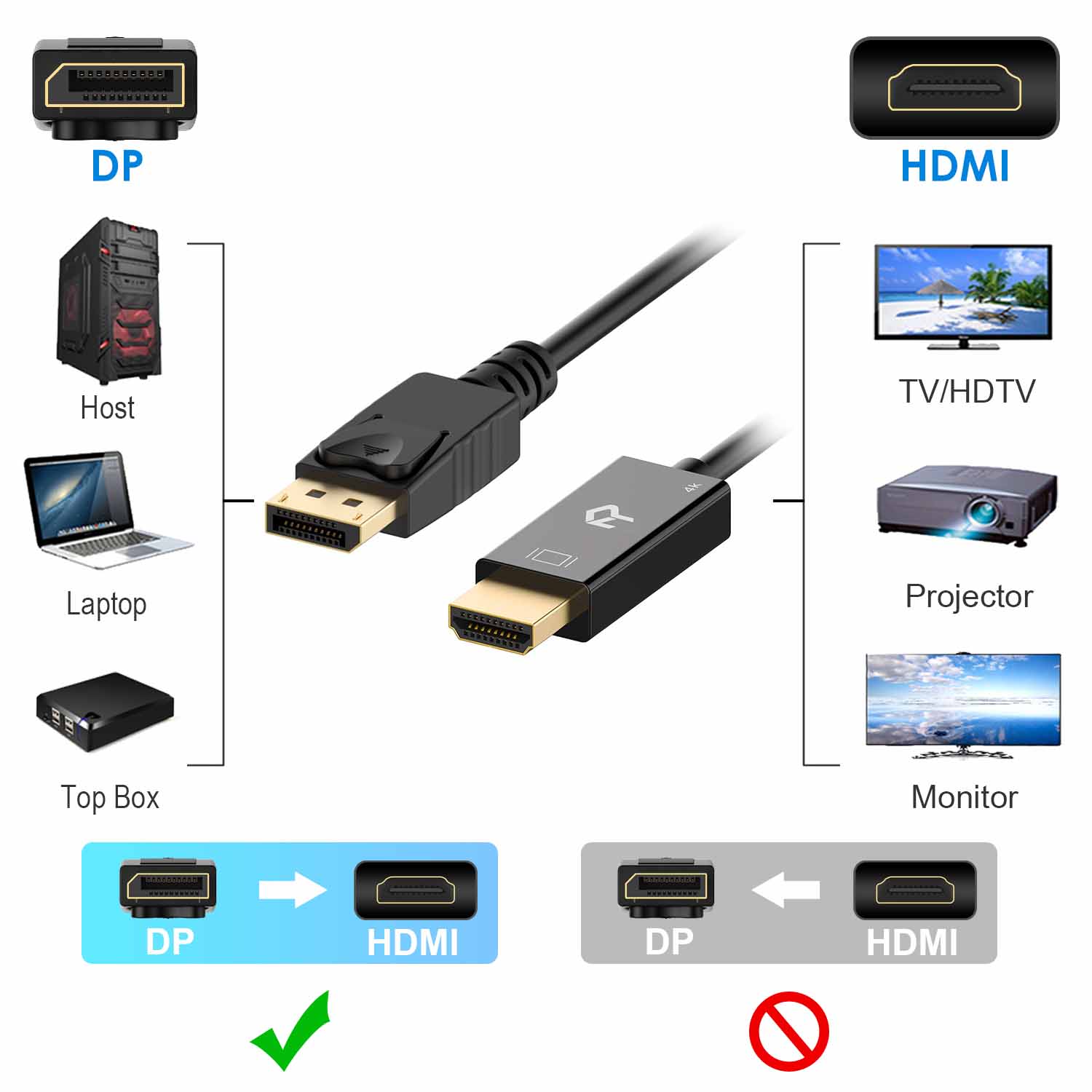
Works as expected for converting a Display-port out to a HDMI monitor etc. Note it only works in that direction.